What Is eSIM and How It Works in India? (2025 Updated Guide)
eSIM in India has emerged as one of the most important mobile technology upgrades in 2025. With smartphone brands slowly removing physical SIM trays and telecom operators improving digital activation, eSIM is no longer a premium or confusing feature—it is becoming mainstream.
If you are searching for what eSIM is, how eSIM works in India, how to activate eSIM on Airtel, Jio, or Vi, which phones support eSIM, and whether eSIM is safe, this long-form guide answers everything step by step in simple language.
This article is part of our Tech Explainer Cluster. For a broader understanding of how eSIM connects with 5G, satellite connectivity, Wi-Fi 7, Private DNS, and modern smartphone hardware, visit our main hub:
Tech Trends 2025 – Complete Technology Hub
Table of Contents
- What Is eSIM?
- Why eSIM Is Important in 2025
- How eSIM Works in India
- eSIM vs Physical SIM: Detailed Comparison
- eSIM Supported Devices in India (2025)
- Benefits of Using eSIM
- Limitations and Drawbacks of eSIM
- Indian Operators That Support eSIM
- How to Activate eSIM in India (Airtel, Jio, Vi)
- Dual SIM & Multiple eSIM Profiles Explained
- How to Switch Phones With eSIM
- Is eSIM Safe and Secure?
- Future of eSIM in India
- Final Conclusion
1. What Is eSIM?
eSIM stands for Embedded SIM. Unlike traditional SIM cards that you physically insert into your phone, an eSIM is a digital SIM chip permanently built into your smartphone.
Instead of inserting or removing a plastic SIM card, your mobile network profile is downloaded digitally using a QR code or activation code provided by your telecom operator.
In practical terms, eSIM performs exactly the same function as a physical SIM:
- Making and receiving calls
- Sending SMS
- Using mobile data
The difference lies in how the SIM is installed and managed, not in how the service works.
2. Why eSIM Is Important in 2025
2025 marks a turning point for eSIM adoption in India. Several technology trends are pushing eSIM into the mainstream:
- Smartphones are becoming slimmer and more water-resistant
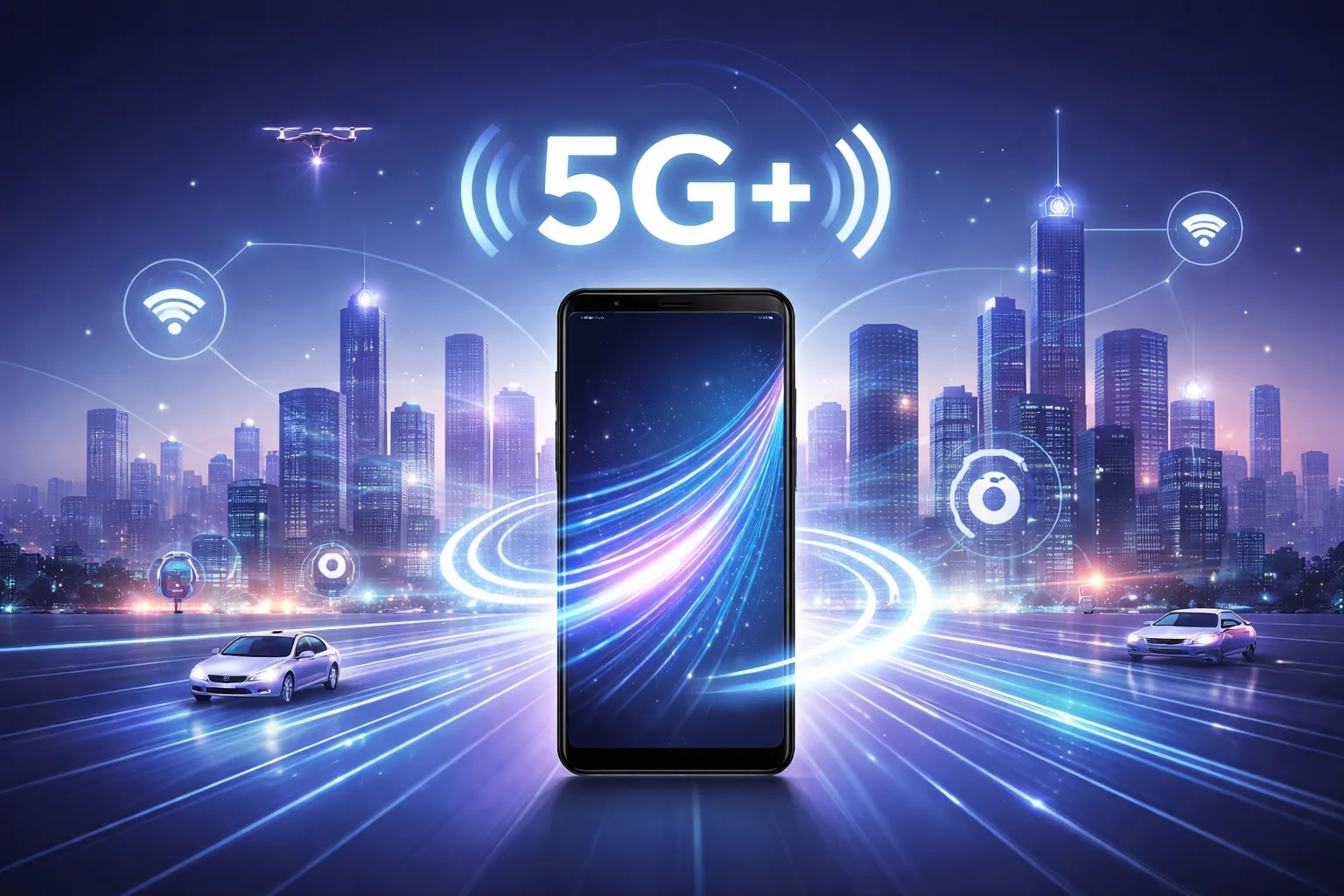
- 5G and upcoming 5G+ networks require flexible network management
- International travel and work-from-anywhere culture is increasing
- Security concerns around SIM swapping are rising
eSIM perfectly complements other modern technologies such as 5G networks and satellite connectivity in smartphones, making mobile connectivity more resilient and future-ready.
3. How eSIM Works in India
The eSIM activation process in India is completely digital. Here’s how it works step by step:
- Your telecom operator generates a QR code linked to your mobile number
- You scan the QR code from your phone’s network settings
- The phone downloads a secure SIM profile from the operator’s server
- The profile is installed and activated on your device
Once activated, the eSIM behaves exactly like a physical SIM card.
Important: You need an active internet connection (Wi-Fi or mobile data) during activation.
4. eSIM vs Physical SIM: Detailed Comparison
| Feature | Physical SIM | eSIM |
|---|---|---|
| Form | Plastic card | Built-in digital chip |
| Installation | Manual insertion | QR code scan |
| Security | Can be removed | Cannot be physically removed |
| Switching phones | Easy | Requires reactivation |
| Future readiness | Limited | High |
5. eSIM Supported Devices in India (2025)
As of 2025, eSIM support is common in premium and upper mid-range smartphones.
Apple iPhones
- iPhone XR, XS, XS Max
- iPhone 11, 12, 13, 14 series
- iPhone 15 & 16 series (India: physical SIM + eSIM)
Samsung Smartphones
- Galaxy S20 to S25 series
- Galaxy Z Fold & Flip series
- Galaxy Note 20
Google Pixel
- Pixel 4 and newer
- Pixel Fold
More brands are expected to adopt eSIM as hardware design shifts toward sealed, port-less devices.
6. Benefits of Using eSIM
- Convenience: No physical SIM handling
- Security: Reduces SIM swap fraud
- Multiple numbers: Store multiple eSIM profiles
- Travel-friendly: Easy international plans
- Better device design: More space for battery and components
7. Limitations and Drawbacks of eSIM
- Transferring eSIM is slower than physical SIM
- Phone damage can complicate recovery
- Not available on budget phones
8. Indian Operators That Support eSIM
- Jio
- Airtel
- Vodafone Idea (Vi)
BSNL does not support eSIM as of 2025.
9. How to Activate eSIM in India
Airtel
Send: eSIM <email> to 121
Jio
Visit Jio Store or use MyJio App
Vi
Send: eSIM <email> to 199
10. Dual SIM & Multiple eSIM Profiles
Modern phones support one physical SIM + one or more eSIM profiles, allowing flexible personal and work usage.
11. How to Switch Phones With eSIM
Switching eSIM requires reactivation via your operator app or store.
12. Is eSIM Safe and Secure?
Yes. eSIM is more secure than physical SIMs and complies with global telecom standards.
13. Future of eSIM in India
eSIM will become the default SIM technology as smartphones move toward fully wireless designs.
This transition aligns with broader innovations explained in the Tech Trends 2025 hub.
15. Final Conclusion
eSIM is the future of mobile connectivity in India. In 2025, switching to eSIM means better security, flexibility, and readiness for next-generation networks.
To understand how eSIM fits with 5G, satellite messaging, Wi-Fi 7, Private DNS, and storage technologies, explore our complete Tech Trends 2025 guide.