Why Your Phone Feels Slow Even With 8GB or 12GB RAM (2025 Explained)
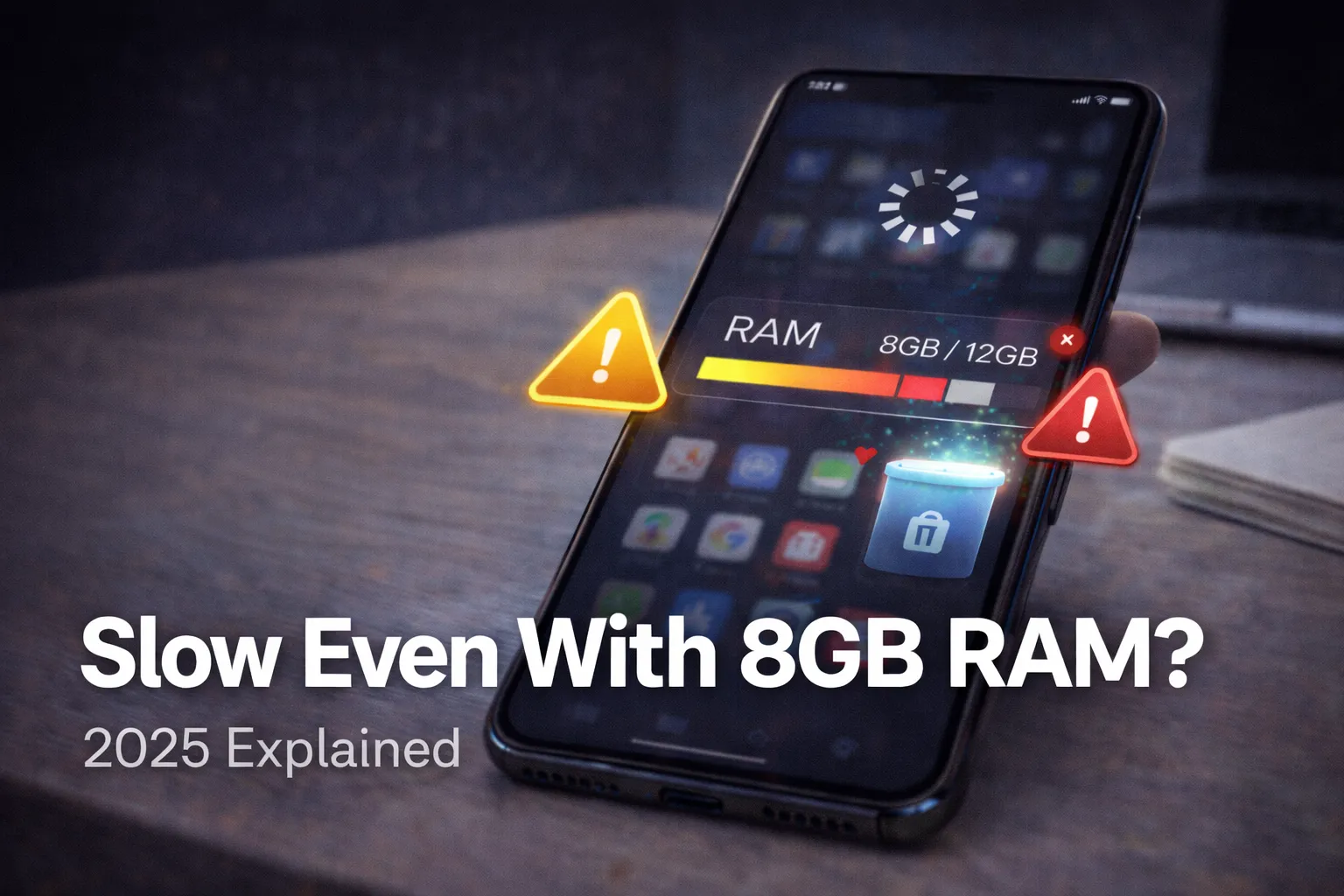
Modern smartphones proudly advertise 8GB, 12GB, or even 16GB RAM, yet many users still complain that their phones lag, stutter, or freeze during daily use. This creates confusion: if more RAM means better performance, why does the phone still feel slow?
The answer lies in a combination of factors, not RAM alone. In 2025, Android performance depends on how RAM interacts with storage speed, CPU scheduling, thermal management, background services, and even software decisions made by manufacturers.
This guide explains the real reasons behind slow performance in high-RAM phones, without myths, recycled tips, or surface-level explanations.
Table of Contents
- 1. The Biggest Misconception About RAM
- 2. How Android Really Uses 8GB–12GB RAM
- 3. RAM vs Processing Power: The Real Bottleneck
- 4. Storage Speed: The Hidden Performance Killer
- 5. Why Background Apps Slow Down Even High-RAM Phones
- 6. Thermal Throttling: When Heat Destroys Performance
- 7. RAM Expansion / Virtual RAM: Why It Often Backfires
- 8. Software Skins and Poor Optimization
- 9. App Design Problems in 2025
- 10. Network, Sync, and Background Services Load
- 11. When High RAM Actually Helps (And When It Doesn’t)
- 12. Real-World Examples of Slow High-RAM Phones
- 13. Long-Term Performance Degradation Explained
- 14. How to Diagnose What’s Slowing Your Phone
- 15. Final Verdict: RAM Is Not the Problem
1. The Biggest Misconception About RAM
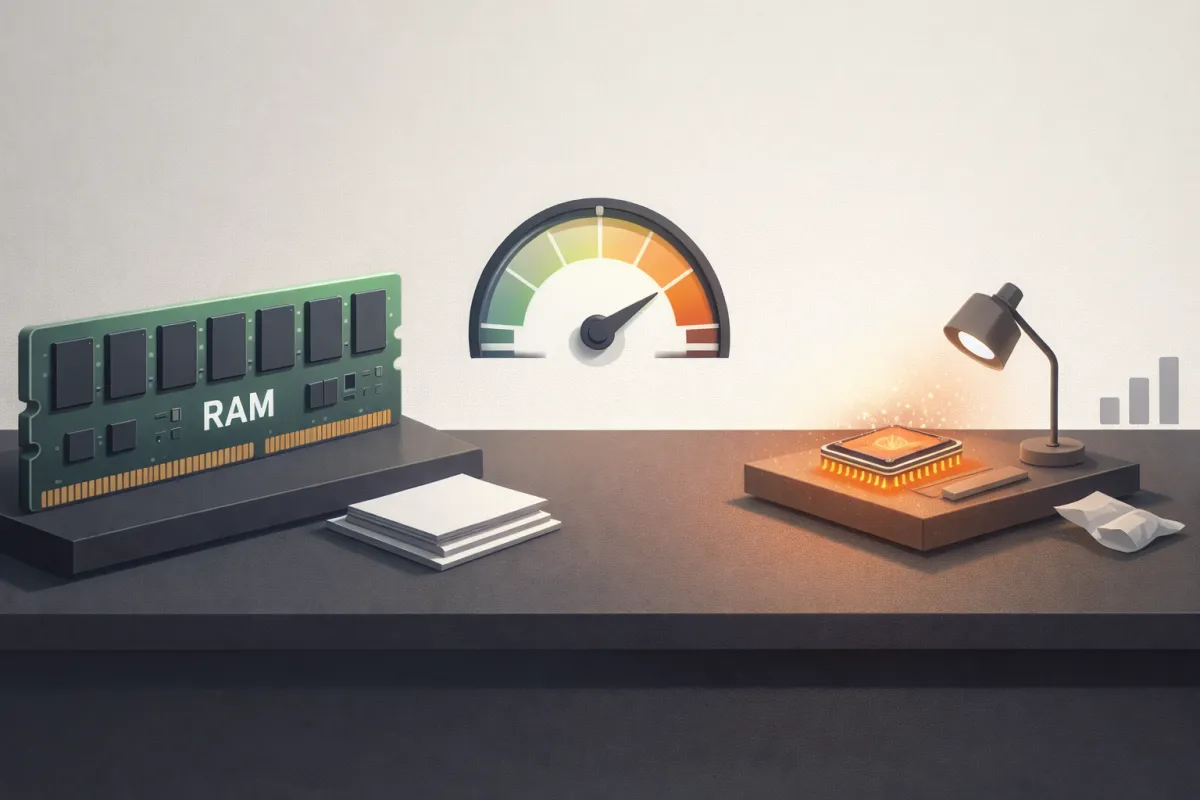
RAM does not make your phone faster by itself. RAM only decides how many tasks your phone can keep ready at once. Speed depends on how fast data moves and how efficiently tasks are processed.
Think of RAM like a work desk. A larger desk allows you to keep more files open, but it does not make you work faster. If the processor is weak, storage is slow, or heat limits performance, even 12GB RAM cannot prevent lag.
This misconception exists because RAM is easy to market, easy to measure, and easy to compare — but it is not the main performance driver.
2. How Android Really Uses 8GB–12GB RAM
Android is designed to aggressively use available RAM. Unused RAM is considered wasted RAM.
The system uses memory to cache apps, preload UI elements, and keep background services alive so apps open faster when you return to them. Seeing high RAM usage does not mean your phone is struggling.
However, Android will still kill apps or drop frames instantly if the CPU is overloaded, storage input/output is slow, or the phone temperature rises beyond safe limits. This is why users experience lag even when plenty of RAM appears free.
3. RAM vs Processing Power: The Real Bottleneck
Many smartphones ship with high RAM but mid-range processors. RAM cannot compensate for weak CPU cores, slower clock speeds, or inefficient scheduling.
Tasks like camera processing, animations, gaming physics, and background computation rely primarily on CPU and GPU power. If these components are underpowered, UI stutter and app lag will occur regardless of RAM size.
In most slow phones, the processor — not the memory — is the true bottleneck.

4. Storage Speed: The Hidden Performance Killer
Your phone constantly reads and writes data. App launches, cache rebuilding, system logs, updates, and even virtual RAM depend on storage speed.
Slow storage creates delayed app openings, frozen animations, and stuttering transitions, even on phones with large RAM.
Older or slower storage standards struggle under modern workloads. You can understand how storage speed affects performance in detail here:
UFS Storage Explained: Why Faster Storage Feels Smoother

High RAM cannot mask slow storage. Data still needs to move quickly to feel responsive.
5. Why Background Apps Slow Down Even High-RAM Phones
Modern apps are heavier than ever. Social media, messaging apps, and cloud services constantly sync data, upload logs, track analytics, and fetch updates.
These processes consume CPU cycles, network bandwidth, and storage writes — not RAM. As a result, the entire system slows down even when memory is available.
RAM simply holds data; it does not stop background processes from competing for processing power.
6. Thermal Throttling: When Heat Destroys Performance
Heat is one of the most misunderstood causes of poor smartphone performance.
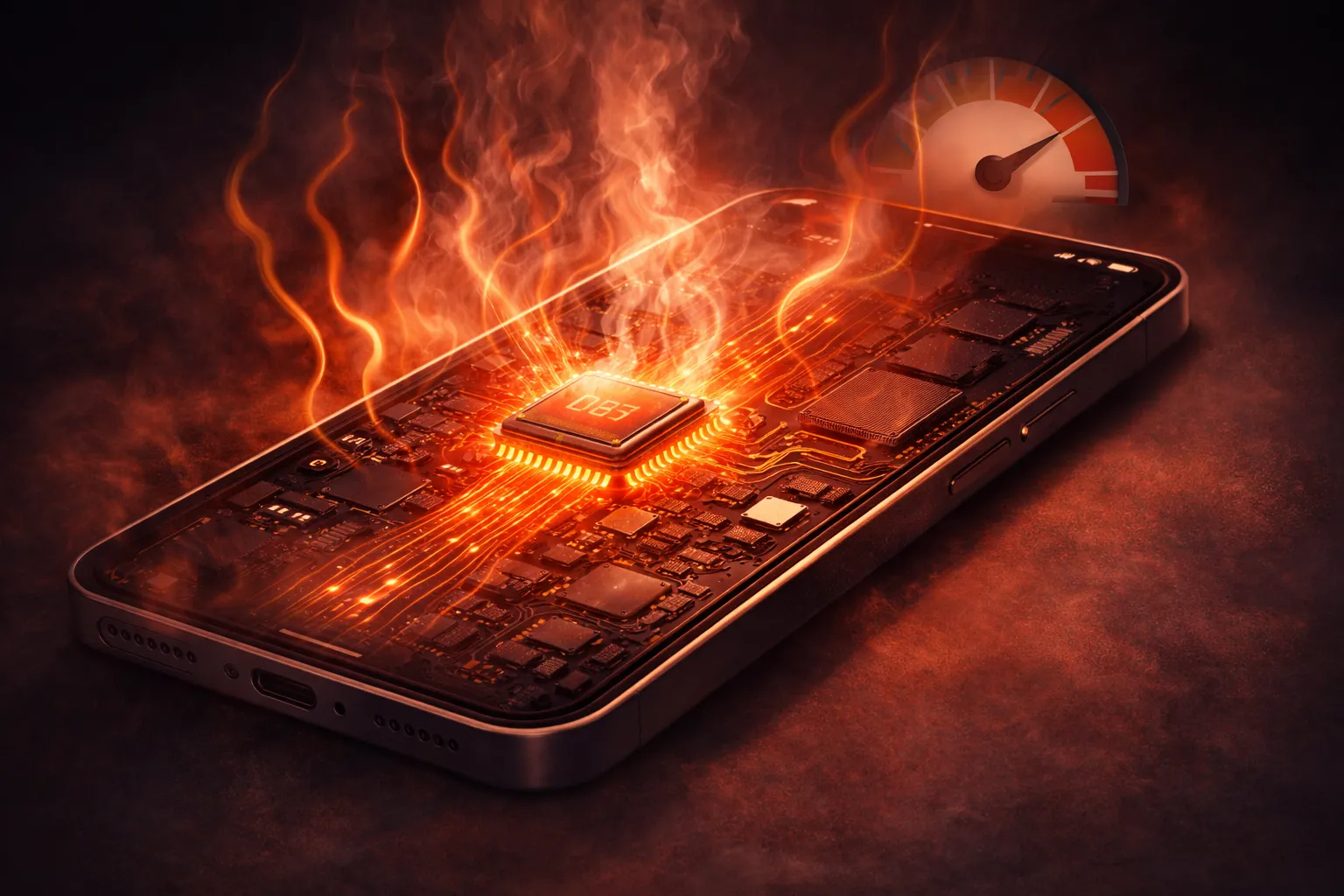
When a phone heats up, the system automatically reduces CPU and GPU speeds to prevent damage. This process is called thermal throttling.
The result is slower animations, delayed touch response, and reduced performance — even with unused RAM.
If your phone feels fast when cool but becomes sluggish after extended use, overheating is likely the cause. Learn why it happens here:
Why Phones Overheat and How It Affects Performance
7. RAM Expansion / Virtual RAM: Why It Often Backfires
Virtual RAM or RAM expansion uses internal storage as temporary memory. While it sounds helpful, storage is far slower than real RAM.
This leads to micro-lags, increased storage wear, and delayed app switching. In many cases, enabling virtual RAM makes phones feel slower rather than faster.
For a deep technical breakdown, see this guide:
Virtual RAM Explained: Should You Turn It Off?
8. Software Skins and Poor Optimization
Heavy Android skins often include duplicate services, aggressive background processes, and complex animations.
Even flagship hardware can feel slow if software optimization is poor. Cleaner, stock-like Android builds often feel smoother with less RAM because they reduce unnecessary processing overhead.
9. App Design Problems in 2025
Many modern apps rely on web technologies, background scripts, and continuous updates. Efficiency is often sacrificed for faster development.
As a result, apps may keep RAM free but overload the CPU and storage, creating system-wide lag.
10. Network, Sync, and Background Services Load
Always-connected smartphones constantly perform background tasks such as cloud sync, email polling, location tracking, Bluetooth scanning, and push notifications.
These services consume processing time, not memory. High RAM cannot prevent slowdown caused by excessive background connectivity.
11. When High RAM Actually Helps (And When It Doesn’t)
High RAM is useful for gaming multitasking, video editing, and switching between many heavy apps without reloads.
However, it does not improve scrolling smoothness, UI responsiveness, or app launch speed if other components are limiting performance.
12. Real-World Examples of Slow High-RAM Phones
A phone with 12GB RAM, a weak mid-range chipset, and a heavy UI often shows laggy animations and delayed response.
Meanwhile, a phone with 8GB RAM, faster storage, efficient cooling, and clean software can feel significantly smoother in daily use.

13. Long-Term Performance Degradation Explained
Phones slow down over time due to storage fragmentation, cache accumulation, growing background services, and heavier app updates.
RAM size remains the same, but system workload increases — leading to gradual performance loss.
14. How to Diagnose What’s Slowing Your Phone
If apps reload frequently, the issue is often CPU or thermal limits. If apps open slowly, storage speed is usually responsible. If performance drops during long sessions, overheating is the key factor.
For practical, safe fixes, follow this detailed performance guide:
How to Speed Up Your Android Phone in 2025
15. Final Verdict: RAM Is Not the Problem
In 2025, 8GB or 12GB RAM is already more than enough for most users.
If your phone feels slow, the real reasons are processor limitations, storage speed, heat management, and software optimization. Understanding this helps you choose better devices, avoid useless features, and fix performance issues without factory resets.