How to Check If Your Phone Is Hacked or Spied On (2025) – Complete Mobile Security Guide
Smartphones have become the central hub of our digital lives. From personal photos and private conversations to banking apps, email accounts, and location history, everything is stored on a single device. Because of this, mobile phones have become a prime target for hackers, spyware developers, and cybercriminals.
If your phone is hacked or being spied on, attackers can silently monitor your activity, steal sensitive data, track your location, and even gain access to financial accounts. In 2025, phone hacking techniques are more advanced and harder to detect than ever before. However, with the right knowledge and checks, you can still identify suspicious behavior and secure your device.
This in-depth guide explains how to check if your phone is hacked or spied on, the most common warning signs, how mobile spyware works, and the exact steps you should take to remove threats and protect your phone in the future.
Table of Contents
- Signs Your Phone Is Hacked or Being Spied On
- How Phone Hacking and Spyware Work
- How to Check If Your Phone Is Hacked
- What to Do If Your Phone Is Hacked
- How to Prevent Phone Hacking in the Future
- Final Verdict
Signs Your Phone Is Hacked or Being Spied On

Phone hacking rarely happens in an obvious way. In most cases, spyware is designed to remain hidden while running continuously in the background. However, there are several warning signs that may indicate your phone has been compromised.
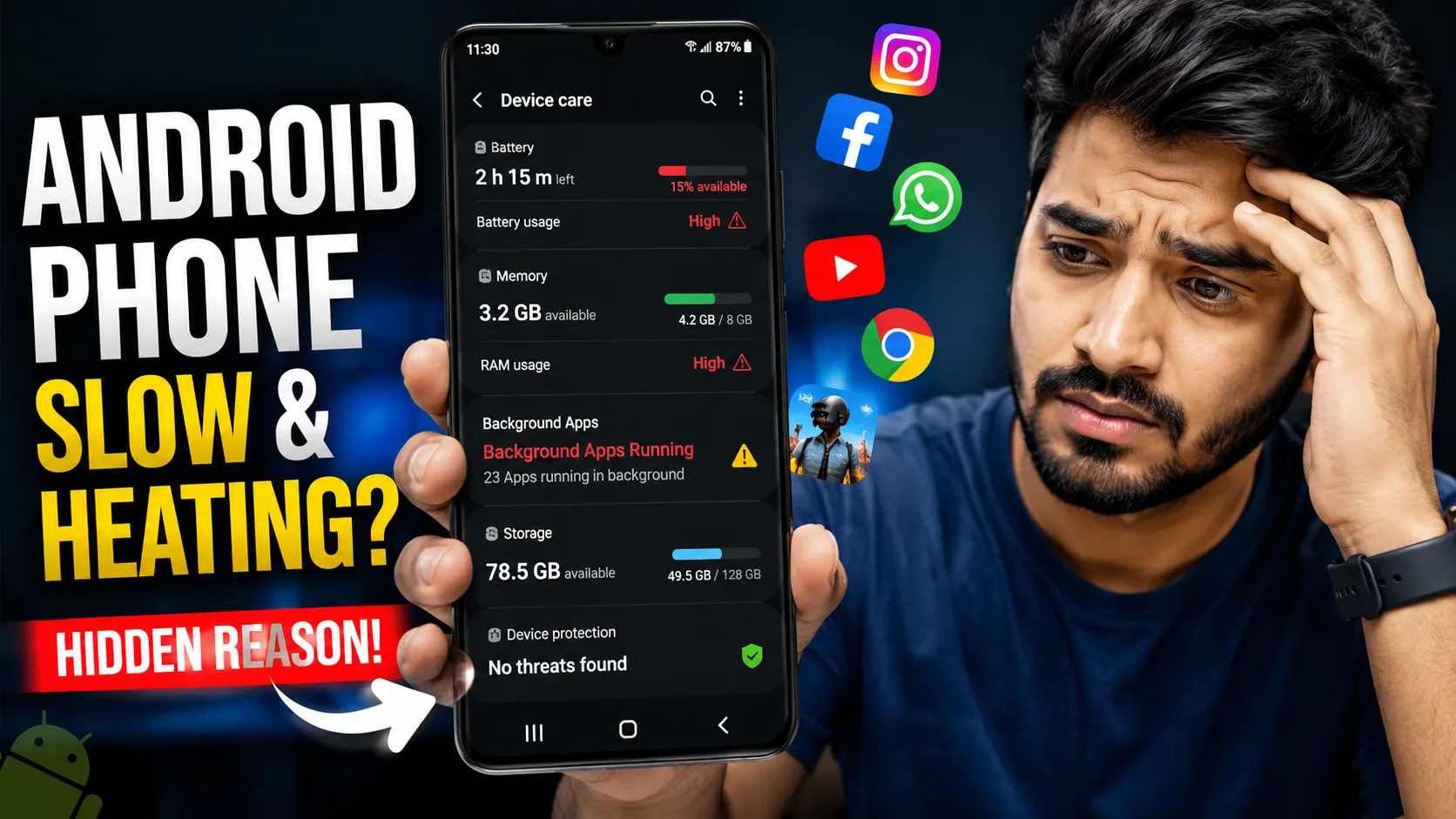
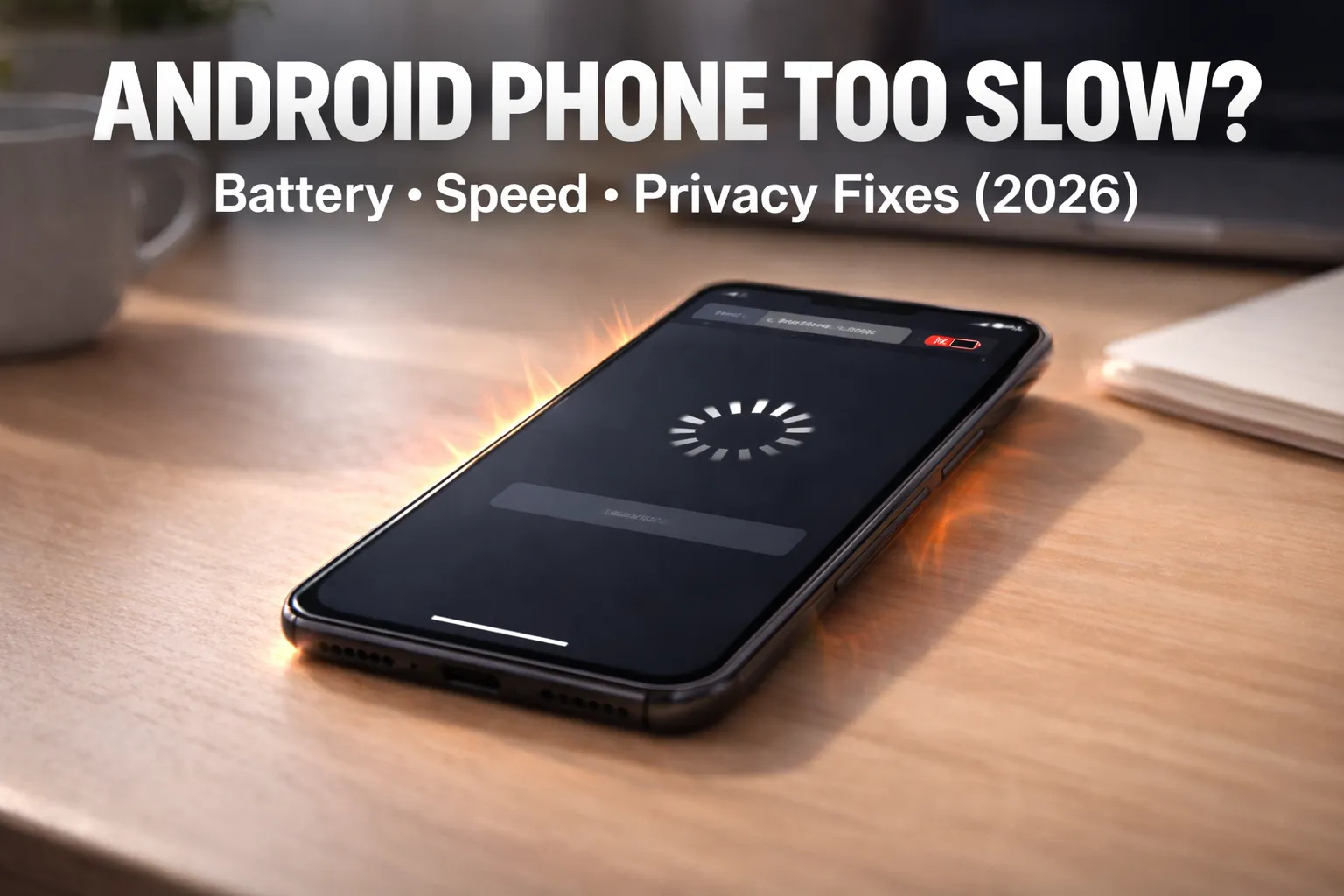
Unusually Fast Battery Drain
One of the earliest and most common signs of spyware is abnormal battery consumption. Spy apps operate continuously to collect data such as messages, call logs, microphone recordings, and location information. This constant background activity significantly reduces battery life.
If your phone battery starts draining much faster than usual without a change in usage habits, it may indicate hidden processes running in the background.
Related reading: Why Is My Phone Overheating? Causes and Fixes
Phone Overheating During Idle Time
A phone that becomes warm even when not actively used can signal unauthorized background activity. Malware and spyware often cause increased CPU usage, which results in overheating.
Occasional warmth is normal, but frequent overheating while idle should not be ignored.
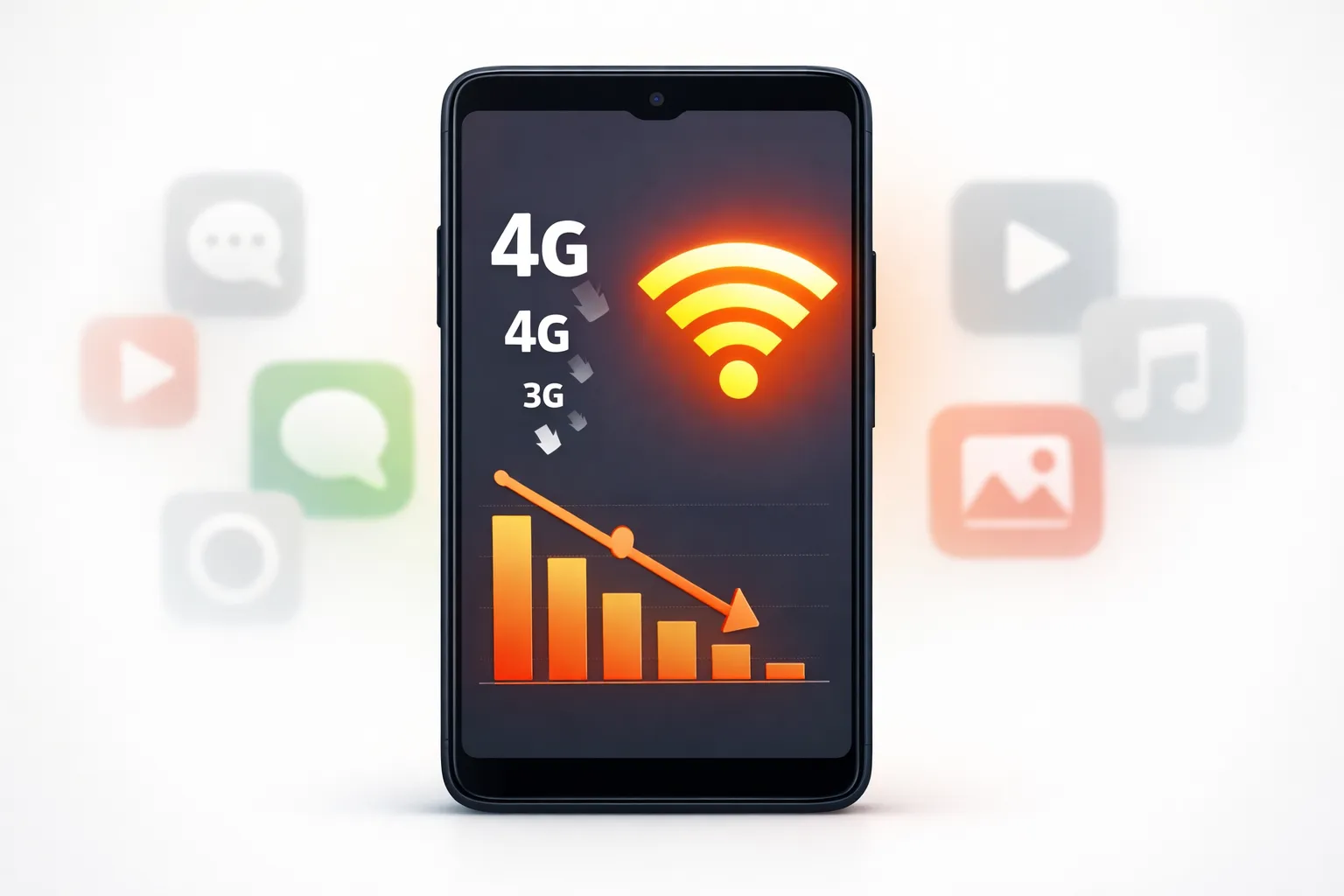
Sudden Increase in Mobile Data Usage
Spyware typically sends collected data to remote servers. This can include photos, messages, audio recordings, or browsing activity. As a result, you may notice a sudden spike in mobile data usage.
Checking data usage statistics can reveal suspicious apps consuming data without your knowledge.
Unknown or Suspicious Applications
Many spying apps disguise themselves as system services or use generic names to avoid detection. Some may not appear on the home screen at all.
If you find apps you do not remember installing, especially those without icons or with vague names, your phone may be compromised.
Frequent Ads, Pop-ups, or Redirects
If ads start appearing outside of web browsers or apps begin redirecting you to unknown websites, this often indicates adware or malware installed on the device.
How Phone Hacking and Spyware Work

Understanding how phones get hacked helps prevent future attacks. Most mobile hacking incidents occur due to unsafe digital habits rather than advanced exploits.
Common Ways Phones Get Hacked
- Installing cracked, pirated, or modified APK files
- Clicking phishing links received via SMS, email, or social media
- Connecting to unsecured public Wi-Fi networks
- Granting excessive permissions to untrusted apps
What Spyware Can Do
Once spyware gains access to a device, it can silently perform a wide range of monitoring activities:
- Read SMS messages and call logs
- Track GPS location in real time
- Access the microphone and camera
- Monitor browsing history and app usage
- Capture keystrokes and login credentials
Many users remain unaware for long periods because these activities occur without visible symptoms.
How to Check If Your Phone Is Hacked

Manually checking your phone is the most reliable way to detect spyware. The steps below apply to most modern Android phones in 2025.
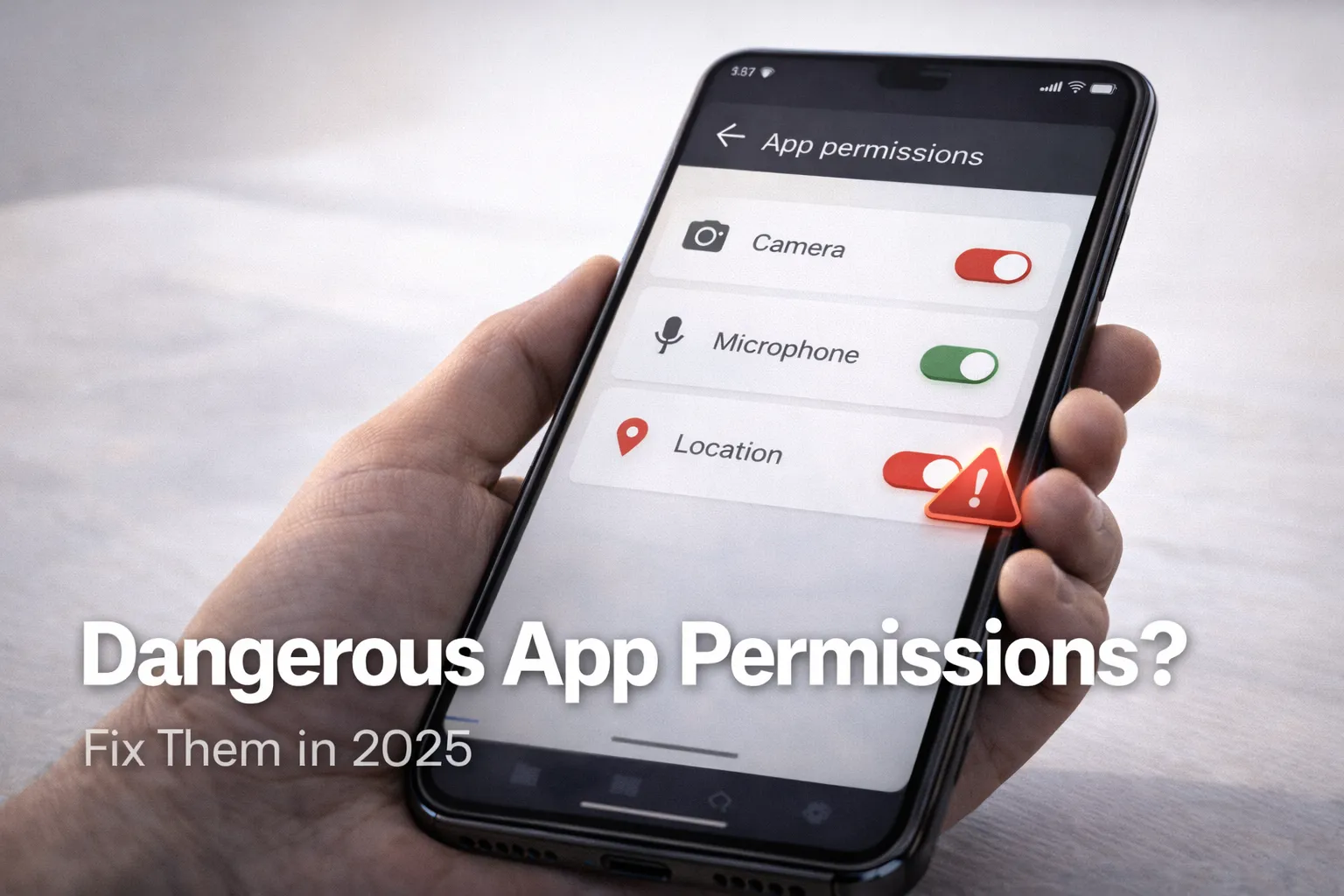
Review App Permissions Carefully
Go to Settings → Privacy → Permission Manager and review which apps have access to sensitive permissions such as camera, microphone, location, storage, and SMS.
Apps that do not require these permissions for their core functionality should not have access to them.
Check Mobile Data Usage by App
Navigate to Settings → Network → Data Usage and inspect which apps are consuming the most data. Pay attention to background data usage.
Apps using data without user interaction may be sending information externally.
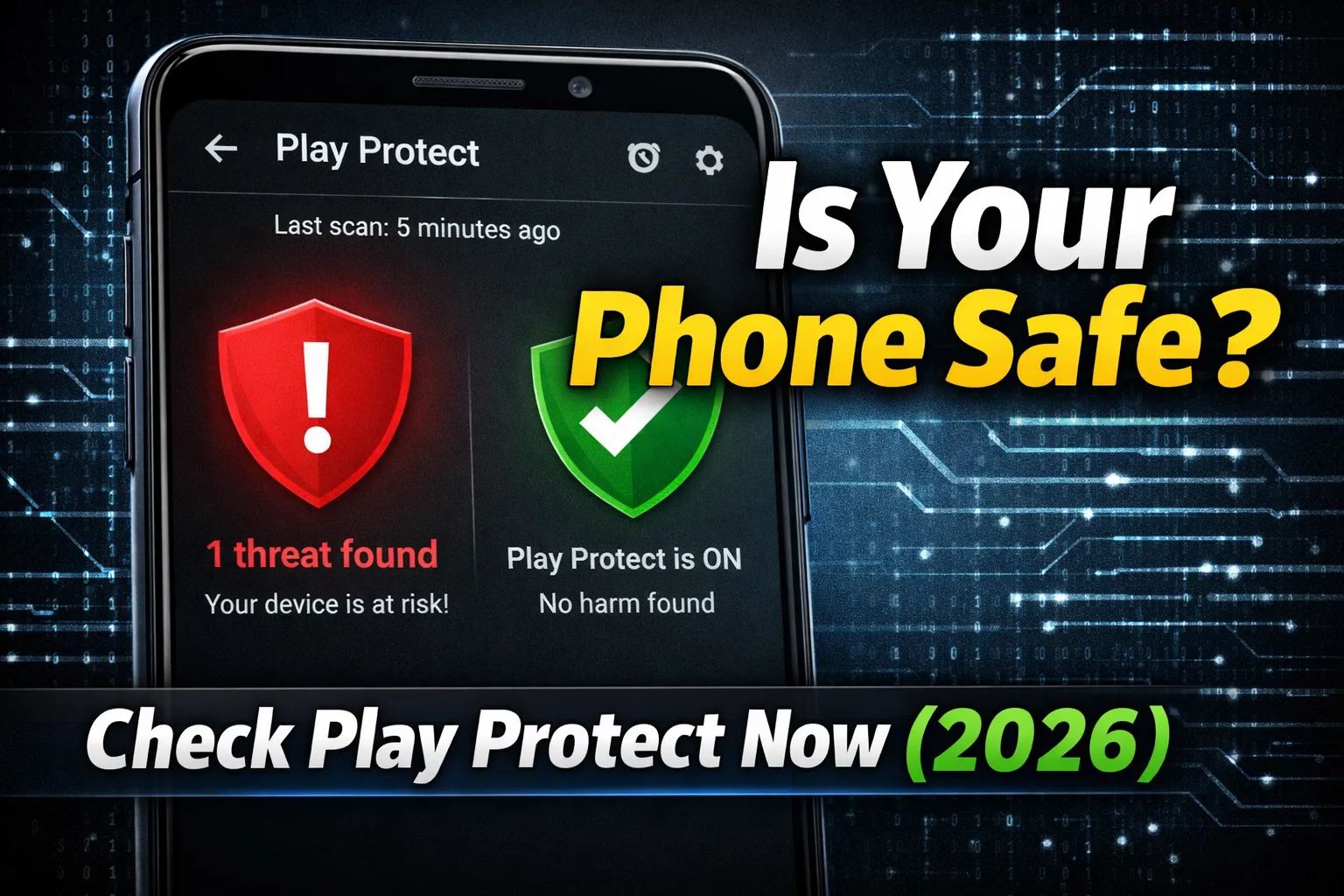
Use Google Play Protect
Google Play Protect is built into Android and scans apps for harmful behavior. Open the Play Store, tap your profile icon, and run a Play Protect scan.
While not perfect, it can detect many common threats.
Check Device Admin and Accessibility Settings
Spyware often abuses device administrator or accessibility privileges. Go to Settings → Security → Device Admin Apps and Accessibility.
Remove access from any app you do not fully trust.
Restart in Safe Mode
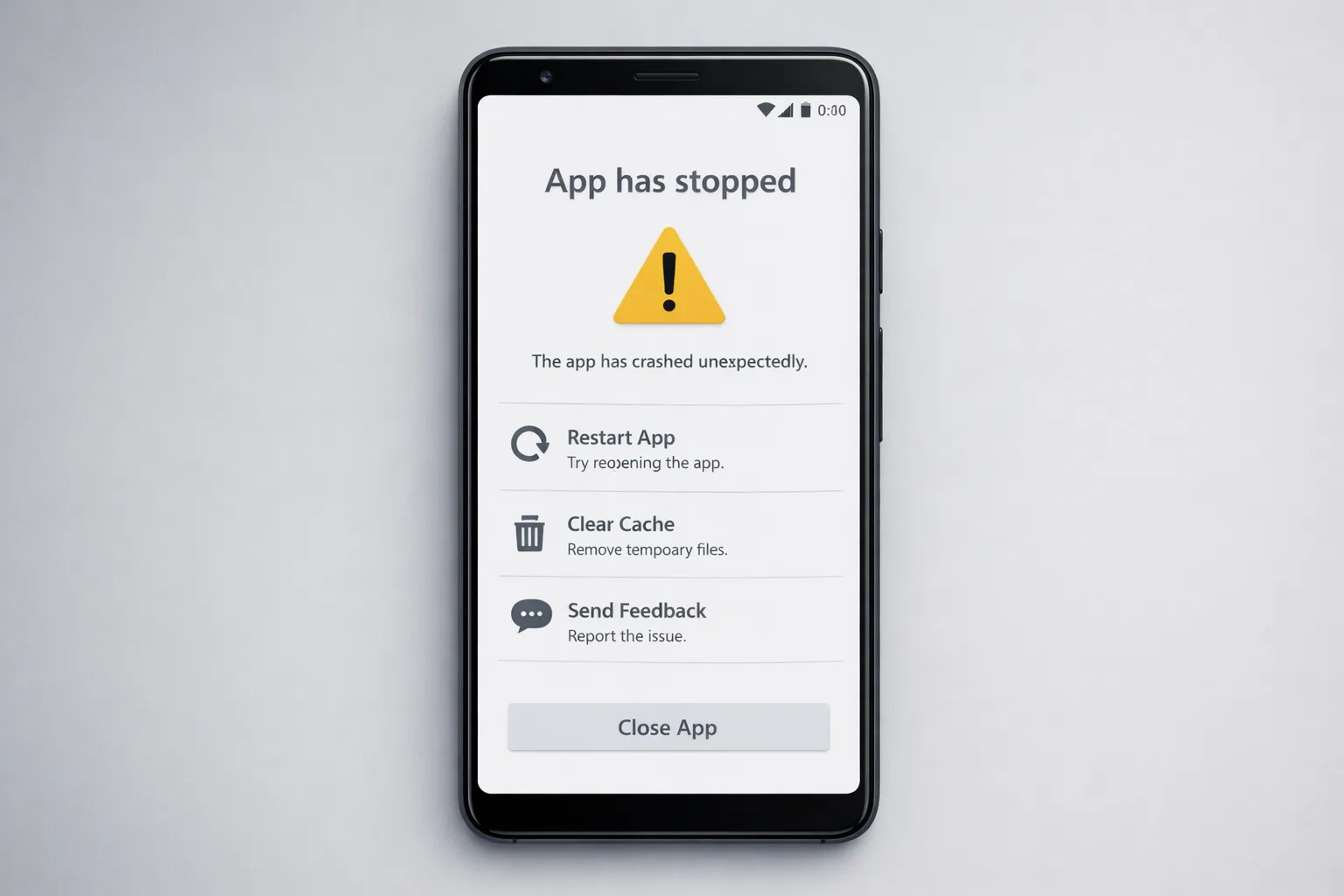
Safe Mode temporarily disables third-party apps. If problems disappear while in Safe Mode, a malicious app is likely installed.
What to Do If Your Phone Is Hacked

If you confirm suspicious activity, act quickly to minimize damage.
Uninstall Suspicious Applications
Remove any unfamiliar apps immediately. If an app refuses to uninstall, revoke its admin privileges first.
Change All Important Passwords
Update passwords for email, banking apps, cloud storage, and social media accounts. Use strong, unique passwords for each service.
Enable Android Anti-Theft and Security Features
Android includes built-in tools to protect your device if unauthorized access occurs.
How to Enable Android Anti-Theft Protection (Step-by-Step Guide)
Factory Reset as a Last Resort
If spyware persists, back up essential files and perform a factory reset. After resetting, install apps only from trusted sources.
How to Prevent Phone Hacking in the Future
Prevention is the most effective defense against phone hacking.
- Install apps only from the Google Play Store
- Avoid cracked, mod, or pirated applications
- Keep Android and all apps updated
- Review app permissions regularly
- Use strong screen locks and biometric security
- Avoid public Wi-Fi for sensitive tasks
Related automation guide: How to Use AI Tools to Save Time and Automate Tasks
Final Verdict
Phone hacking and spyware threats are real and increasing in 2025. However, most attacks succeed due to a lack of awareness rather than sophisticated exploits. By recognizing early warning signs, regularly checking permissions and data usage, and following safe digital practices, you can significantly reduce the risk of being monitored or hacked.
If your phone shows unusual behavior, do not ignore it. Early detection and timely action can protect your privacy, personal data, and financial security.