Google Account Security Checklist 2026: 10 Settings You Must Change Now
Your Google account is the digital backbone of your online life. It stores your Gmail emails, Google Photos backups, Drive documents, YouTube history, Android device data, saved passwords, location history, and even payment information.
In 2026, Google account security has become a serious concern as cybercriminals increasingly target accounts with weak security settings, reused passwords, outdated recovery details, and poor privacy controls. A single compromised Google account can expose years of personal data, give attackers access to linked apps, and even lock you out permanently—especially if your connected Android device is not properly secured.
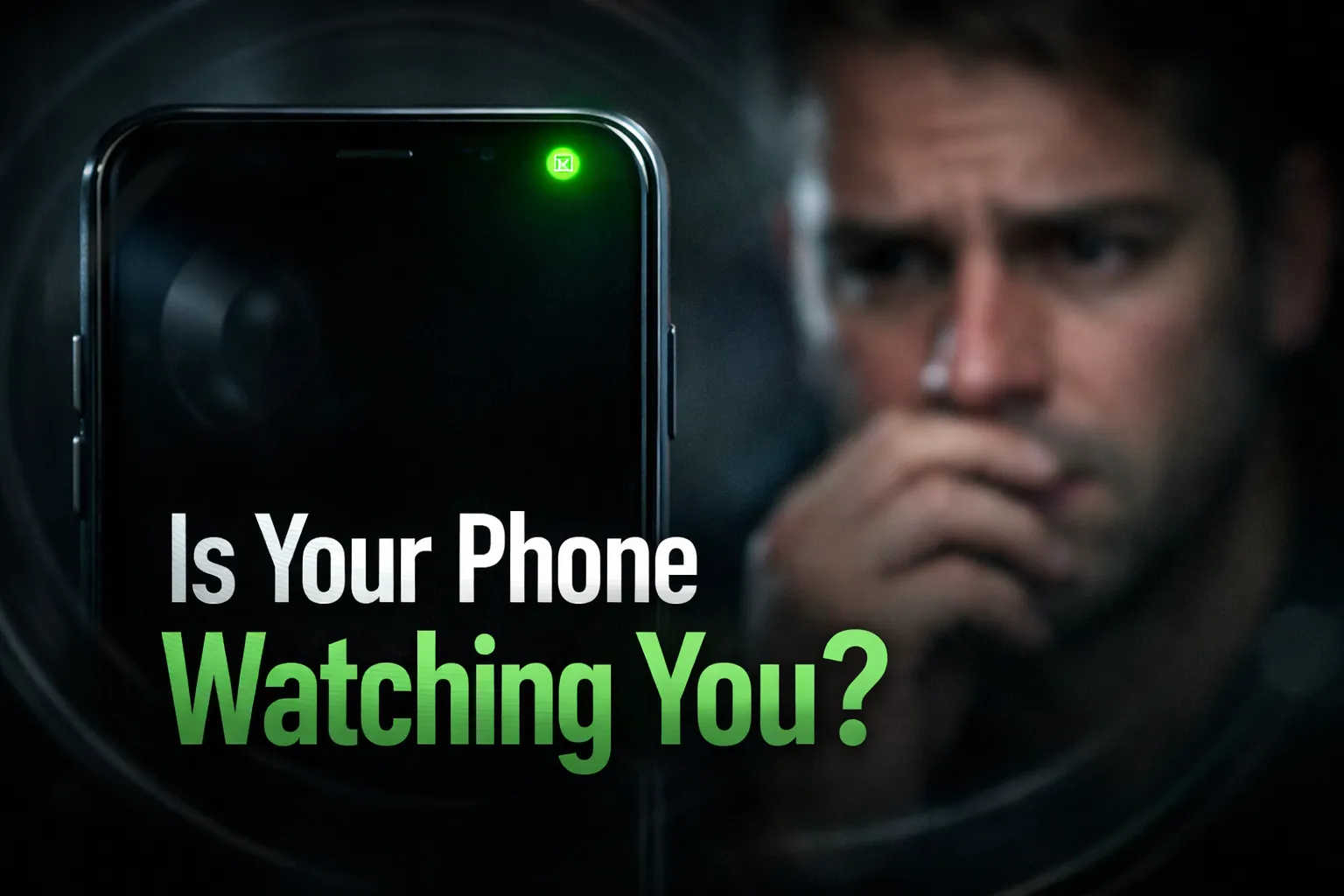
This complete Google Account Security Checklist 2026 explains why Google accounts get hacked, what risks it creates, and provides step-by-step actions to fully secure your account using the latest Google security and privacy settings. You may also want to check how to check if your phone is hacked or spied on to ensure your linked devices are not already compromised.
Table of Contents
- Why Google Accounts Get Hacked in 2026
- Common Google Account Security Mistakes
- Phishing & Fake Google Login Attacks
- Why a Compromised Google Account Is Dangerous
- How Hackers Access Your Emails, Photos & Files
- Risk to Linked Apps, Android Devices & Accounts
- Google Account Security Checklist 2026
- Secure Your Passwords & Passkeys
- Enable Two-Step Verification the Right Way
- Review Login History & Device Activity
- Remove Risky Third-Party App Access
- Update Recovery Email & Phone Number
- Review Google Data & Privacy Settings
- Secure Linked Android Devices
- Extra Google Account Security Tips for 2026
- Final Verdict
Why Google Accounts Get Hacked
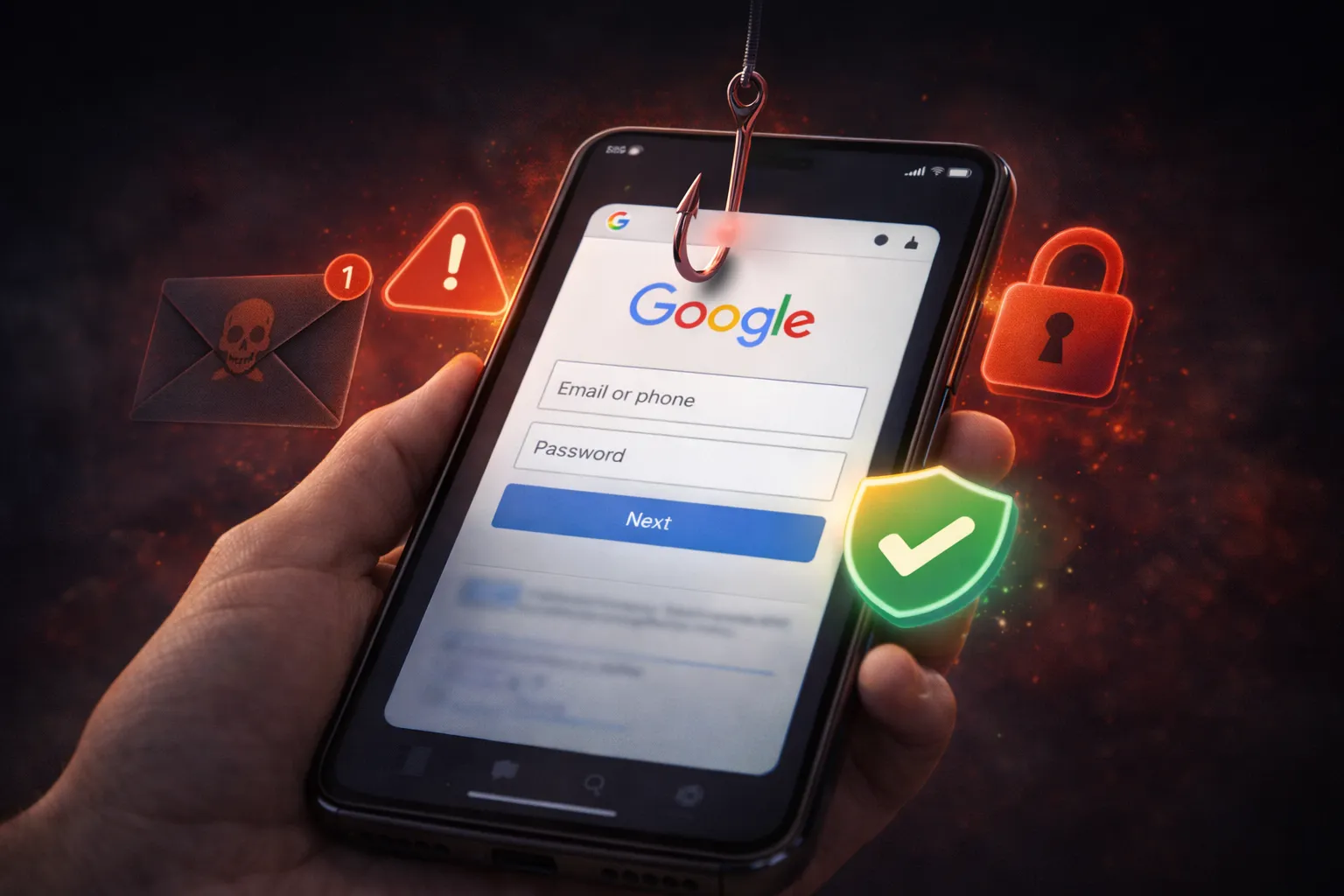
Most Google account hacks do not happen because of a flaw in Google’s security system. In reality, the majority of breaches occur due to user-side security mistakes that attackers know how to exploit. As Google accounts are connected to Gmail, Android devices, cloud backups, and third-party apps, a single weak point can expose everything.
The most common reasons Google accounts get compromised include:
- Weak or reused passwords – Using the same password across multiple websites makes it easy for hackers to break in if one site is breached.
- Two-step verification turned off – Without an extra verification step, attackers only need your password to gain access.
- Suspicious third-party app access – Many users unknowingly grant account access to apps that no longer need it or are not trustworthy.
- Phishing emails and fake login pages – Attackers often trick users into entering their Google credentials on look-alike websites.
- Compromised Android phone security – If your phone is infected or monitored, attackers can bypass account protection easily.
Another major issue is ignored security alerts. Google often warns users about suspicious logins, risky apps, or unusual activity. Delaying action gives attackers enough time to change passwords, recovery details, and lock the original owner out.
If your phone itself is not secure, your account remains at risk even with strong passwords. It’s strongly recommended to verify device safety using this guide: how to check if your phone is hacked or spied on.
Understanding how Google accounts get hacked is the first and most important step toward preventing a complete data takeover.
Common Google Account Security Mistakes
Many Google account security issues are not caused by hackers using advanced techniques, but by simple mistakes users make over time. These small oversights may seem harmless, but together they significantly increase the risk of unauthorized access.
Below are the most common Google account security mistakes users make in 2026:
- Reusing the same password everywhere – If one website is breached, attackers often try the same password on Google accounts.
- Ignoring security alerts from Google – Warning emails about new logins or suspicious activity are often overlooked or delayed.
- Leaving two-step verification disabled – Without an extra verification step, your account depends entirely on one password.
- Not reviewing third-party app access – Apps connected years ago may still have access to your account data.
- Outdated recovery email or phone number – If recovery details are no longer accessible, regaining control becomes difficult.
Another major mistake is assuming that Google automatically protects everything. While Google provides strong security tools, they only work if users actively configure and maintain them.
Many of these risks become even more dangerous when combined with unsafe app permissions on Android devices. It’s important to regularly review which apps can access your Google account and personal data.
Learn how to check and fix dangerous app permissions on Android
Avoiding these common mistakes can drastically reduce the chances of your Google account being hacked and help you maintain long-term control over your digital identity.
Phishing & Fake Google Login Attacks
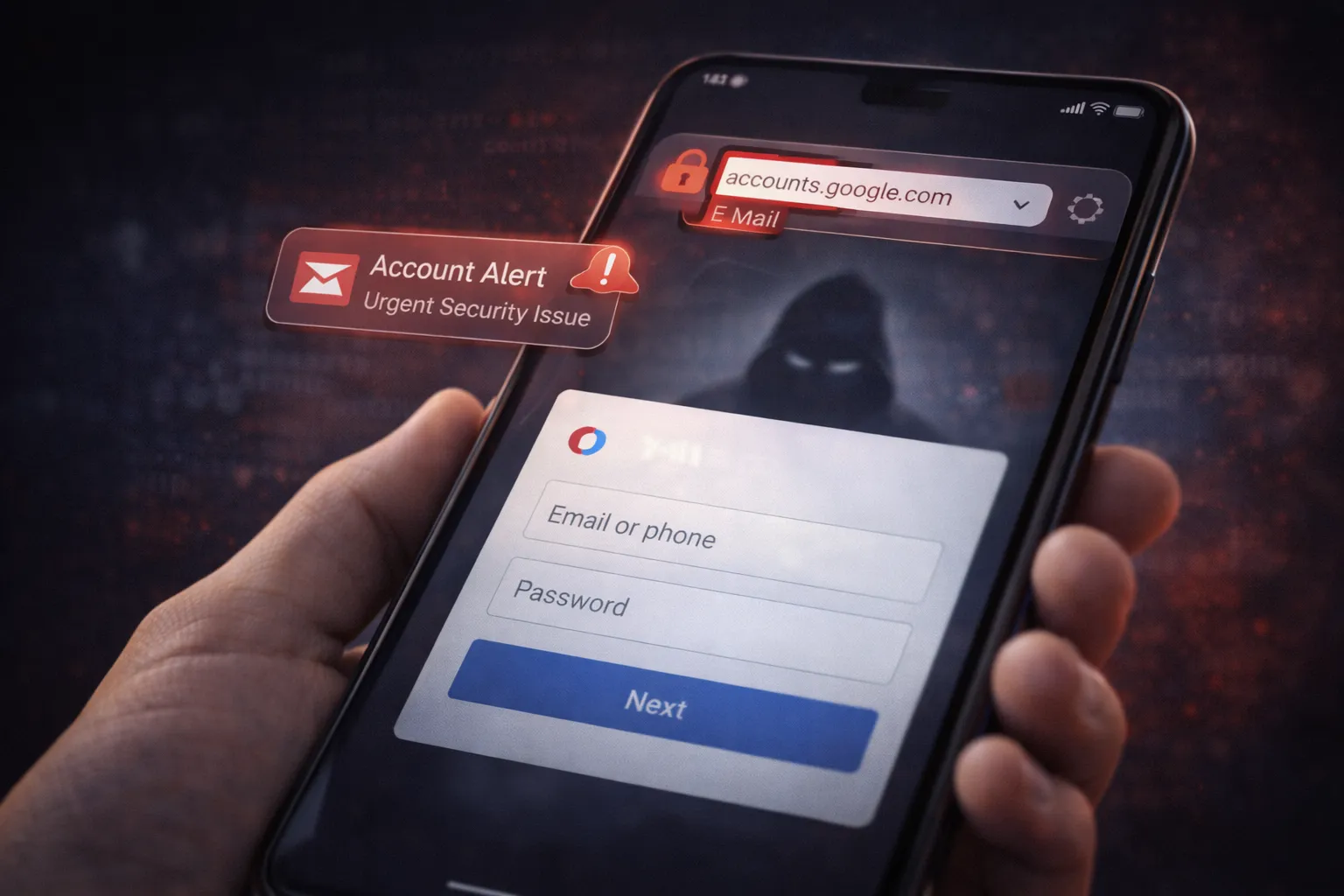
Phishing is one of the most common and effective methods attackers use to steal Google account credentials. Instead of breaking into accounts directly, hackers trick users into willingly giving away their login details through fake emails, messages, or websites that closely resemble Google.
These attacks are designed to create urgency and panic. Users are often told their account will be suspended, unusual activity has been detected, or immediate verification is required.
Common signs of phishing and fake Google login attacks include:
- Emails or SMS claiming account suspension – Messages that pressure you to “verify now” or “secure your account immediately.”
- Look-alike login pages – Fake websites that closely mimic the Google sign-in page but use slightly different URLs.
- Unexpected security alerts – Warnings you didn’t trigger, especially when sent outside official Google domains.
- Links shortened or masked – URLs that hide their real destination.
Once credentials are entered on a fake page, attackers instantly log into the real Google account, change passwords, and update recovery details—locking the original user out.
These attacks become even more dangerous if your Android phone or browser is already compromised. Malicious apps or extensions can redirect you to fake login pages without you noticing.
Review dangerous app permissions on your Android device
To stay safe, never click login links from emails or messages. Always access Google services directly through the official app or by typing the website address manually.
Understanding phishing tactics is critical, because even the strongest password cannot protect an account if it’s handed over willingly.
Why a Hacked Google Account Is a Serious Problem
A hacked Google account creates far more damage than most users expect. Since a single account is connected to multiple Google services and Android devices, attackers gain access to a complete digital profile rather than just emails.
Once compromised, a Google account can expose sensitive data and trigger long-term security risks, including:
- Access to private photos and documents – Personal images, backups, and files stored in Google Photos and Drive can be viewed, downloaded, or deleted.
- Password reset access to other apps – Gmail access allows attackers to reset passwords for social media, banking, shopping, and work accounts.
- Misuse of location history and device data – Saved location timelines and linked devices can be tracked or monitored.
- Unauthorized purchases or subscriptions – Attackers may use saved payment methods for ads, subscriptions, or digital purchases.
- Permanent data deletion or account lockout – Recovery details can be changed, making it extremely difficult to regain access.
The situation becomes even more serious if your Android phone is linked to the hacked account. Attackers may gain control over app installations, cloud backups, synced contacts, and security settings—allowing them to maintain access even after you change your password.
In many cases, users realize something is wrong only after important data is lost or devices start behaving abnormally. That’s why it’s critical to check whether your phone itself has been compromised.
See which apps are accessing your data using Android Privacy Dashboard
Understanding the full impact of a hacked Google account highlights why proactive security measures are essential—not optional.
How Hackers Access Your Emails, Photos & Files

Once a Google account is compromised, attackers gain direct access to some of your most sensitive personal data. Because Google services are deeply interconnected, a single successful login can unlock emails, cloud files, photo backups, and even synced data from your Android devices.
The most common ways hackers access your Google data include:
- Stolen login credentials – Credentials obtained through phishing, data breaches, or reused passwords allow instant account access.
- Unauthorized third-party app access – Apps with Google account permissions may continue accessing your data in the background.
- Compromised Android devices – If your phone is infected or monitored, attackers can access synced emails, photos, and Drive files.
- Browser sessions left signed in – Public or shared computers can expose your account if you forget to log out.
Once inside, attackers can read Gmail conversations, download Google Drive documents, and view or delete photos stored in Google Photos. In some cases, important files are permanently erased before users even realize what has happened.
This risk increases when dangerous app permissions are enabled on your Android phone, allowing apps to silently sync or transmit data.
How to check and fix dangerous app permissions on Android
To limit damage, it’s important to regularly review account activity, remove unnecessary app access, and sign out of unused devices. Preventing unauthorized access early is the only reliable way to protect your emails, photos, and files from permanent loss.
Risk to Linked Apps, Android Devices & Accounts
A hacked Google account does not exist in isolation. Once attackers gain access, they can move laterally across linked apps, connected Android devices, and other online accounts that rely on Google for login, backup, or synchronization.
Because many users sign in to apps and websites using their Google account, a single breach can quickly escalate into a full digital takeover.
Major risks associated with linked apps and devices include:
- Third-party apps with Google sign-in – Attackers can access apps that allow “Sign in with Google” without needing separate passwords.
- Control over Android device syncing – Contacts, messages, photos, and app data may sync automatically to the attacker.
- Manipulation of backups and cloud data – Cloud backups can be altered or deleted, making recovery difficult.
- Access to financial and work-related apps – Banking, payment, and productivity tools may become exposed.
- Persistent access even after password changes – Some sessions and app tokens remain active if not manually revoked.
The risk increases further when unsafe app permissions are enabled or when anti-theft protection is not active on Android devices. Attackers may silently install apps, disable security settings, or track device activity.
How to enable Android anti-theft protection
To minimize damage, it’s essential to regularly review connected apps, remove unused devices, and revoke unnecessary access immediately after any suspicious activity.
Securing your Google account is not just about protecting one login—it’s about safeguarding your entire digital ecosystem.
Google Account Security Checklist 2026 (Must-Do Settings)
Securing your Google account in 2026 requires more than just a strong password. Because your account connects emails, devices, apps, and cloud data, each setting below plays a critical role in preventing unauthorized access.
1. Change Your Password Immediately
Create a strong, unique password using a mix of uppercase letters, lowercase letters, numbers, and symbols. Avoid reusing passwords from other websites, as leaked credentials are one of the most common causes of account compromise.
2. Enable Two-Step Verification (2SV)
Turn on two-step verification to add an extra security layer. For better protection, use authenticator apps instead of SMS, which can be intercepted through SIM swap attacks.
3. Review Recent Security Activity
Regularly check Google’s security activity to identify unfamiliar logins, locations, or devices. Early detection can stop attackers before they lock you out.
4. Remove Unknown Devices
Sign out of devices you no longer use or don’t recognize. Old or shared devices often remain logged in without users realizing it.
5. Audit Third-Party App Access
Revoke access from apps and services that no longer need your Google account data. This reduces silent background access risks.
Fix dangerous app permissions on Android
6. Secure Your Recovery Email & Phone
Update recovery details to ensure only you can regain access if your account is locked or compromised.
7. Enable Google Security Alerts
Activate alerts for suspicious sign-ins and data changes so you can act immediately.
8. Review Data & Privacy Settings
Limit ad personalization, activity tracking, and location history to reduce data exposure.
Android Privacy Dashboard explained
9. Check Saved Passwords & Passkeys
Remove outdated or compromised saved passwords and switch to passkeys where available.
10. Secure Your Android Devices
Protect linked Android devices using biometrics, system updates, and anti-theft features.
Enable Android anti-theft protection
Following this checklist regularly can drastically reduce the risk of account takeover and protect your entire Google ecosystem.
Secure Your Passwords & Passkeys
Passwords remain the first line of defense for your Google account, but in 2026, relying on passwords alone is no longer enough. Many account breaches happen because users reuse weak passwords or store them insecurely across multiple websites.
To properly secure your Google account, you should follow these best practices:
- Create a strong, unique password – Use a long password with a mix of uppercase letters, lowercase letters, numbers, and symbols. Avoid using names, dates, or common phrases.
- Never reuse passwords – If one website is compromised, reused passwords allow attackers to access your Google account instantly.
- Update old or exposed passwords – Regularly change passwords that may have appeared in past data breaches.
- Use Google passkeys where available – Passkeys offer password-less sign-ins using biometrics or device-based authentication, reducing phishing risks.
Google’s built-in password manager helps identify weak or compromised passwords and suggests improvements. Reviewing these alerts regularly can prevent unauthorized access.
It’s also important to secure your Android device, as saved passwords and passkeys are often synced across devices. If your phone is compromised, attackers may bypass traditional login protections.
Enable Android anti-theft protection for better device security
Combining strong passwords, passkeys, and device security creates a layered defense that significantly reduces the risk of Google account takeovers.
Enable Two-Step Verification the Right Way
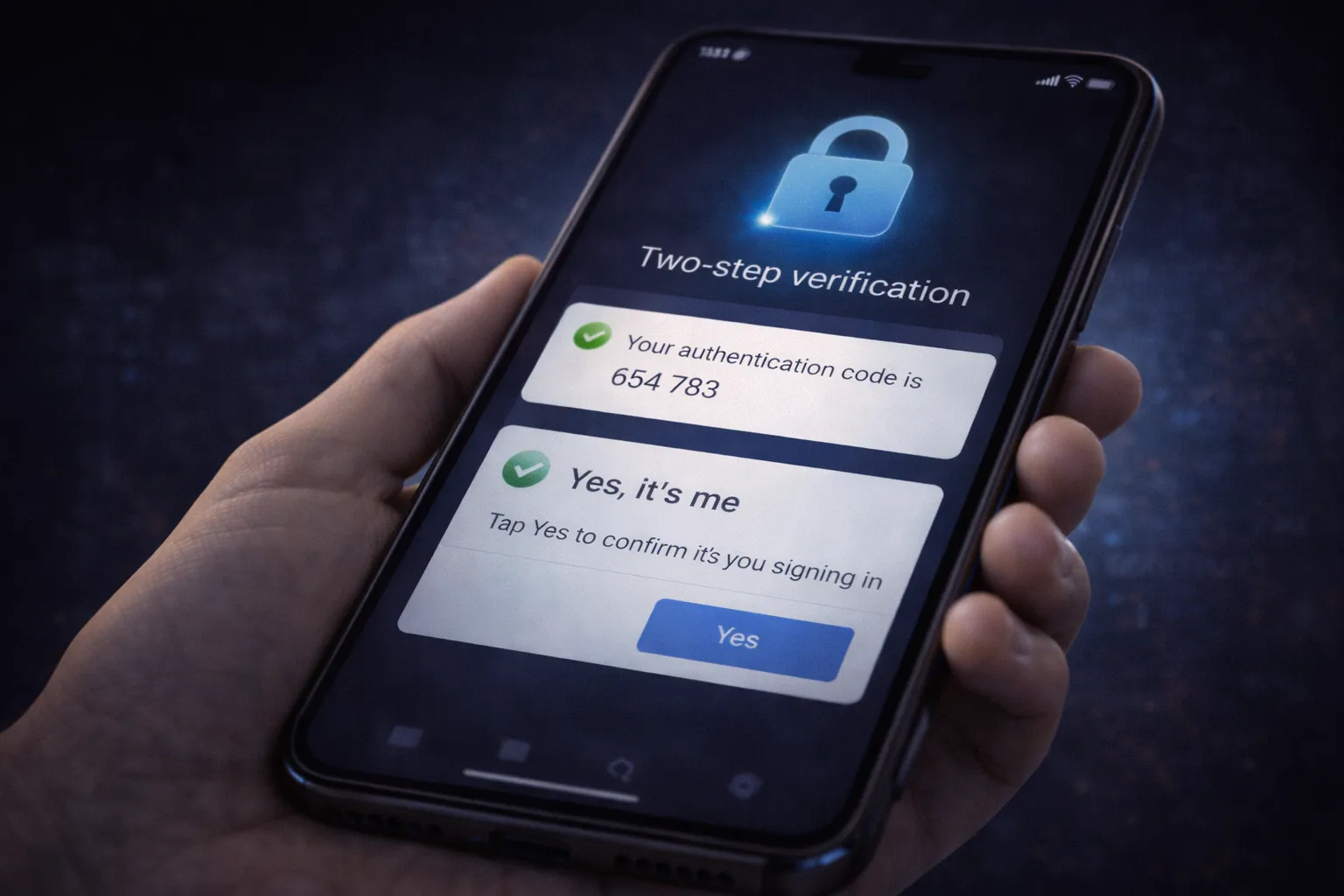
Two-step verification (2SV) is one of the most effective ways to protect your Google account from unauthorized access. Even if someone obtains your password, 2SV prevents them from signing in without a second verification factor.
However, many users either leave two-step verification disabled or configure it incorrectly, reducing its effectiveness. To get the best protection in 2026, it’s important to set it up the right way.
Follow these recommended steps:
- Use authenticator apps instead of SMS – App-based codes are far more secure than SMS, which can be intercepted through SIM swap attacks.
- Enable multiple verification methods – Add backup options like security keys or trusted devices to avoid lockouts.
- Turn on prompts for new device logins – Google prompts provide instant alerts when someone tries to sign in.
- Store backup codes securely – Save them offline in a safe location, not in your email or cloud storage.
Two-step verification is especially critical if your Google account is linked to Android devices, payment methods, or work-related apps. Without it, attackers can gain full access using just a leaked password.
Device security also plays an important role in two-step verification. If your phone is compromised, verification codes can still be intercepted.
Secure your Android device with anti-theft protection
When configured correctly, two-step verification dramatically reduces the risk of account takeover and provides immediate alerts for suspicious login attempts.
Review Login History & Device Activity
Regularly reviewing your Google account login history and device activity helps you detect unauthorized access early. Many account takeovers go unnoticed because users never check where and how their account is being accessed.
You should immediately review your activity if you notice unusual emails, password reset attempts, or security alerts.
- Unknown devices or locations – Logins from places or devices you don’t recognize.
- Multiple active sessions – Old devices that are still signed in.
- Unusual login times – Activity when you were not using your account.
If anything looks suspicious, sign out of all devices and change your password immediately. This step alone can stop attackers before further damage occurs.
Remove Risky Third-Party App Access
Third-party apps connected to your Google account often become a hidden security risk. Many users grant access once and forget about it, even when the app is no longer used.
Apps with account access may read emails, view profile data, or sync files in the background.
- Unused apps – Services you no longer recognize or need.
- Apps requesting excessive permissions – Access beyond their core functionality.
- Old productivity or AI tools – Especially cloud-based services.
Fix dangerous app permissions on Android
Removing unnecessary app access reduces silent data exposure and limits entry points for attackers.
Update Recovery Email & Phone Number
Recovery options are critical for regaining access if your Google account is compromised. Outdated recovery details often prevent users from reclaiming their accounts.
Your recovery email and phone number should always be active and accessible.
- Old phone numbers – Numbers you no longer control.
- Unused email addresses – Accounts you rarely check.
- Shared recovery details – Emails or numbers used by others.
Attackers frequently change recovery details after gaining access, making quick updates essential.
Always review and test recovery options after changing your password or enabling two-step verification.
Review Google Data & Privacy Settings
Google stores activity data to personalize services, but excessive data collection increases privacy and security risks if your account is compromised.
Reviewing privacy settings helps limit unnecessary tracking and data exposure.
- Location history – Disable tracking if not required.
- Web & app activity – Reduce stored browsing behavior.
- Ad personalization – Limit targeted advertising data.
Android Privacy Dashboard explained
Reducing stored data not only improves privacy but also minimizes the impact if unauthorized access ever occurs.
Secure Linked Android Devices
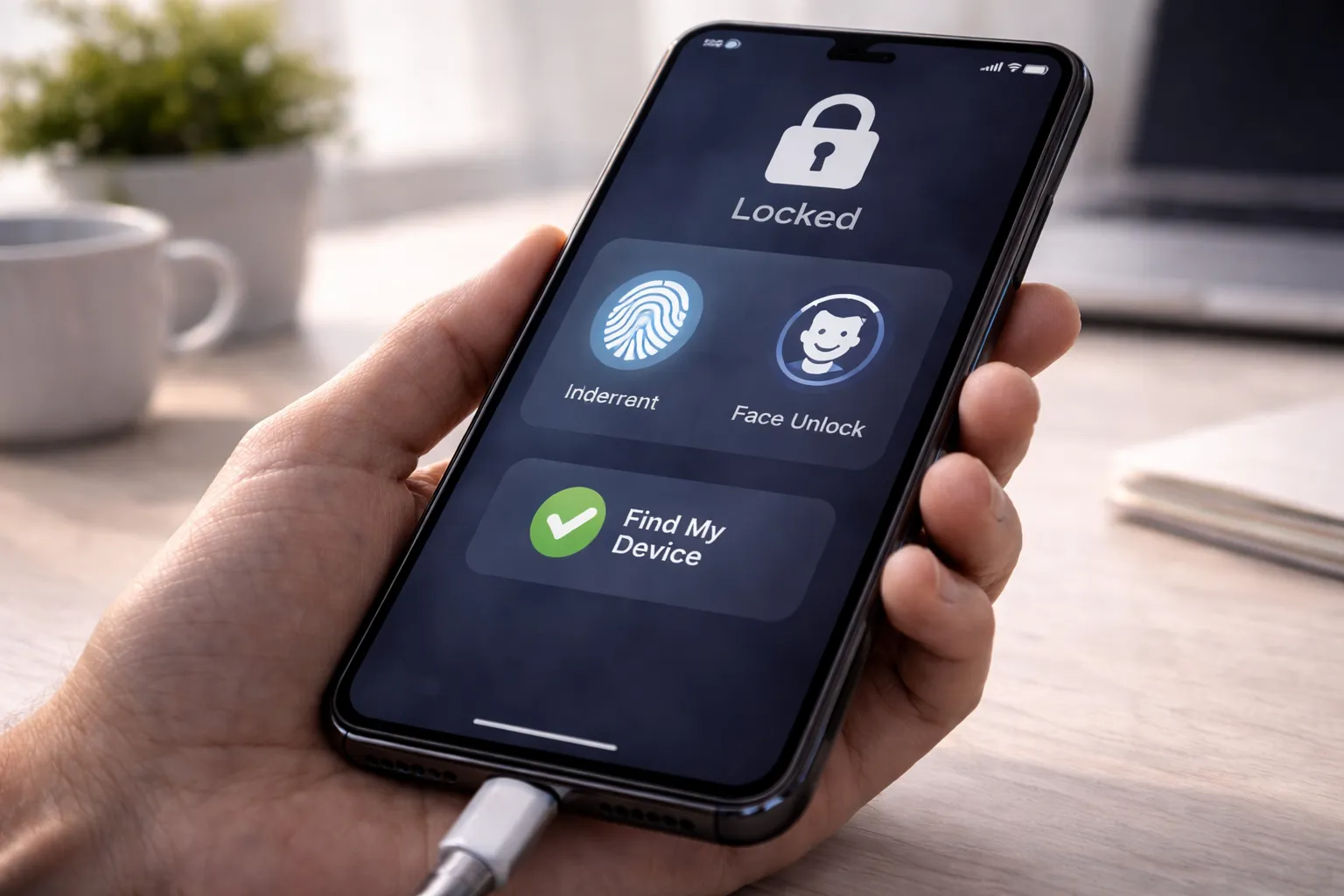
Your Google account is deeply connected to your Android devices. When a phone or tablet is linked to your account, it automatically syncs emails, contacts, photos, app data, and backups. If one device is not properly secured, attackers can use it as a gateway to access your entire Google account.
Securing linked Android devices is essential to prevent unauthorized access and long-term account misuse.
Focus on the following key security steps:
- Enable screen lock and biometrics – Use PIN, password, fingerprint, or face unlock to prevent physical access.
- Turn on Android anti-theft protection – Features like Find My Device help locate, lock, or erase your phone remotely.
- Keep Android and apps updated – Security updates fix vulnerabilities that attackers actively exploit.
- Restrict app permissions – Apps with unnecessary access can leak data silently.
- Disable unknown app installations – Prevent sideloading from untrusted sources.
Android devices with unsafe permissions or outdated software can expose saved passwords, passkeys, and verification codes—undermining even strong account security settings.
How to enable Android anti-theft protection
It’s also important to regularly review devices linked to your Google account and remove phones you no longer use.
If you suspect unusual behavior, battery drain, or unauthorized access, checking your device security should be your first step.
How to check if your phone is hacked or spied on
Protecting your Android devices ensures that your Google account remains secure, even if attackers attempt indirect access.
Extra Security Tips for 2026
Beyond basic security settings, small daily habits play a major role in keeping your Google account safe. In 2026, most successful attacks rely on user behavior rather than advanced hacking techniques.
Follow these additional security tips to reduce risk even further:
- Avoid logging in on public Wi-Fi networks – Public networks are often unsecured and can expose login sessions. If unavoidable, log in only through trusted apps and sign out immediately.
- Ignore emails asking for urgent verification – Google never forces instant logins through threatening emails. These messages are usually phishing attempts.
- Review account activity regularly – Checking login history helps detect suspicious access early.
- Avoid unknown browser extensions – Malicious extensions can track keystrokes, steal cookies, or redirect you to fake login pages.
These habits, when combined with strong passwords and two-step verification, significantly lower the chances of account takeover.
Check if your phone is hacked or spied on
Final Verdict
Your Google account is far more valuable than most users realize. It holds personal communications, private photos, work files, saved passwords, and access to multiple connected services.
In 2026, attackers actively target accounts that rely on outdated security settings or inconsistent protection habits. Even one ignored alert or weak recovery option can lead to permanent data loss or account lockout.
By following this security checklist, reviewing settings regularly, and securing linked Android devices, you can protect your digital identity and prevent long-term damage.
Security is not a one-time action—it’s an ongoing habit.