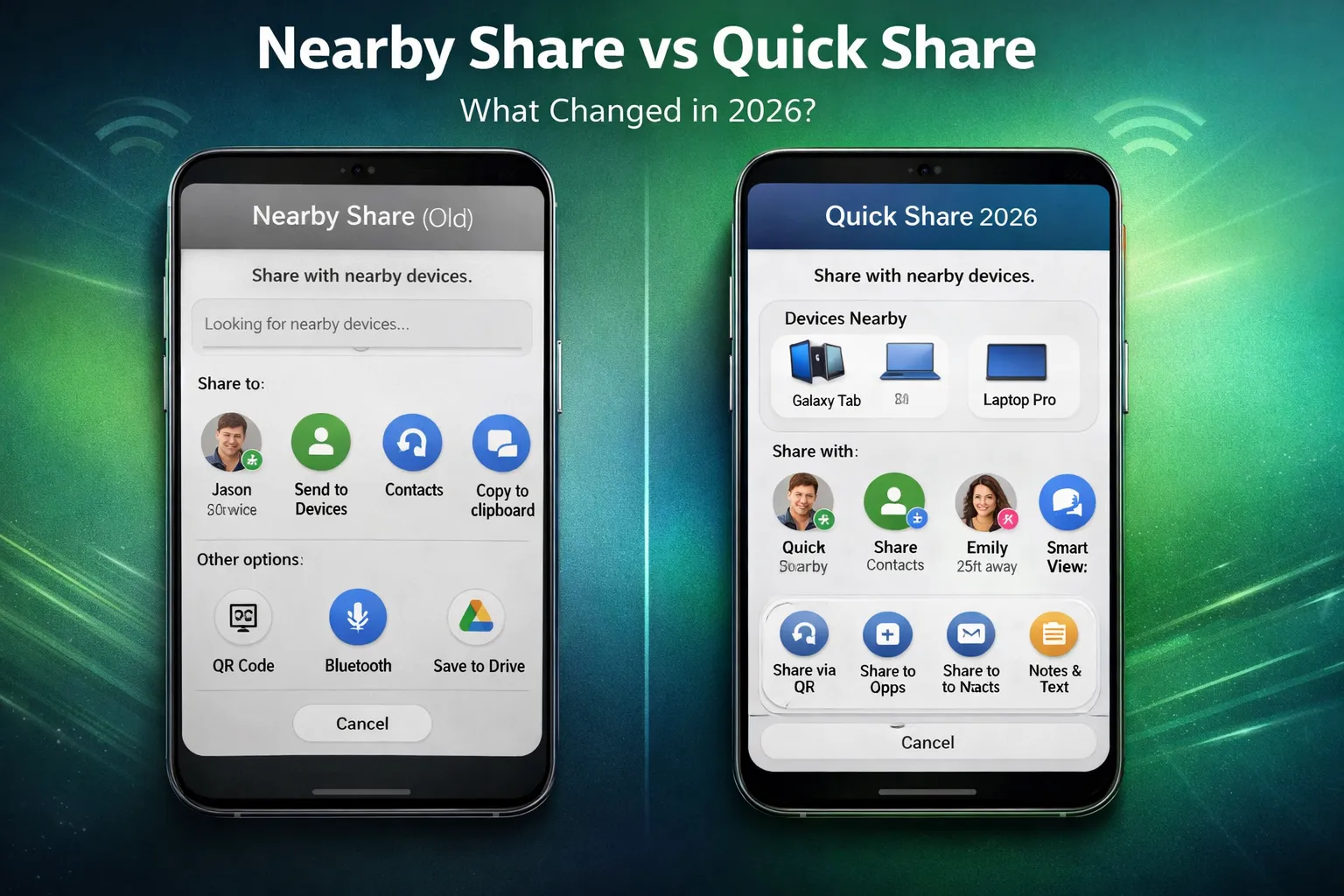
Nearby Share vs Quick Share (2026 Update): What’s the Real Difference After the Merge?
Nearby Share vs Quick Share became a major discussion after Google and Samsung officially merged their file-sharing systems in 2024. In 2026, Android users still search for the differences, speed comparison, compatibility, and security improvements of the unified Quick Share system.
This updated guide explains what changed, how the merger works technically, real-world speed results, device compatibility, privacy architecture, and whether there is still any difference between Nearby Share and Quick Share today.
Table of Contents
- Quick Summary: Are Nearby Share & Quick Share the Same?
- History of Nearby Share (Google)
- History of Samsung Quick Share
- The 2024–2026 Merger Explained
- How Quick Share Works Technically
- Real-World Speed Test & Performance
- Full Compatibility Matrix (Android, Windows, Chromebook)
- Samsung-Exclusive Enhancements
- Security & Privacy Architecture
- Best Use Cases (When to Use It)
- Nearby Share vs Quick Share (Full Comparison Table)
- Final Verdict: Which One Should You Use in 2026?
Quick Summary: Are Nearby Share & Quick Share the Same?
Short answer: Yes. In 2026, Nearby Share and Quick Share are essentially the same feature.
After the official merger between Google and Samsung in 2024, Nearby Share was rebranded and integrated into a single unified system called Quick Share. The underlying technology that powered Nearby Share now runs under the Quick Share name across most modern Android devices.
For everyday users, this means there is no longer a separate Nearby Share option. If you open your Android sharing panel today, you will see Quick Share — and that is the upgraded version of Nearby Share.
What Changed After the Merge?
- Name: Nearby Share was renamed to Quick Share.
- Technology: Google’s original Nearby Share engine continues to power the system.
- Performance: Improved stability and faster device detection.
- Compatibility: Works across Android, Samsung Galaxy devices, Windows PCs, and Chromebooks.
Samsung devices may still include minor ecosystem optimizations, such as faster Galaxy-to-Galaxy detection, but the core functionality is unified.
So Is There Any Real Difference?
In practical use — no. Nearby Share no longer exists as a standalone feature. Quick Share is now the official Android file-sharing system, combining the strengths of both platforms into one seamless experience.
If you are using an Android phone in 2026, you only need to look for Quick Share. That is the modern, merged version designed to deliver fast, secure, and reliable wireless file transfers.
History of Nearby Share (Google)
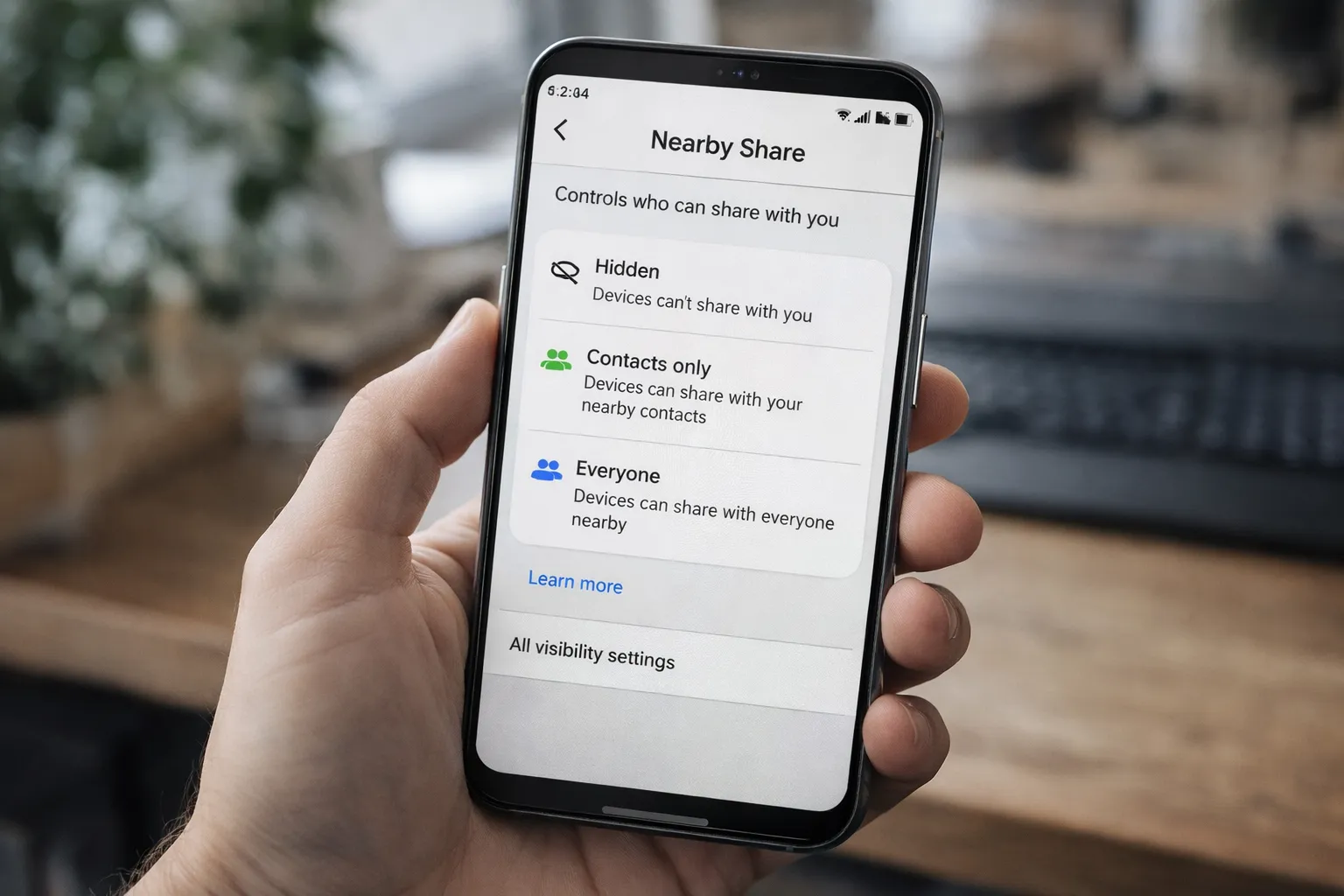
Nearby Share was introduced by Google in 2020 as a native Android file-sharing solution. At the time, Android users relied on third-party apps or slower methods like Bluetooth transfers. Apple users had AirDrop, but Android lacked a seamless, built-in alternative. Nearby Share was designed to solve that gap.
The goal was simple: enable fast, secure, and wireless file transfers between nearby Android devices without requiring an internet connection.
Core Technologies Behind Nearby Share
- Bluetooth: Used to discover nearby devices.
- Wi-Fi Direct: Enabled high-speed file transfers.
- WebRTC Protocol: Helped establish secure peer-to-peer connections.
- Local Encryption: Protected files during transfer.
Nearby Share quickly became a standard feature across Android smartphones, tablets, and Chromebooks. Google later expanded support to Windows PCs through a beta app, strengthening cross-platform compatibility.
Key Features That Made It Popular
- Private visibility controls (Hidden, Contacts Only, Everyone)
- Offline file sharing without mobile data
- Simple share-sheet integration inside Android
- Automatic device detection for faster pairing
By 2023, Nearby Share had become the default sharing system for millions of Android users worldwide. It was fast, reliable, and deeply integrated into the Android ecosystem — laying the foundation for what would later evolve into Quick Share.
History of Samsung Quick Share
Samsung introduced Quick Share in 2020 alongside its Galaxy flagship devices. While Nearby Share focused on cross-Android compatibility, Samsung aimed to create a faster and more optimized sharing system within its own ecosystem.
Quick Share was deeply integrated into Galaxy smartphones, tablets, laptops, and smart TVs, offering improved performance between Samsung devices.
What Made Samsung Quick Share Different?
- Optimized Galaxy-to-Galaxy transfers: Faster pairing and higher transfer speeds.
- Multi-device sharing: Send files to multiple Galaxy devices at once.
- Cloud-based sharing links: Share large files via temporary cloud URLs.
- Ecosystem integration: Seamless connection with Samsung laptops and TVs.
Samsung users often experienced slightly faster transfers compared to standard Nearby Share, especially when sharing large videos or high-resolution files.
Before the 2024 merger, this created two parallel systems on Android: Google’s Nearby Share for general Android users and Samsung’s Quick Share for Galaxy users. While both served the same purpose, Samsung’s ecosystem-level optimizations gave it a performance advantage within its own devices.
These parallel developments eventually led to the unified Quick Share system we use today.
The 2024–2026 Merger Explained
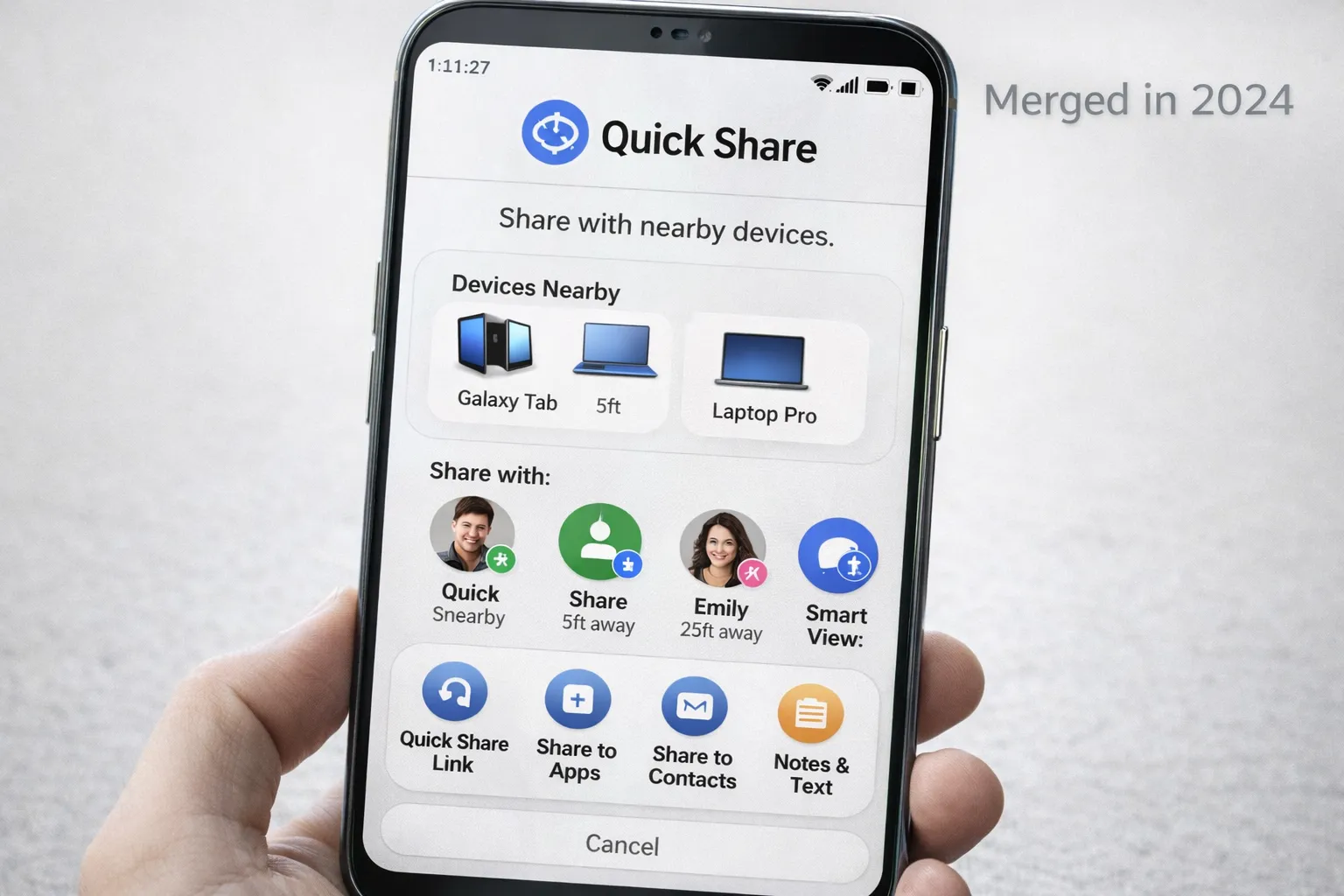
In early 2024, Google and Samsung announced a major update to Android’s file-sharing system: Nearby Share would officially merge into Quick Share. Instead of running two parallel systems, both companies decided to unify their technologies under a single, consistent brand — Quick Share.
The decision aimed to simplify file sharing across Android devices and eliminate confusion between Google’s Nearby Share and Samsung’s Quick Share.
What Exactly Changed?
- Single Branding: Nearby Share was renamed to Quick Share across Android.
- Unified Technology: Google’s Nearby Share engine became the core transfer system.
- Samsung Optimizations: Galaxy devices retained ecosystem-level enhancements.
- Wider Rollout: Support expanded across Android 12+ devices globally.
According to the official Google Android announcement:
Use Quick Share on your Android device
By 2026, the transition is fully complete. Most Android smartphones now come with Quick Share pre-installed as the default wireless sharing feature. Users no longer see Nearby Share as a separate option.
Why the Merger Matters
This merger streamlined the Android ecosystem. Instead of competing solutions, users now get a faster, more consistent, and cross-compatible file-sharing experience. It also improves Windows integration and ensures long-term development under one unified platform.
In simple terms, Nearby Share evolved — and Quick Share is the final, upgraded version.
How Quick Share Works Technically
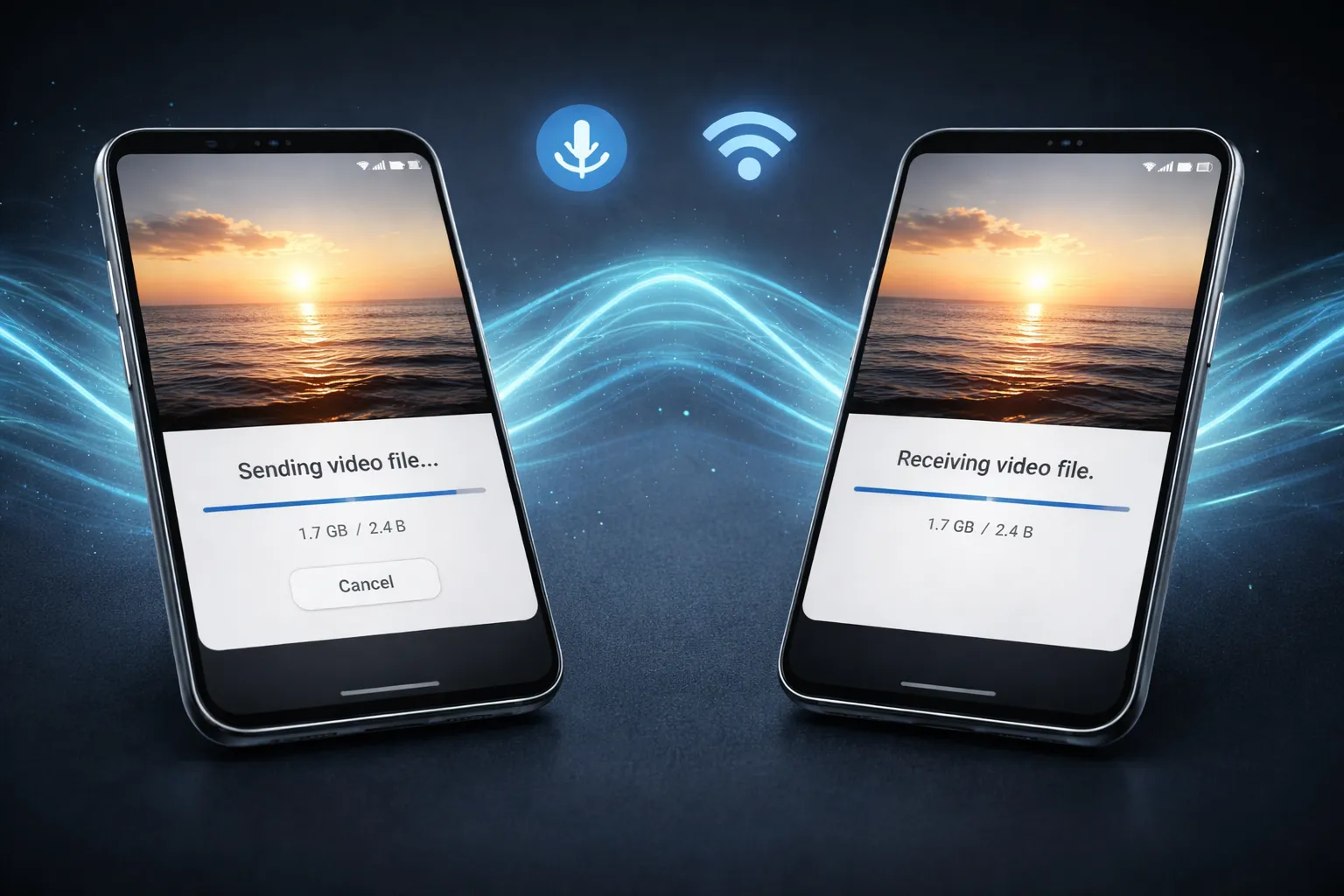
Quick Share uses a smart, multi-layer wireless system to deliver fast and secure file transfers between devices. Instead of relying only on Bluetooth (which is slow for large files), it combines multiple technologies to optimize both discovery and speed.
Step-by-Step Technical Process
- Bluetooth Discovery: First, Bluetooth scans and detects nearby compatible devices.
- Secure Handshake: Once selected, both devices create a temporary encrypted connection.
- Wi-Fi Direct Transfer: Large files are transferred using Wi-Fi Direct for high-speed data exchange.
- Ultra-Wideband (UWB): On supported devices, UWB enables precise directional sharing.
This hybrid system ensures that file sharing is:
- Fast for large videos and documents
- Stable over short distances
- Encrypted end-to-end
- Independent of mobile data or internet
Files are transferred locally between devices. Internet is only required if you choose cloud link sharing for very large files.
Real-World Speed Test & Performance
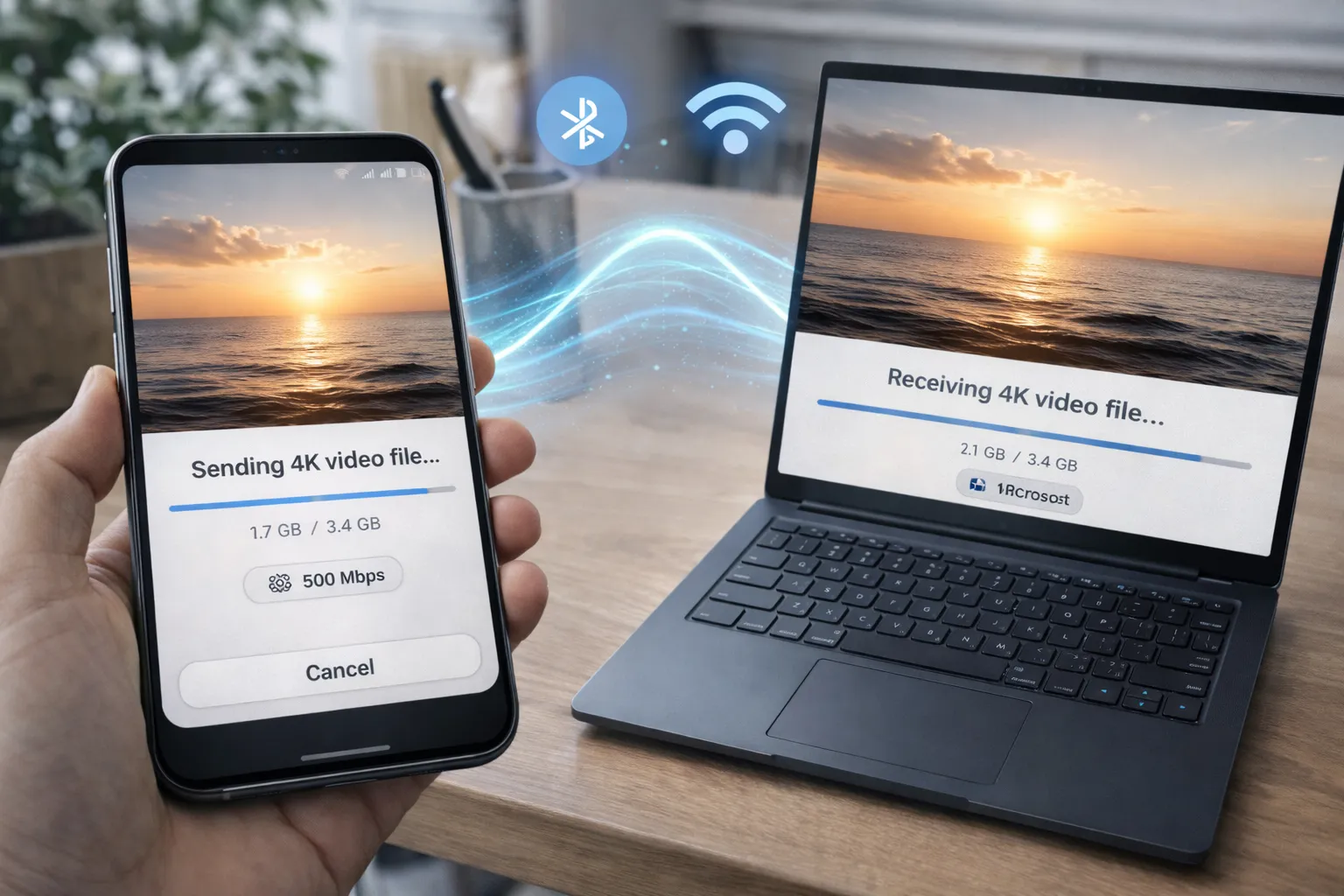
In 2026, Quick Share performance depends on hardware, Wi-Fi capabilities, and device pairing. Devices with newer Wi-Fi chips and better antennas achieve significantly higher speeds.
| Scenario | Average Speed |
|---|---|
| Samsung to Samsung | 400–700 Mbps |
| Android to Android | 250–500 Mbps |
| Android to Windows | 100–250 Mbps |
Why Speed Varies
- Wi-Fi Direct bandwidth limitations
- Distance between devices
- Background apps using network resources
- Older hardware or outdated Android versions
If transfers feel slower than expected, optimizing your device can help. Read our detailed guide here:
How to Speed Up Your Android Phone
Overall, Quick Share is significantly faster and more stable than traditional Bluetooth file sharing.
Full Compatibility Matrix (Android, Windows, Chromebook)
In 2026, Quick Share supports:
- Android 10+ (basic support)
- Android 12+ (full integration)
- Samsung Galaxy devices
- Windows PCs (via official Quick Share app)
- Chromebooks
It does not natively support iPhone devices.
Secure wireless systems follow encryption best practices recommended by the National Institute of Standards and Technology (NIST):
https://www.nist.gov/cyberframework
You may also want to understand Android’s communication upgrades in our guide:
What Is RCS Messaging on Android?
Samsung-Exclusive Enhancements
Even after the Nearby Share and Quick Share merger, Samsung Galaxy devices still offer a few ecosystem-level enhancements. While the core transfer engine is now unified across Android, Samsung optimizes Quick Share to work more efficiently within its own hardware lineup.
What Extra Benefits Do Samsung Users Get?
- Faster Galaxy-to-Galaxy Detection: Galaxy phones typically detect each other quicker due to deeper system-level integration.
- Multi-Device Simultaneous Sharing: Send files to multiple Samsung devices at once without repeating the process.
- Ecosystem Integration: Seamless sharing with Samsung laptops, tablets, and compatible smart TVs.
- Cloud Sharing for Large Files: Generate temporary download links for bigger files when direct transfer isn’t practical.
- UI-Level Customization: Samsung’s One UI adds a more refined and customizable sharing interface.
Does This Create a Big Difference?
For most users, the difference is subtle. The core functionality remains the same across Android devices. However, if you are fully invested in the Samsung ecosystem — using a Galaxy phone, tablet, and laptop — you may notice smoother detection and slightly faster transfer speeds.
In short, Quick Share is unified across Android, but Samsung still enhances the experience within its own ecosystem. These optimizations make Galaxy-to-Galaxy file sharing feel more seamless, especially for large media files and frequent transfers.
Security & Privacy Architecture
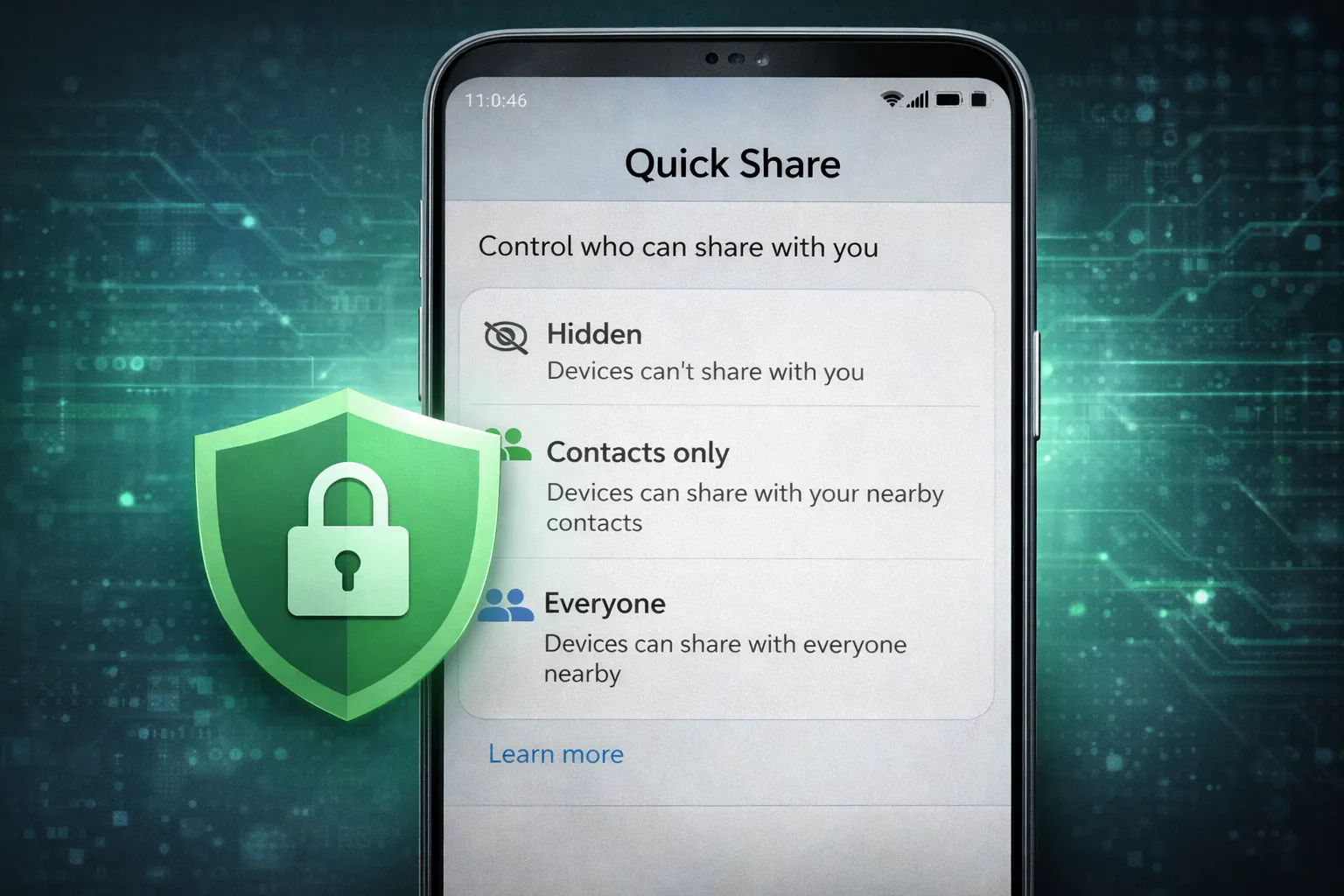
Quick Share is designed with security and privacy as core priorities. Since file transfers happen wirelessly between nearby devices, Android uses multiple protection layers to prevent unauthorized access and data leaks.
Built-In Privacy & Security Features
- End-to-End Encryption: Files are encrypted during transfer so only the sender and receiver can access them.
- Device Authentication Prompts: You must manually approve incoming transfers before files are received.
- Hidden Mode: Your device stays invisible to nearby users unless you enable visibility.
- Contacts-Only Visibility: Only saved contacts can detect your device.
- Temporary “Everyone” Mode: Public visibility automatically turns off after a short period.
Quick Share transfers files locally using secure Wi-Fi Direct connections. Files are not uploaded to external servers unless you intentionally use cloud-based link sharing. This reduces exposure to online threats.
Why Security Still Matters
Even with built-in encryption, maintaining overall device security is important. Outdated apps, malware, or unsafe permissions can still compromise your phone.
To strengthen your device security, read:
How to Check Google Play Protect Status
And:
How to Check If Your Phone Is Hacked
Keeping your Android device secure ensures Quick Share remains a fast, private, and reliable file-sharing solution in 2026.
Best Use Cases (When to Use It)
Quick Share is designed for fast, wireless file transfers between nearby devices. While it works for almost any type of file, there are certain situations where it truly shines. Because it uses Wi-Fi Direct instead of traditional Bluetooth, transfers are significantly faster and more stable.
When Quick Share Is the Best Option
- Sending Large 4K Videos Instantly: Instead of uploading to cloud storage or compressing files, you can transfer high-resolution videos directly between devices in seconds.
- Transferring APK Files Offline: Share app installation files without internet access — ideal in low-network areas.
- Moving Photos During New Phone Setup: Quickly transfer galleries, documents, and media when switching to a new Android device.
- Sharing Files Between Android and Windows PCs: With the official Quick Share Windows app, file exchange becomes simple and cable-free.
- Classroom or Meeting Transfers: Instantly send presentations, PDFs, or notes without relying on email or messaging apps.
Why It’s Better Than Cloud Sharing
- No internet required for local transfers
- No file size limits (device storage dependent)
- No waiting for upload and download cycles
- More private than sending via public links
Quick Share is especially useful when speed, privacy, and convenience matter. Whether you're switching devices, collaborating in person, or sending large media files, it offers a direct and efficient solution.
In short, use Quick Share whenever you need fast, secure, and offline file sharing between nearby Android or Windows devices.
Nearby Share vs Quick Share (Full Comparison Table)
The comparison table above clearly shows how Nearby Share evolved into the modern Quick Share system. While both features were designed to enable fast wireless file sharing on Android, the 2024 merger streamlined the experience and introduced meaningful improvements.
Nearby Share (Old Version) was developed solely by Google and served as Android’s built-in alternative to AirDrop. It offered reliable speeds, basic privacy controls, and limited Windows support through a beta app. For most users, it worked well — but it lacked deeper ecosystem integration and advanced multi-device capabilities.
Quick Share (2026 Version), on the other hand, represents a unified collaboration between Google and Samsung. It retains the original transfer engine but improves performance, stability, and compatibility. Users now benefit from:
- Optimized transfer speeds, especially on newer hardware
- Official Windows app support for smoother cross-platform sharing
- Multi-device simultaneous sharing on supported devices
- More refined privacy and visibility controls
In practical terms, the differences today are more about enhancements than entirely new functionality. Quick Share builds upon the solid foundation of Nearby Share while adding ecosystem-level optimizations and broader device support.
For users in 2026, the transition is complete — Quick Share is now the official and more advanced version of Android’s wireless file-sharing system.
| Feature | Nearby Share (Old) | Quick Share (2026) |
|---|---|---|
| Branding | Google + Samsung | |
| Speed | Fast | Faster & Optimized |
| Windows Support | Beta | Official App |
| Multi-Device Share | Limited | Supported |
| Privacy Controls | Basic | Advanced |
Final Verdict: Which One Should You Use in 2026?
By 2026, the debate between Nearby Share and Quick Share is essentially over. Nearby Share has been fully merged into the unified Quick Share system, and it now serves as the official file-sharing solution across modern Android devices.
If you're wondering which one to use, the answer is simple: use Quick Share. It combines Google’s original transfer engine with Samsung’s ecosystem optimizations, resulting in a faster, more stable, and widely compatible experience.
Why Quick Share Is the Better Choice
- Unified Platform: No confusion between two separate systems — everything runs under Quick Share.
- Improved Speed: Better optimization, especially on newer Android hardware.
- Cross-Device Support: Works with Android phones, Galaxy devices, Windows PCs, and Chromebooks.
- Enhanced Privacy Controls: Advanced visibility settings and encrypted transfers.
- Future-Proof Development: Ongoing updates under a single, consolidated platform.
For most users, there is no functional difference anymore — only branding evolution. The technology that powered Nearby Share still exists, but it now operates under the Quick Share name with additional refinements.
If you're setting up a new Android device or upgrading from an older version, you’ll only see Quick Share in your sharing panel. That’s the modern, optimized version designed for 2026 and beyond.
Want to make sure your device is fully optimized for the best sharing performance? Check our guide here:
How to Speed Up Your Android Phone
Final Answer: Use Quick Share — it’s faster, unified, secure, and officially supported across the Android ecosystem.