Top 5 Photo Editing Apps Like Lightroom in 2025
Table of Contents
- Snapseed
- VSCO
- Adobe Photoshop Express
- Lightroom Mobile
- PicsArt
- Advanced Editing Strategies
- Real-World Examples of App Usage
- Future Trends in Photo Editing Apps
- Conclusion
Photography has become an essential part of social media, content creation, and personal expression. In 2025, photo editing apps are more powerful than ever, offering professional-level tools, AI enhancements, and easy-to-use interfaces. If you love Lightroom but want to explore other options, here are the top 5 photo editing apps you should try this year. For more app recommendations, check out our Best Android Apps Guide.
1. Snapseed
Snapseed is a free, professional-grade photo editing app by Google. With a wide range of tools and filters, it allows users to fine-tune images, adjust brightness, contrast, and saturation, and even correct perspective. The 2025 update includes AI-powered auto-enhancement, selective adjustments, and support for RAW files, making it a strong Lightroom alternative.
Example: A travel blogger uses Snapseed to enhance landscape photos by applying selective adjustments to brighten the sky while maintaining the natural tones of the foreground. This creates a balanced and professional look for their Instagram feed.
For tips on using Snapseed effectively, visit our Photo Editing Apps Guide.
2. VSCO
VSCO is known for its stylish presets and minimalist interface. In 2025, it offers AI-powered filters, HSL adjustments, and advanced exposure controls. VSCO also integrates social sharing and community features, allowing photographers to showcase their edits while maintaining professional-quality results.
Example: A fashion influencer uses VSCO’s presets to create a cohesive aesthetic for their photos, ensuring all images have a consistent tone and style. This helps them build a recognizable brand on social media.
Learn more about creative tools in our Hidden Gallery Apps Guide.
3. Adobe Photoshop Express
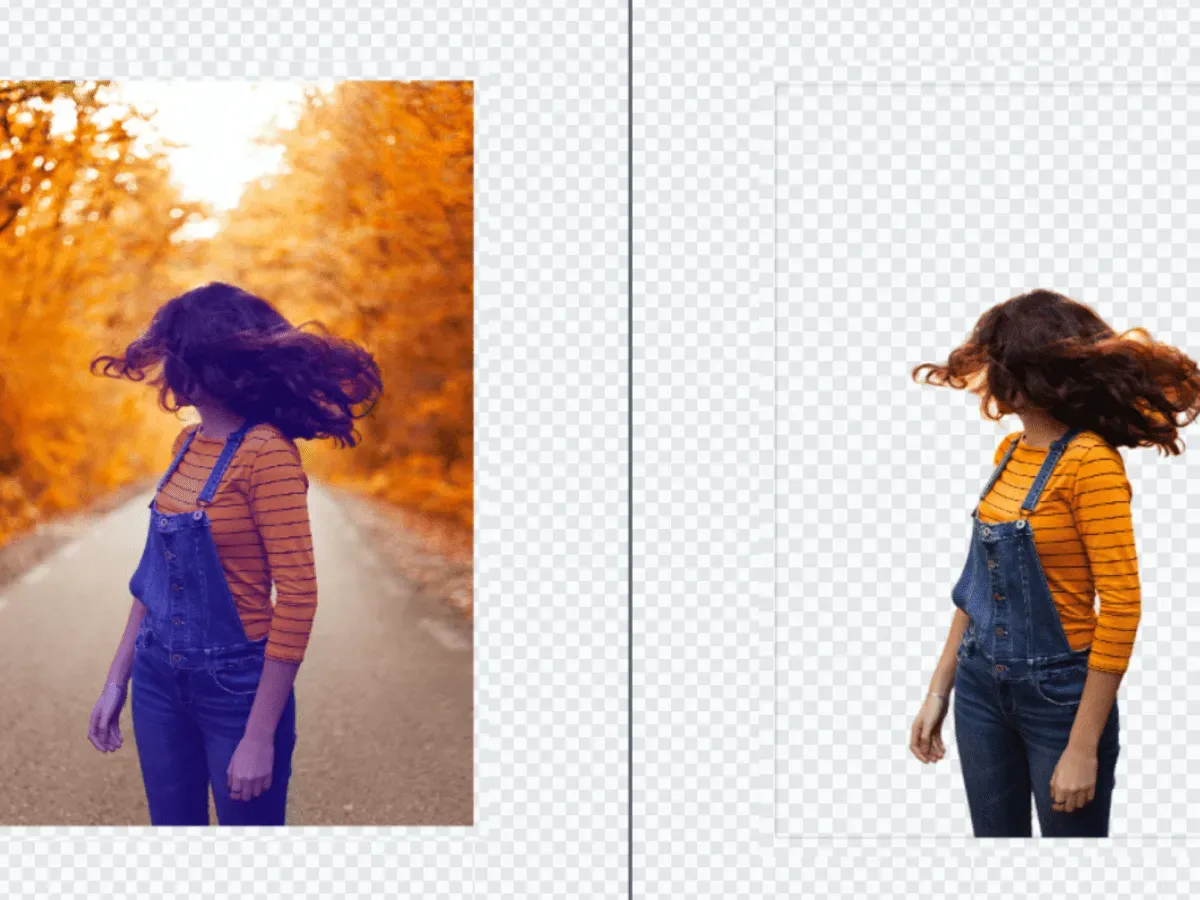
Adobe Photoshop Express brings Photoshop’s powerful editing capabilities to mobile devices. With features like one-tap corrections, noise reduction, and advanced color grading, this app is perfect for those familiar with the Adobe ecosystem. The 2025 updates include AI background removal and enhanced portrait editing tools.
Example: A wedding photographer uses Photoshop Express to quickly remove unwanted objects from photos and enhance skin tones in portraits, delivering high-quality edits to clients on the go.
Explore more about Adobe tools in our Screen Recorder Apps Guide.
4. Lightroom Mobile
Lightroom Mobile remains a favorite among photographers for its robust RAW editing, cloud sync, and AI-powered presets. It allows users to adjust exposure, color, and detail with precision. The 2025 version now includes AI-based masking, automatic tone mapping, and integration with Adobe Creative Cloud for seamless desktop-to-mobile workflow.
Example: A professional photographer edits RAW images from a recent photoshoot using Lightroom Mobile’s AI masking to enhance the subject while subtly blurring the background, creating a stunning depth-of-field effect.
For advanced editing tips, visit our VPN Apps Guide.
5. PicsArt
PicsArt combines photo editing, collage making, and AI-driven creative tools. It offers features like background replacement, smart filters, and AI artistic effects. For 2025, PicsArt’s AI-powered enhancements allow users to create stunning visuals quickly, making it ideal for social media creators and amateur photographers alike.
Example: A small business owner uses PicsArt to design promotional graphics by combining product images with creative text overlays and artistic filters, making their marketing materials stand out on social media.
Discover more creative apps in our Budget Tracking Apps Guide.
6. Advanced Editing Strategies
Combining multiple apps can amplify your photo editing workflow. For example, using Snapseed for fine-tuning and PicsArt for creative effects can produce stunning results. Learn more about advanced strategies in our Productivity Apps Guide.
7. Real-World Examples of App Usage
Real-world examples highlight the impact of photo editing apps. For instance, a content creator using Lightroom Mobile for RAW editing and VSCO for presets can achieve professional-quality results. Learn more in our Photo Editing Apps Guide.
8. Future Trends in Photo Editing Apps
The future of photo editing apps lies in AI and automation. Predictive analytics and AI-driven creative tools will shape the next generation of apps. For insights into future trends, visit our Hidden Gallery Apps Guide.
9. Conclusion
In 2025, photo editing apps are more than just tools—they’re creative partners. Whether you want professional-grade edits or quick social media enhancements, these Lightroom alternatives deliver powerful features and AI-driven assistance. Experiment with them to find your favorite and take your photography skills to the next level. For more app recommendations, explore our Best Android Apps Hub.
Tip: Don’t forget to explore our guide on Top AI Apps in 2025 for more tools that enhance creativity and productivity.