Apps You Should Delete Right Now on Android (2026) – Improve Speed & Battery
Many Android users unknowingly install apps that do more harm than good. Some apps silently run in the background, draining battery, consuming mobile data, slowing down performance, and even risking user privacy — a problem that has become more noticeable on Android phones in 2026 due to increased background automation and app permissions. Over time, these unnecessary apps can make your phone feel sluggish and cause issues similar to apps that drain battery in the background.
The problem is usually not your phone’s hardware, but the apps installed on it. In this complete guide, you will learn which Android apps you should delete right now, why these apps create serious performance and privacy problems, and how to safely remove or disable them without affecting your phone’s core system functions.
Table of Contents
- Overview
- Why These Apps Exist on Android
- Why These Apps Cause Problems
- How App Permissions Affect Battery, Data, and Privacy
- Do Background Apps Really Need to Run All the Time?
- How Unnecessary Apps Trigger System Battery & Data Drain
- Types of Apps You Should Delete
- Signs an App Is Hurting Your Phone
- How Often Should You Review and Clean Installed Apps?
- How to Safely Remove or Disable These Apps
- What Apps You Should Keep Instead
- Final Verdict
Overview

Many Android users install apps believing they will improve performance or add useful features. In reality, several apps do the opposite. They continue running silently in the background, using system resources even when you are not actively using them. This background activity slowly drains battery, consumes mobile data, and makes the phone feel less responsive over time.
Problems usually don’t appear immediately. Battery life starts dropping faster than usual, the phone heats up during simple tasks, and apps take longer to open. If you’ve noticed these signs, the issue is often related to apps running in the background without your knowledge. Identifying and removing such apps can quickly restore performance and improve overall phone stability.
Why These Apps Exist on Android

Most harmful or unnecessary apps exist mainly to generate revenue rather than genuinely help users. Instead of solving real problems, they focus on keeping users engaged in the background so they can earn money in less obvious ways.
These apps usually make money through:
- Excessive ads, pop-ups, or full-screen notifications
- Tracking user behavior, location, or usage patterns
- Promising fake performance boosts or instant fixes
- Collecting background data for analytics or marketing
In many cases, these apps duplicate features that Android already handles efficiently at the system level. Modern Android versions include built-in tools for privacy control, performance management, and background activity monitoring, which makes many third-party utility apps unnecessary. You can see how Android tracks and manages app behavior in the Android Privacy Dashboard.
Why These Apps Cause Problems
Problematic apps often request permissions that are not essential for their core purpose and continue running even when you are not actively using them. This constant background activity puts unnecessary load on your phone’s system resources.
As a result, users commonly face issues such as:
- Rapid battery drain due to continuous background processes
- Increased mobile data usage from silent syncing or ad loading
- Slower overall performance despite having high RAM
- Greater privacy risks from unnecessary tracking
Over time, these effects add up and make even powerful phones feel sluggish. This is why many users experience slow performance even with 8GB or 12GB RAM, especially when multiple such apps are installed.
How App Permissions Affect Battery, Data, and Privacy
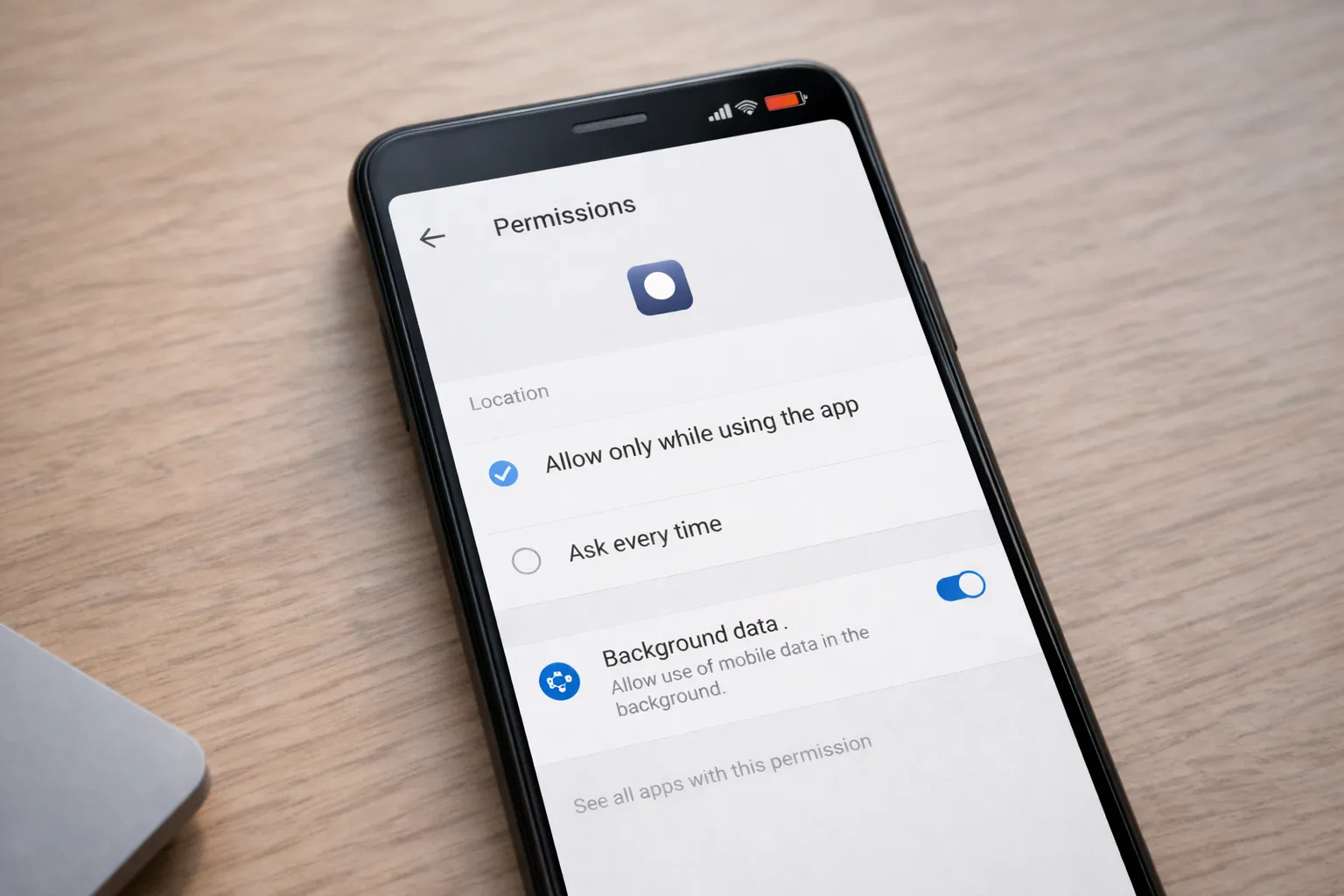
Many apps request permissions that are not essential for what they actually do. For example, a simple utility app may ask for location, storage access, or permission to run in the background, even though it does not need these features to function properly.
When apps have access to location, background data, storage, or usage activity, they can continue working silently even when you are not using them. This leads to increased battery drain, higher mobile data consumption, and unnecessary background syncing.
More importantly, excessive permissions also raise privacy concerns, as apps may collect more information than users expect. Regularly reviewing app permissions and removing access that is not required helps reduce background activity, improves battery life, and keeps your Android phone more secure.
Do Background Apps Really Need to Run All the Time?
Not all apps need to stay active in the background to work properly. Apps like messaging, navigation, and certain security services may require background access to deliver notifications or real-time updates. However, many utility, shopping, and entertainment apps do not need to run continuously once you close them.
When unnecessary apps keep running in the background, they place extra load on your phone’s processor, memory, and battery. Over time, this leads to faster battery drain and slower performance during everyday tasks. Restricting background activity for non-essential apps helps reduce system load, improves responsiveness, and can noticeably extend battery life without affecting normal app usage.
How Unnecessary Apps Trigger System Battery & Data Drain
Many users assume that battery and data drain issues come directly from Android system apps. In reality, unnecessary third-party apps often trigger system services to stay active in the background.
When poorly optimized apps constantly refresh content, access location, or sync data, Android system components such as network services, background sync, and Google Play Services are repeatedly awakened. Over time, this makes it appear as if the system itself is draining battery.
This is why users frequently see Android System or Google Play Services at the top of battery usage charts. In such cases, applying proper fixes explained in how to stop Android system apps battery drain without root can significantly improve standby battery life.
At the same time, these unnecessary apps often consume mobile data silently. Identifying apps using too much mobile data in the background helps reduce both data loss and system-level battery drain.
Removing or disabling such apps allows Android to return to normal background behavior, improving performance, battery life, and overall stability.
Types of Apps You Should Delete
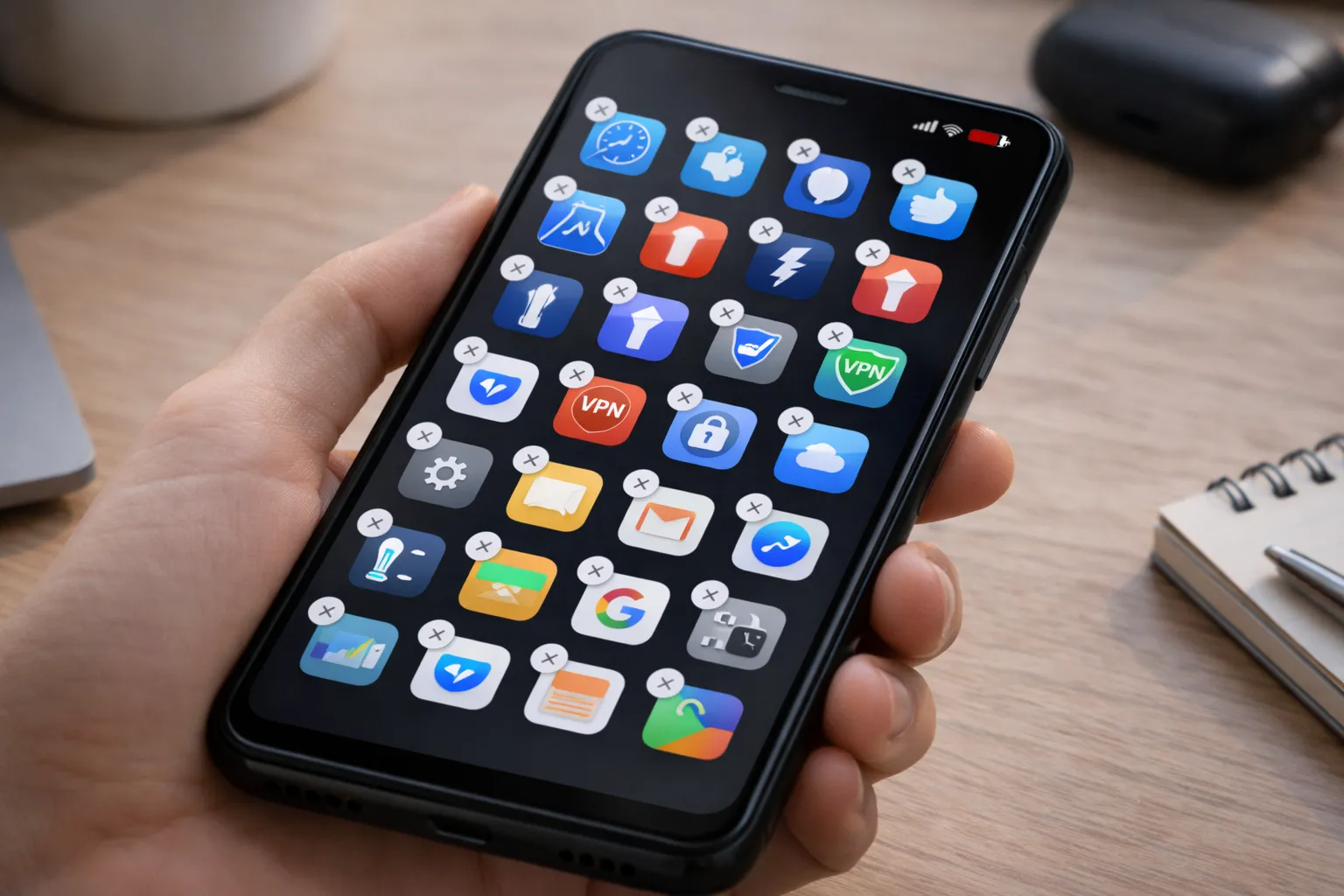
1. RAM Booster and Cleaner Apps
Android automatically manages memory. RAM booster apps repeatedly close background processes, forcing apps to reload and causing more battery usage. In many cases, they worsen the Android performance issues they claim to fix.
2. Flashlight, Compass, and Scanner Apps
These features are already built into modern Android phones. Third-party versions mainly exist to show ads and access unnecessary permissions.
3. Free VPN Apps with No Transparency
Some free VPN apps log user activity and consume background data. Before installing one, understand the risks explained in our guide on free VPN apps for Android.
4. Fake Antivirus and Security Apps
Android includes built-in protection through Google Play Protect. Many third-party antivirus apps rely on fear-based alerts and aggressive upselling.
5. Manufacturer Bloatware
Pre-installed apps often duplicate Google services and continue running in the background. These apps are a common reason behind unexpected battery health issues.
How Often Should You Review and Clean Installed Apps?
Most users install apps for a specific purpose and then forget about them once that need is gone. Over time, these unused apps stay on the phone, occupying storage space, running background services, and occasionally syncing data or showing notifications without adding any real value.
Even apps you rarely open can continue consuming resources through background updates, permission access, or cached data. When multiple unused apps accumulate, their combined impact can noticeably slow down the phone and reduce battery life.
For example, an app installed temporarily for booking travel, scanning documents, or editing photos may still have access to storage or background data weeks later. Although you no longer use it, the app can continue updating itself or running background tasks.
A good habit is to review your installed apps at least once every one to two months. Uninstall apps you no longer use, and disable those that cannot be removed. This simple routine frees up storage, reduces background activity, lowers potential security risks, and helps maintain smooth performance over time.
Signs an App Is Hurting Your Phone
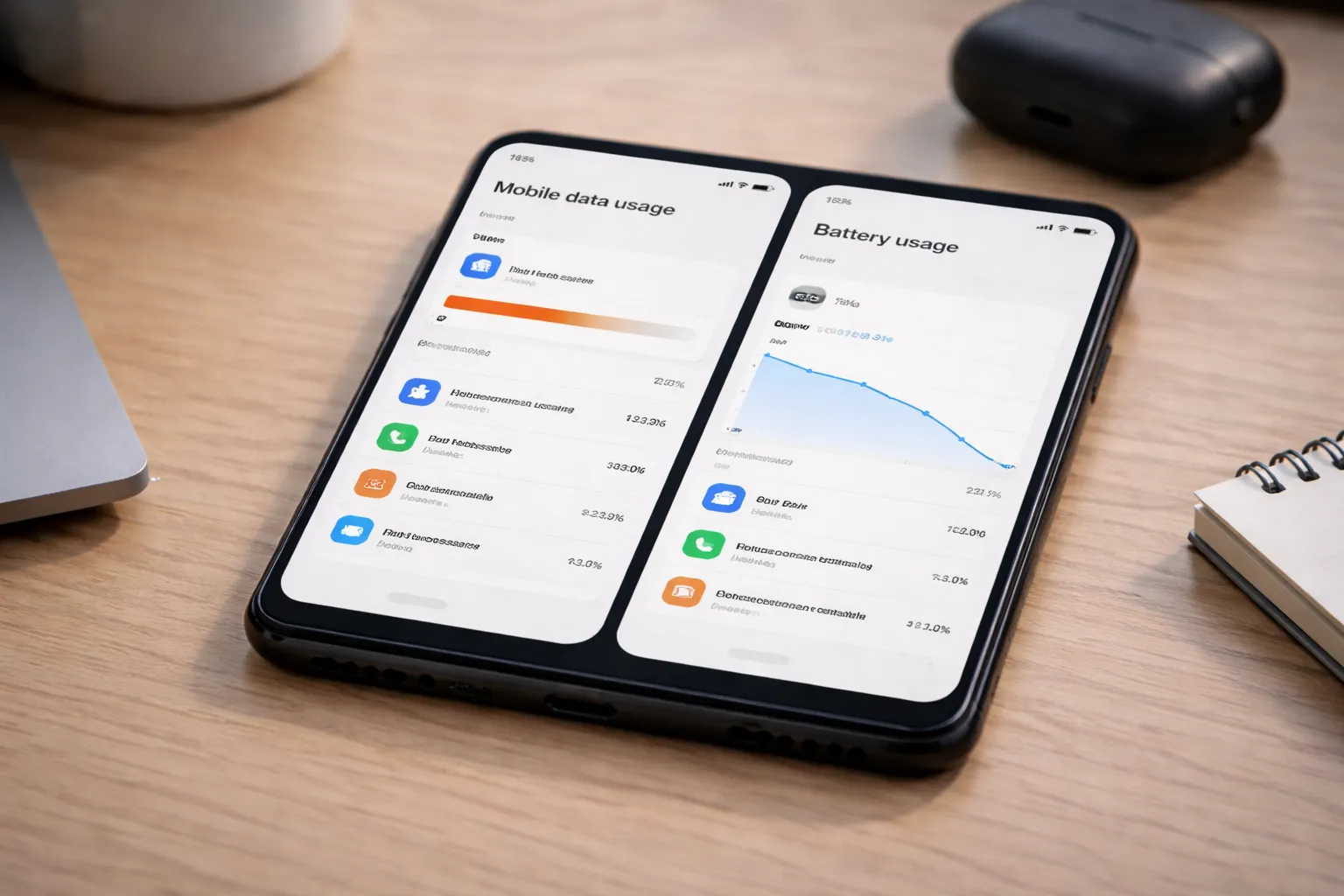
When an app negatively affects your phone, the signs are usually subtle at first. Many users blame the device or the battery, but the real cause is often one or more apps misbehaving in the background. Paying attention to these warning signs can help you identify problematic apps early.
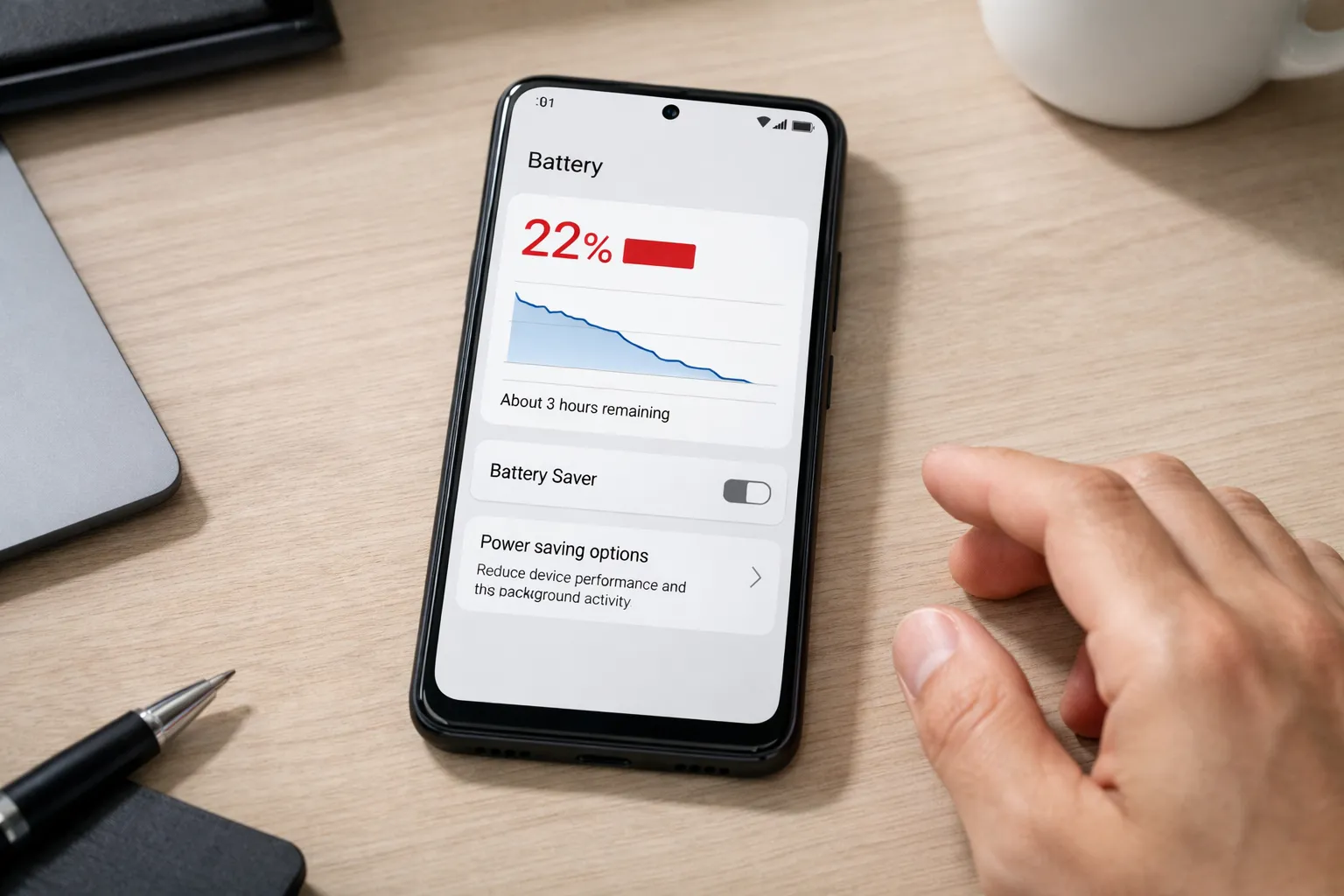
- Battery percentage drops quickly: Even with light usage, the battery drains faster than expected because apps continue running background processes.
- Phone heats up during normal use: Background syncing, tracking, or ad loading can make the phone warm even when you are not doing heavy tasks.
- Mobile data usage increases unexpectedly: Some apps silently use mobile data for updates, ads, or analytics without clear user activity.
- Ads appear outside apps: Pop-up ads or notifications on the home screen are a strong sign of poorly designed or intrusive apps.
If your data usage feels unusually high, check apps consuming background data using this guide on apps using too much mobile data.
How to Safely Remove or Disable These Apps
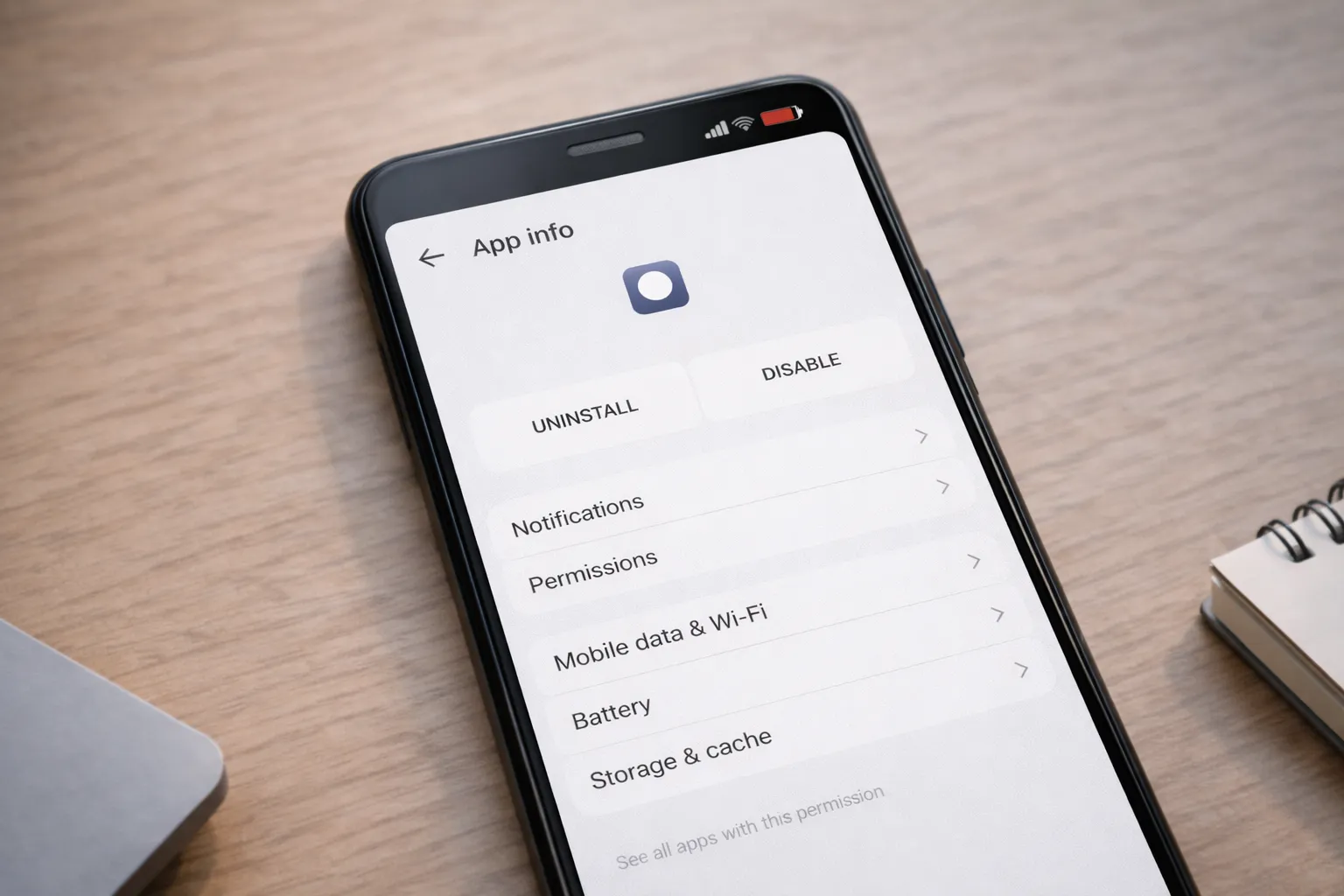
Removing problematic apps does not require advanced technical knowledge or risky methods. Android provides built-in options to uninstall or disable apps safely without affecting core system functions, as long as you proceed carefully.
- Open Settings → Apps on your Android phone
- Select the app you no longer trust or no longer use
- Tap Uninstall if the option is available
- If uninstall is not available, tap Disable to stop the app from running
- Open the app’s Permissions section and remove access to location, storage, or background data
Disabling an app prevents it from running, sending notifications, or consuming resources, while keeping the system stable. This is especially useful for pre-installed apps that cannot be fully removed.
You should also review permission misuse using our complete guide on dangerous app permissions on Android.
What Apps You Should Keep Instead
Not all apps are harmful. Many apps are genuinely useful and designed to work efficiently without draining battery or compromising privacy. The key is choosing apps that are transparent about their functionality and permissions.
- Trusted apps from reputable developers: Well-known developers are more likely to follow Android’s security and privacy guidelines and provide regular updates.
- Lightweight utilities with clear permission usage: Apps that focus on a single task and request only necessary permissions tend to perform better and consume fewer resources.
- Essential system apps required by Android: Core system apps handle important functions and should not be removed or disabled, as doing so may affect system stability.
If you’re looking for safe and reliable alternatives, explore our curated list of best Android utility apps, which includes tools that balance functionality, performance, and privacy.
Final Verdict
Android phones are designed to manage performance efficiently, but unnecessary apps can quietly undo that optimization. Installing more apps does not automatically make a phone better, especially when those apps run in the background or misuse permissions.
- More apps do not mean better performance
- Cleaner and booster apps are usually unnecessary and often counterproductive
- Removing just a few harmful apps can noticeably improve battery life and responsiveness
- Regular app audits help keep your phone fast, secure, and stable over time
If your phone still feels slow or drains battery faster than expected, app cleanup should be combined with system-level optimizations. Reviewing apps that consume excessive background data and applying fixes for Android system battery drain together provides the best results for Android performance in 2026.