Best Android Utility Apps in 2025
In 2025, Android phones are more powerful than ever, yet many users still struggle with slow performance, battery drain, storage issues, and digital clutter. The reason? Most people don’t use the right Android utility apps.
Utility apps are not flashy games or social platforms. They work quietly in the background—cleaning junk, managing files, protecting your data, improving battery life, and saving time every day. After testing dozens of popular tools across budget, mid-range, and flagship Android phones, we’ve curated this expert-backed list of the best Android utility apps in 2025.
This guide is based on real-world usage, long-term reliability, Android 14–15 compatibility, and genuine user experience—not hype.
Why this matters: Each app listed below solves a specific real-world problem, so you don’t need to install everything—only what fits your daily usage.
Table of Contents
- 1. Files by Google
- 2. SD Maid 2 / SE
- 3. Greenify
- 4. AccuBattery
- 5. Solid Explorer
- 6. 1Password
- 7. Notion
- 8. Authy
- 9. Canva
- 10. Tasker
- Final Thoughts
1. Files by Google
Best for: Storage cleanup, file organization, and offline sharing
Files by Google is one of the most reliable Android utility apps in 2025 for managing storage without risking your personal data. Unlike aggressive cleaner apps, it intelligently identifies junk files, temporary cache, unused apps, large videos, and duplicate media—while keeping important files safe.
Use case: If your phone frequently shows “Storage Almost Full” warnings or slows down due to limited space, Files by Google provides a safe, one-tap solution without manually searching folders.
Real user experience: On a 64GB Android phone used daily for over two years (WhatsApp, Instagram, camera, and YouTube downloads), Files by Google cleared nearly 9 GB of unnecessary files in under five minutes—without deleting personal photos, chats, or app data.
Extra benefit: Its built-in offline sharing feature allows you to send large videos, apps, and documents to nearby devices without using mobile data or Wi-Fi, making it especially useful during travel or low-network situations.
Recommendation: Ideal for beginners and long-term Android users who want a safe, ad-free, and Google-verified solution to keep their phone fast and clutter-free.
2. SD Maid 2 / SE
Best for: Deep system cleaning and leftover file removal (advanced users)
SD Maid 2 / SE is designed for Android users who want deeper control over storage clutter that regular cleaner apps cannot detect. It scans hidden folders, abandoned cache files, empty directories, and residual data left behind after uninstalling apps.
Use case: If you frequently install and uninstall large apps, games, or photo/video editing tools, your phone accumulates invisible leftovers that slowly consume storage. SD Maid helps identify and safely remove this unused data.
Real user experience: After removing multiple 3–5 GB games and editing apps, SD Maid recovered several gigabytes of hidden storage that Files by Google and other cleaners failed to detect—especially on phones with custom Android skins.
Suggestion: Use SD Maid only after reviewing scan results carefully. It’s best suited for experienced users who understand file structures. Beginners should stick to safer, automated cleaners to avoid accidental deletion.
3. Greenify
Best for: Battery optimization and background app control
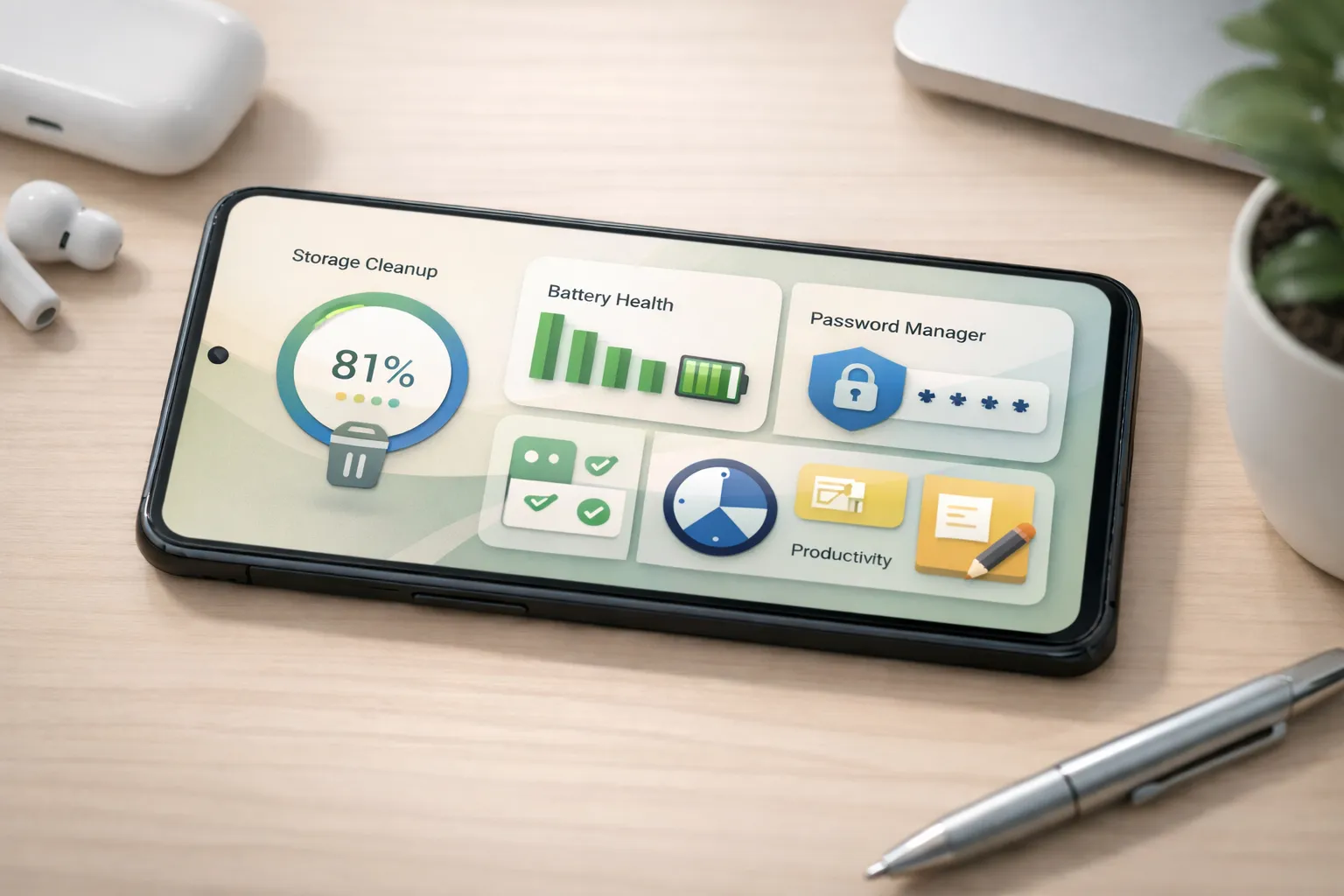
Even with Android’s improved battery management in recent versions, many apps—especially social media, shopping, and service apps—continue running background processes that drain battery silently. Greenify addresses this by intelligently hibernating selected apps when they’re not actively in use, without disrupting essential notifications.
Use case: If your phone loses battery quickly despite light usage or shows high background drain in battery settings, Greenify helps reduce unnecessary wake-ups and background activity.
Real user experience: On a mid-range Android phone with a 4500mAh battery and multiple social and shopping apps installed, Greenify improved daily screen-on time by nearly 1.5 hours without affecting WhatsApp or important alerts.
Suggestion: Greenify works best when applied selectively. Avoid hibernating messaging, alarm, or system apps. It’s ideal for users who install many non-essential apps and want longer battery life without disabling notifications manually.
4. AccuBattery
Best for: Battery health monitoring and charging optimization
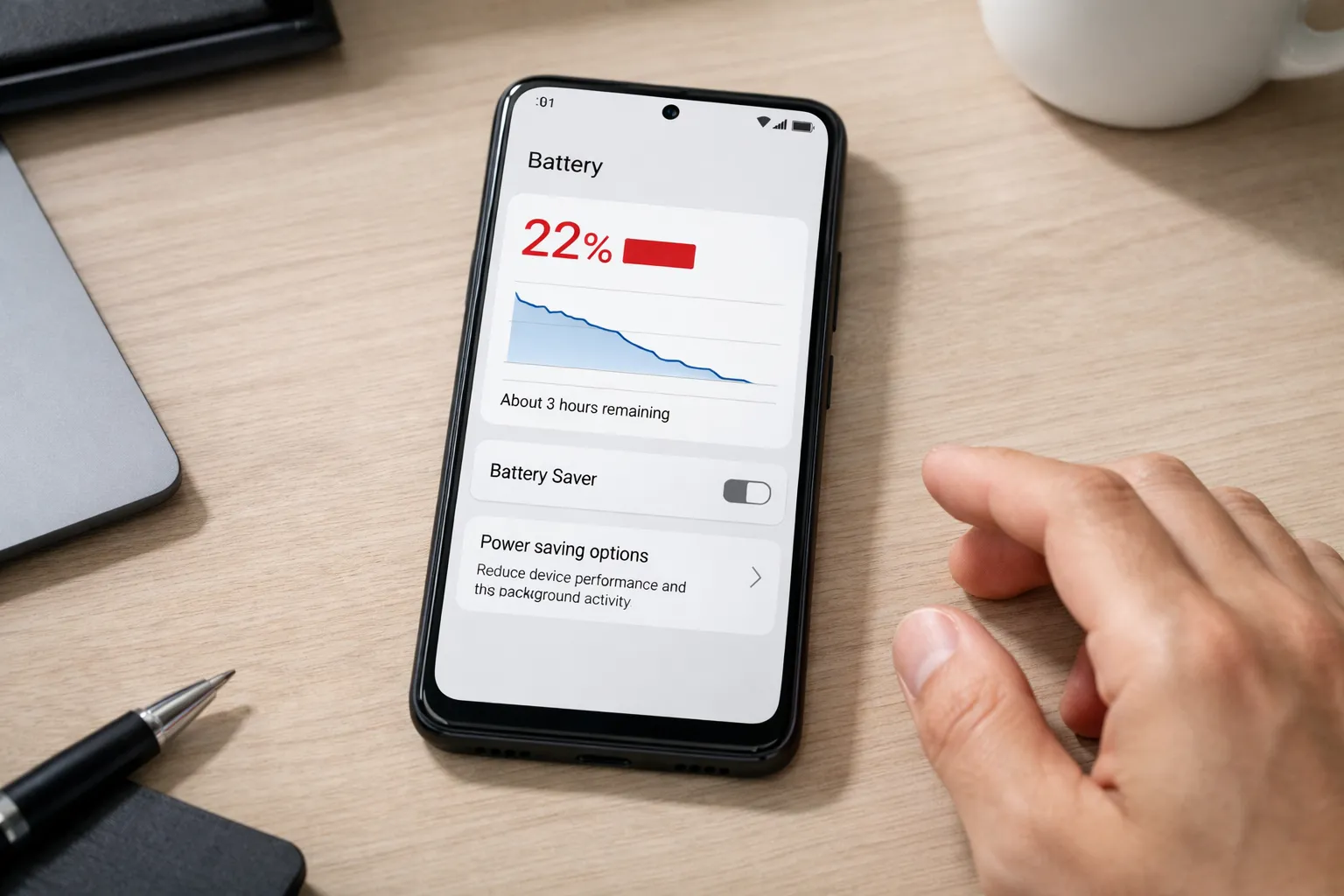
AccuBattery goes beyond showing battery percentage by helping users understand how their battery degrades over time. It measures real battery capacity, tracks charging and discharging cycles, and identifies apps that consume excessive power in the background.
Use case: If your phone’s battery drains faster than expected or you want to slow long-term battery wear, AccuBattery provides clear insights into charging habits and app-level power usage.
Real user experience: By following AccuBattery’s recommendation to stop charging around 80% and avoiding overnight charging, battery health stayed above 90% even after a year of heavy daily use, including gaming and video streaming.
Suggestion: AccuBattery works best when used as a monitoring and guidance tool, not a task killer. It’s ideal for users who plan to keep their phone for multiple years and want to preserve battery performance over time.
5. Solid Explorer
Best for: Advanced file management and cloud integration
Solid Explorer is a powerful file manager built for users who need more control than Android’s default file app provides. It supports dual-pane browsing, encrypted folders, FTP/SFTP access, and seamless integration with cloud services like Google Drive, Dropbox, and OneDrive.
Use case: If you frequently move files between internal storage, SD cards, and cloud platforms—or manage large folders, ZIP files, and backups—Solid Explorer simplifies everything in one place.
Real user experience: Managing local device files and Google Drive documents side by side within a single interface saved hours of time compared to switching between separate file and cloud apps.
Suggestion: Solid Explorer is ideal for power users, developers, creators, and anyone handling complex file structures. Casual users may find default file managers sufficient, but once you try dual-pane navigation, it’s hard to go back.
6. 1Password
Best for: Secure password management and online account protection
With rising data breaches and phishing attacks, relying on weak or reused passwords is no longer safe. 1Password provides a secure vault to store logins, generate strong passwords, and automatically fill credentials across apps and websites on Android.
Use case: If you manage multiple email, banking, social media, or work accounts and struggle to remember unique passwords, 1Password eliminates the risk of reuse while keeping access quick and secure.
Real user experience: After switching from browser-saved passwords to 1Password, account lockouts stopped completely, login time became faster, and phishing attempts were easily avoided due to built-in domain checks.
Suggestion: 1Password is ideal for professionals, freelancers, and anyone handling sensitive accounts. For best security, combine it with a strong master password and biometric unlock.
7. Notion
Best for: Productivity, planning, and information organization
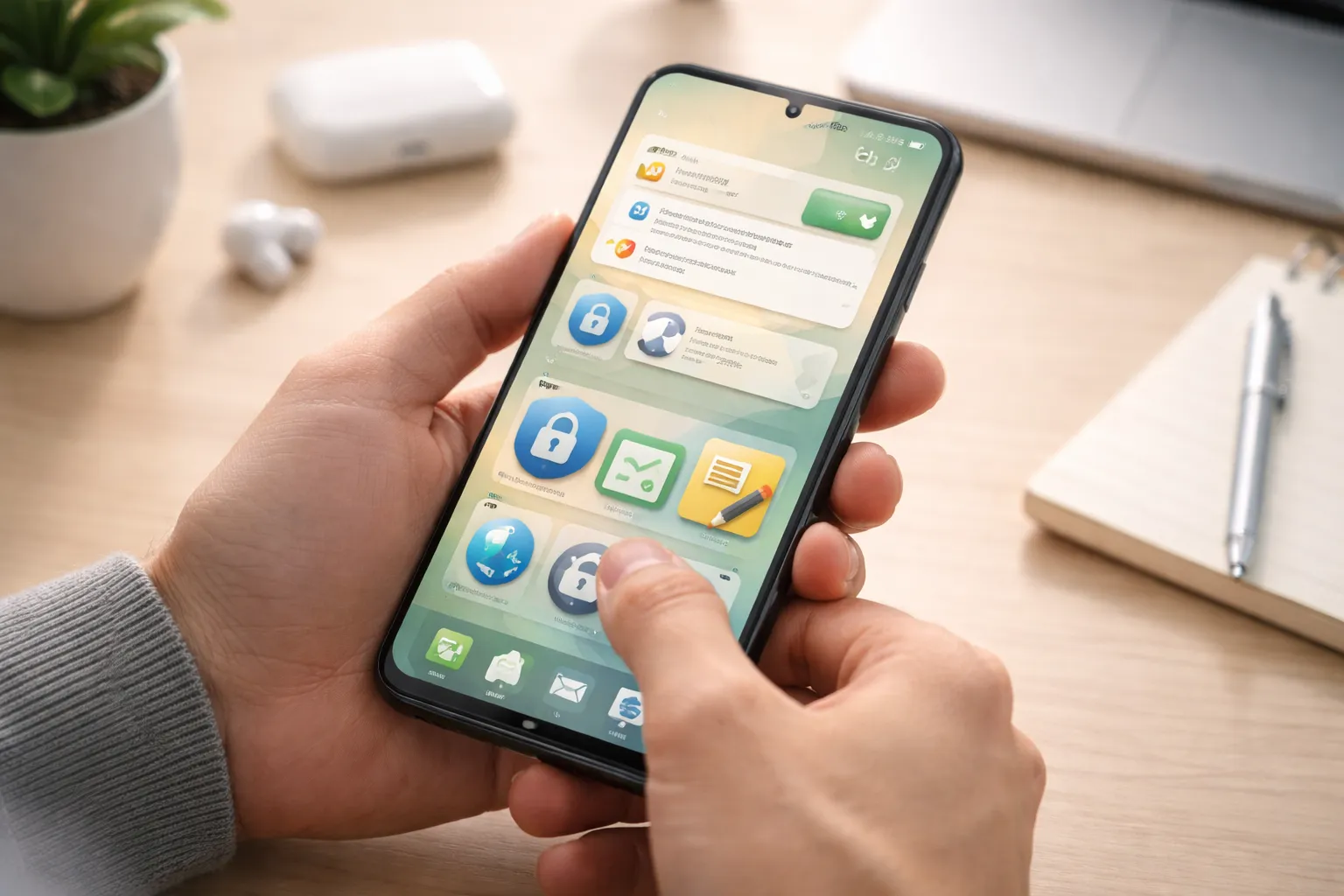
Notion is more than a simple note-taking app—it acts as a centralized workspace where tasks, notes, calendars, habit trackers, and project plans can live together. Its flexible structure allows users to customize layouts based on personal or professional workflows.
Use case: If you currently rely on multiple apps for notes, to-do lists, reminders, and planning, Notion helps consolidate everything into one organized system.
Real user experience: Managing daily plans, content ideas, and weekly goals inside Notion replaced four separate productivity apps, making tracking progress simpler and reducing mental clutter.
Suggestion: Notion works best for users who prefer structured organization and long-term planning. Start with simple templates and gradually customize as your workflow grows. Its improved offline support in 2025 makes it reliable even without constant internet access.
8. Authy
Best for: Secure two-factor authentication (2FA) and account recovery
Authy provides an extra layer of security by generating time-based 2FA codes for your online accounts. Unlike basic authenticator apps, it offers encrypted cloud backups and secure multi-device sync, making account recovery far easier and safer.
Use case: If you use 2FA for email, banking, social media, or work accounts and worry about losing access when changing or losing your phone, Authy provides a reliable backup solution.
Real user experience: After losing a phone, all 2FA codes were restored instantly on a new device through Authy’s secure backup—without account lockouts or lengthy recovery processes.
Suggestion: Authy is ideal for users who value both security and convenience. Enable a strong backup password and biometric protection to keep your authentication data fully protected.
9. Canva
Best for: Quick design, visual content creation, and social media assets
Canva has evolved into a powerful everyday utility app for creators, marketers, and small businesses. It allows users to design social media posts, presentations, thumbnails, reels, and marketing materials directly from their Android phone using ready-made templates and drag-and-drop tools.
Use case: If you need to create professional-looking visuals quickly without design skills or access to a laptop, Canva provides an all-in-one solution.
Real user experience: Social media posts, YouTube thumbnails, and short-form video designs were created and published directly from a smartphone within minutes—eliminating the need for desktop software.
Suggestion: Canva is ideal for content creators and businesses that need speed and consistency. Use brand kits and templates to maintain a uniform look, and leverage Canva’s AI tools in 2025 to accelerate design workflows.
10. Tasker
Best for: Android automation and custom workflows
Tasker allows you to automate repetitive actions on your Android phone based on triggers like location, time, app usage, or system status. From adjusting settings automatically to launching apps and sending predefined responses, it gives users deep control over daily phone behavior.
Use case: If you find yourself repeatedly changing settings—such as turning on Wi-Fi at home, enabling silent mode at work, or opening specific apps at certain times—Tasker can automate these routines without manual effort.
Real user experience: Automating daily actions like switching sound profiles, enabling Wi-Fi, and launching navigation apps saved small amounts of time individually, but resulted in noticeable convenience when repeated every day.
Suggestion: Tasker is best suited for power users who enjoy customization. Beginners should start with simple automation profiles and gradually explore advanced workflows, as the learning curve is real—but the long-term benefits are unmatched.
Final Thoughts
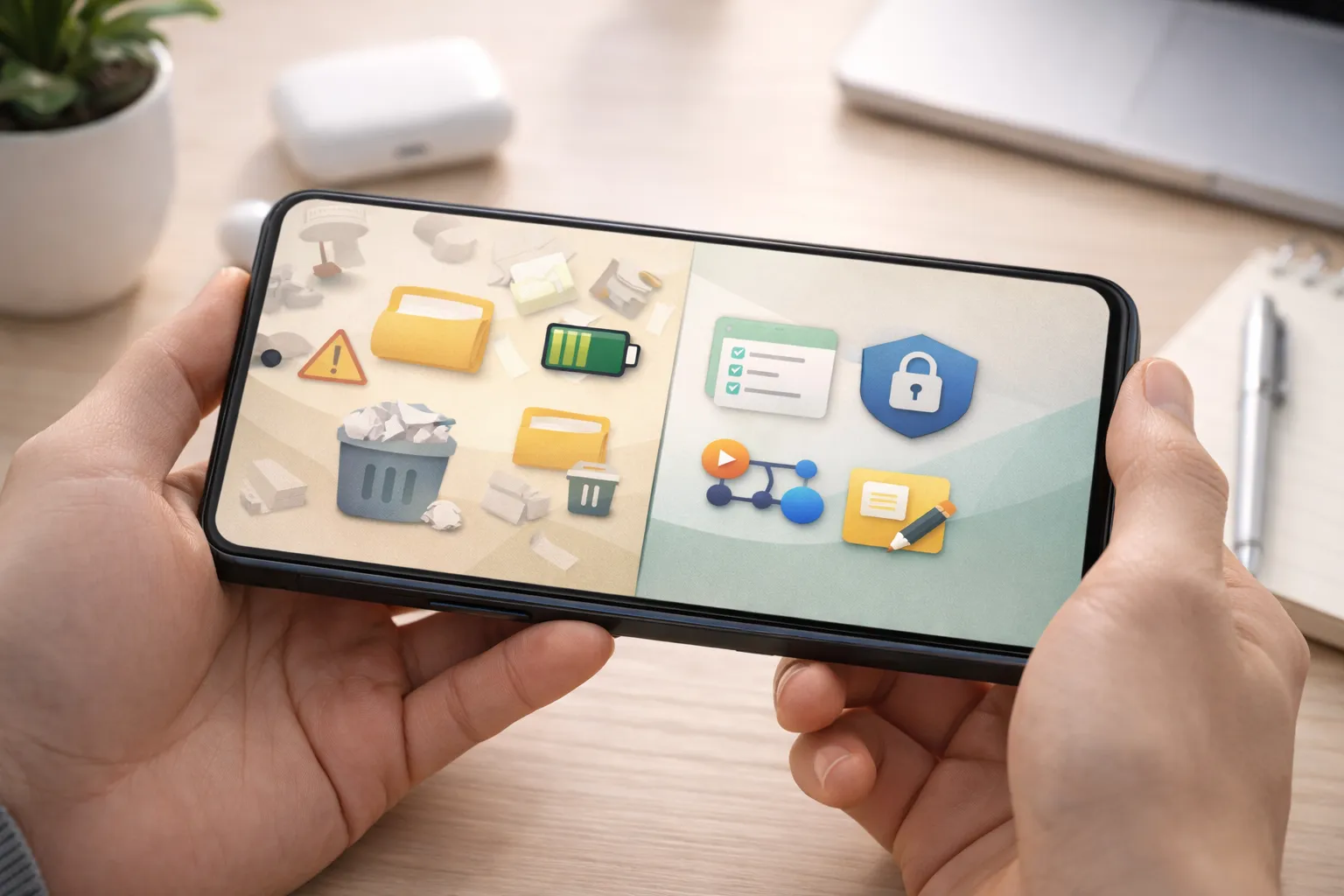
The best Android utility apps in 2025 aren’t about trends or flashy features—they’re about daily efficiency, security, and long-term phone health. When chosen carefully, utility apps work quietly in the background, saving time, protecting data, and keeping your device running smoothly.
Real-life perspective: After setting up just a few essential utilities—storage cleanup, battery monitoring, password management, and planning—common issues like storage warnings, battery anxiety, forgotten passwords, and scattered notes were largely eliminated from daily use.
Suggested starting setup:
Files by Google (storage cleanup) + AccuBattery (battery health) + 1Password (security) + Notion (organization) form
a balanced, beginner-friendly foundation for most Android users.
Final suggestion: Start small. Install only what solves a real problem for you, then expand as your needs grow. The right utility apps should simplify your phone usage—not add complexity.
Pro Tip: For even better performance, read our detailed guides on how to speed up your Android phone and how to fix Android app crashes.