Best Android Apps for Daily Productivity in 2025 (Tested & Practical)
Table of Contents
- 1. Google Keep – Quick Notes & Reminders
- 2. Notion – All-in-One Productivity
- 3. Microsoft To Do – Task Manager
- 4. Forest – Focus & Time Blocking
- 5. Google Calendar – Scheduling
- 6. Trello – Team Projects
- 7. Evernote – Detailed Notes
- 8. Pocket – Save Articles
- 9. TickTick – Time Tracking
- 10. Google Drive – Cloud Storage
- 11. Advanced Productivity Strategies
- 12. Real-World Examples
- 13. Future Trends
- 14. Conclusion
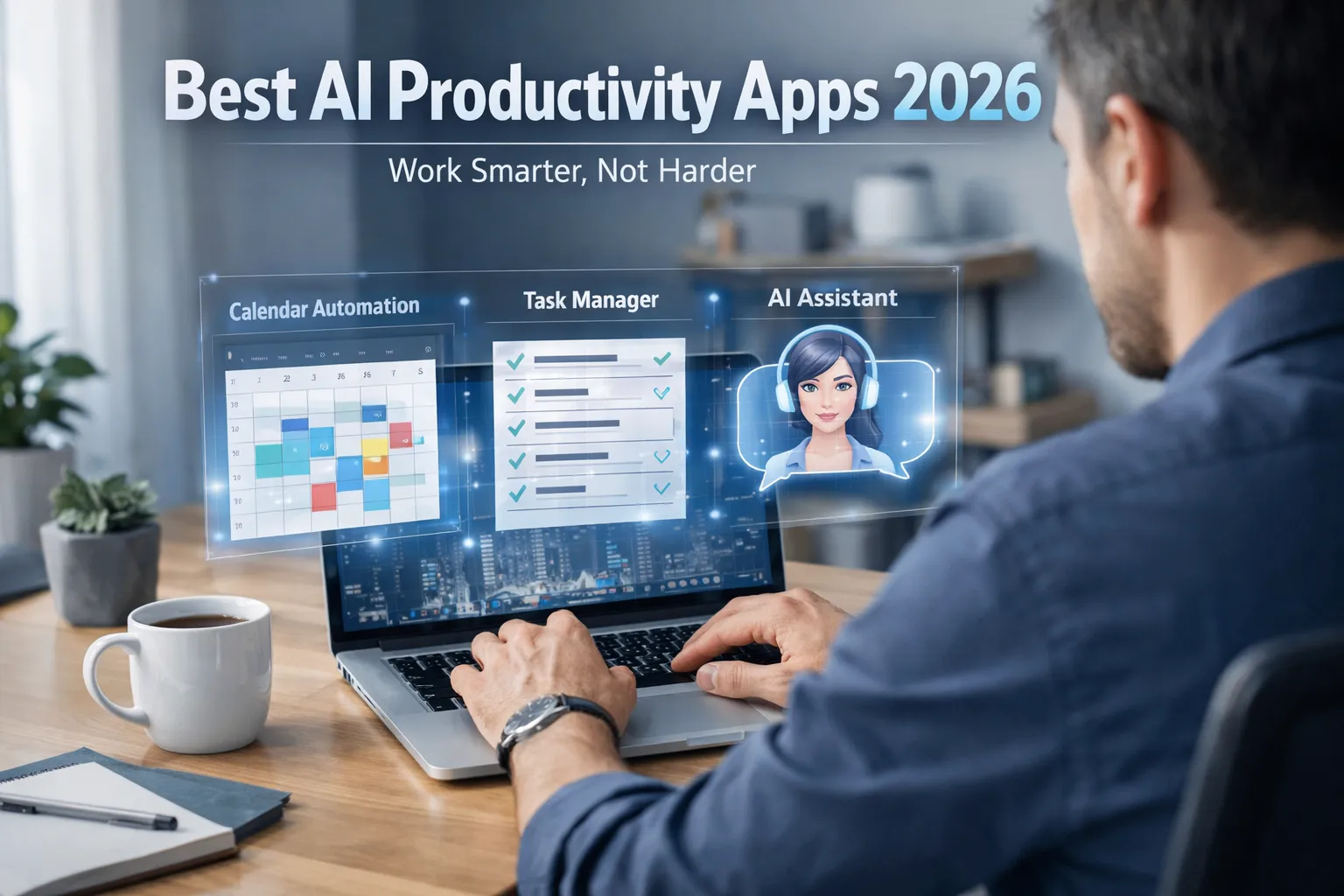
Productivity in 2025 is about working smarter, not harder. Android offers powerful apps that help you manage tasks, stay focused, and organize your digital life. Whether you’re a student, professional, or business owner, these apps can simplify your daily workflow.
If you want a complete collection of useful tools, explore our best Android utility apps that complement productivity apps perfectly.
For the best experience, make sure your device stays smooth and responsive by following this guide: How to Speed Up Your Android Phone.
1. Google Keep – Best for Quick Notes & Reminders
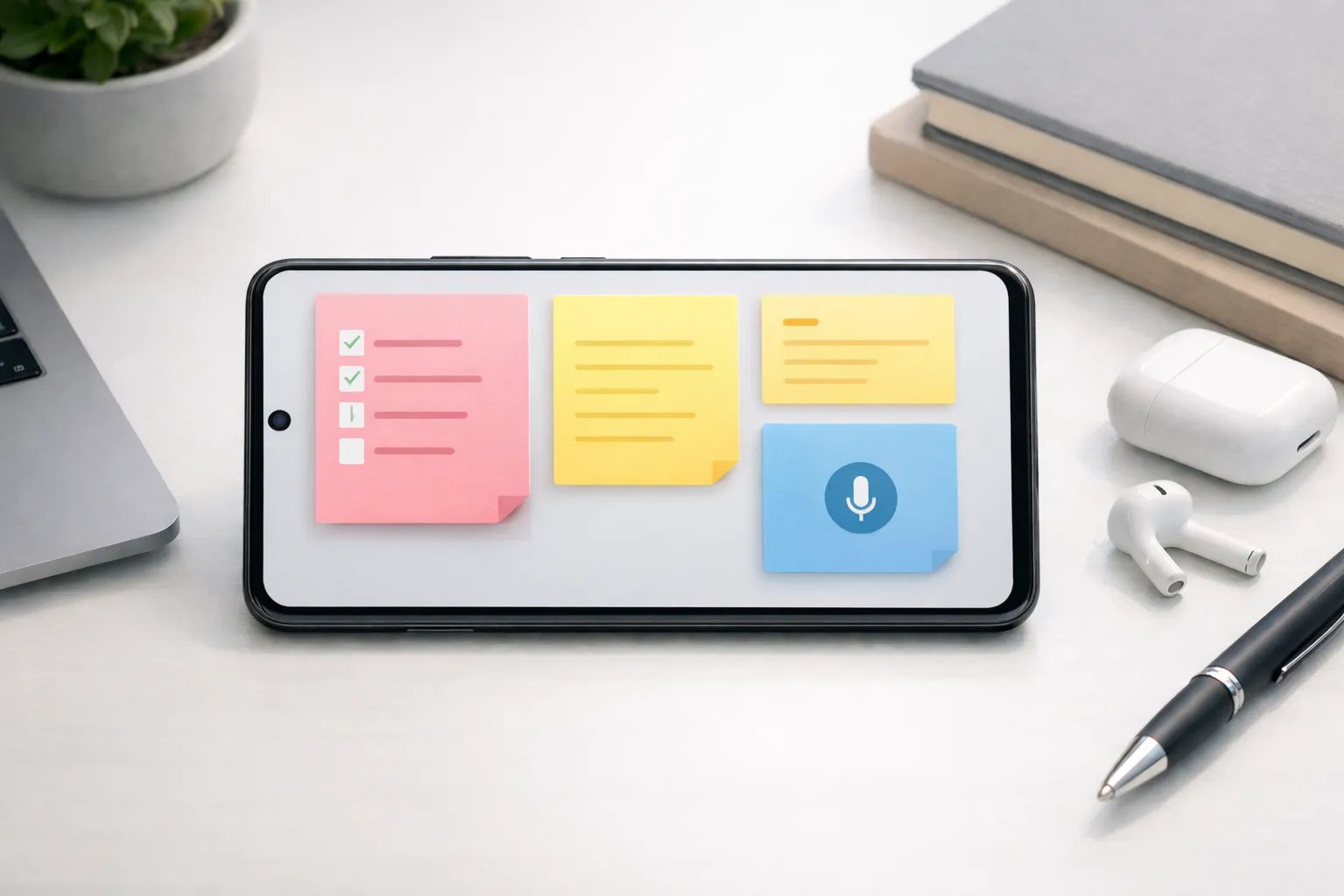
Google Keep is a fast, lightweight, and user-friendly note-taking app designed for capturing ideas the moment they come to mind. It opens instantly, making it ideal for people who need to jot down thoughts, tasks, or reminders without distraction.
The app supports multiple note formats, allowing users to switch seamlessly between text notes, voice recordings, images, and checklists. Voice notes are automatically transcribed, which is especially useful when you’re on the move or multitasking.
Google Keep also integrates deeply with the Google ecosystem, syncing your notes across Android phones, tablets, and the web. You can access your notes anytime from Gmail or Google Calendar, ensuring nothing important gets missed.
- Create text, voice, image, and checklist notes instantly
- Automatic cloud sync across all devices
- Set time-based and location-based reminders
- Color-code and label notes for better organization
- Share notes easily with family or coworkers
Best for: Daily reminders, quick ideas, grocery lists, short meeting notes, and on-the-go planning.
2. Notion – Best All-in-One Productivity App
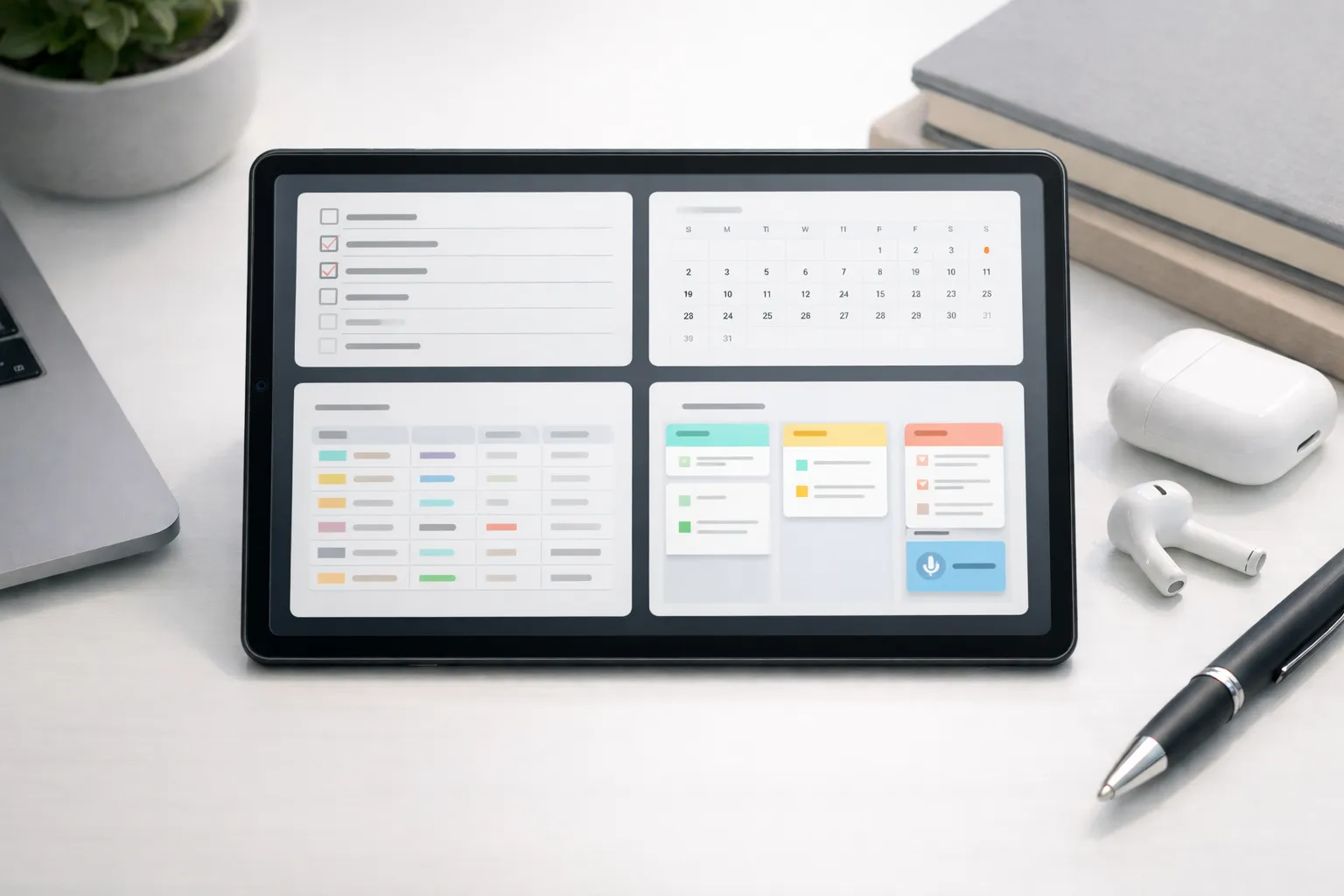
Notion is a powerful all-in-one productivity app that replaces multiple tools by combining notes, tasks, calendars, databases, and documentation into a single customizable workspace. It is widely used by students, professionals, creators, and teams in 2025.
One of Notion’s biggest strengths is flexibility. Users can build custom dashboards for study planning, project management, habit tracking, and business workflows.
Notion also includes AI-powered features that assist with writing, summarizing notes, and planning projects. To improve performance while using heavy apps like Notion, you can clear app cache on Android.
- Create custom dashboards using templates
- Manage tasks and deadlines in one place
- Use databases for goals and habits
- AI-powered writing and planning tools
- Real-time collaboration and syncing
3. Microsoft To Do – Best Simple Task Manager
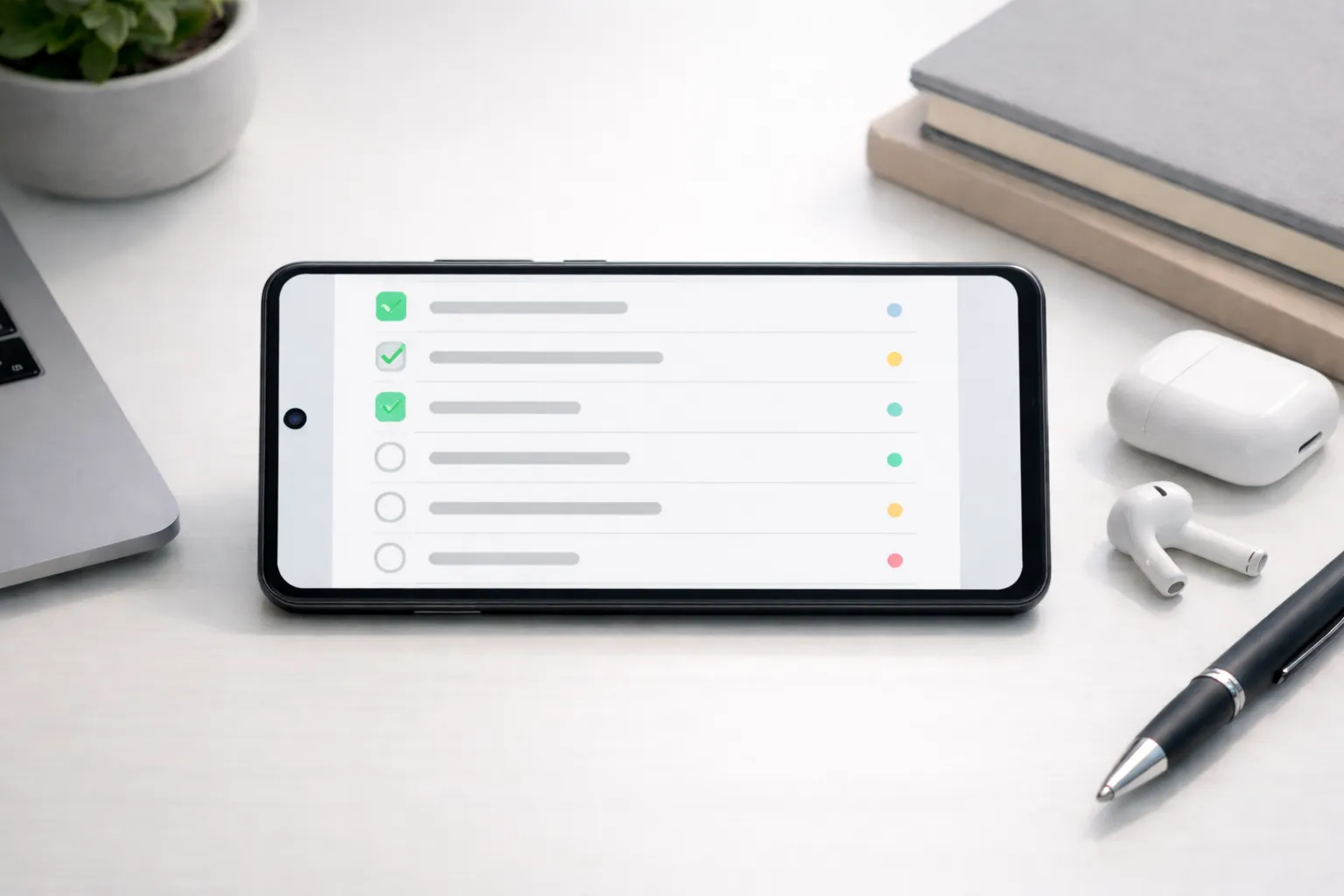
Microsoft To Do is designed for users who want a clean, distraction-free way to manage daily tasks without complex features. It focuses on clarity and consistency, making it well suited for both personal and work-related planning.
Practical use case: A working professional can start each day by adding 4–5 priority tasks to the “My Day” list, such as replying to emails, completing reports, or attending meetings. This keeps attention on what needs to be done today instead of long, overwhelming task lists.
To stay consistent, recurring tasks like weekly reviews, bill payments, or exercise reminders can be set once and managed automatically, reducing the need to replan routine activities.
- “My Day” daily planner for focused task management
- Recurring tasks and reminders for routines
- Cloud sync across devices with a Microsoft account
Best for: Users who want a simple, reliable task manager for daily planning and routine tasks without advanced project management complexity.
4. Forest – Best for Focus & Time Blocking
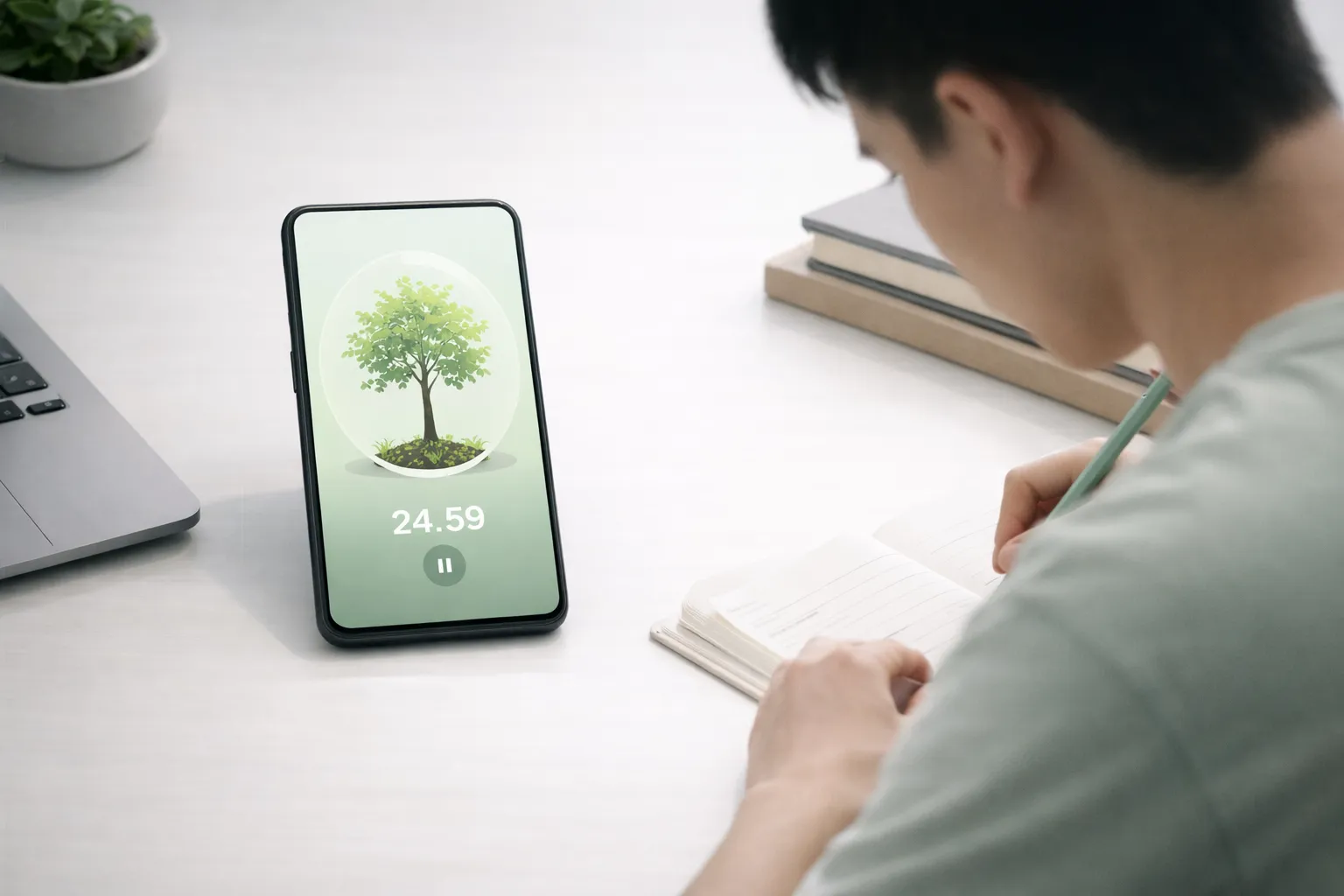
Forest helps reduce phone distractions by turning focused work into a simple habit. When you start a focus session, a virtual tree grows as long as you avoid using your phone. Leaving the app interrupts the session, encouraging you to stay focused.
Practical use case: A student or professional can use Forest for 25-minute Pomodoro sessions while studying, writing, or coding. Over time, these short focus blocks improve concentration and make it easier to avoid social media during work hours.
For long focus sessions, if your phone starts heating up, you can follow this guide to fix phone overheating issues and maintain smooth performance.
- Pomodoro-style focus sessions
- Gamified productivity tracking
- Encourages phone-free deep work
Best for: Anyone who wants a simple, motivating way to build focus habits and practice effective time blocking without complex tools.
5. Google Calendar – Best for Scheduling
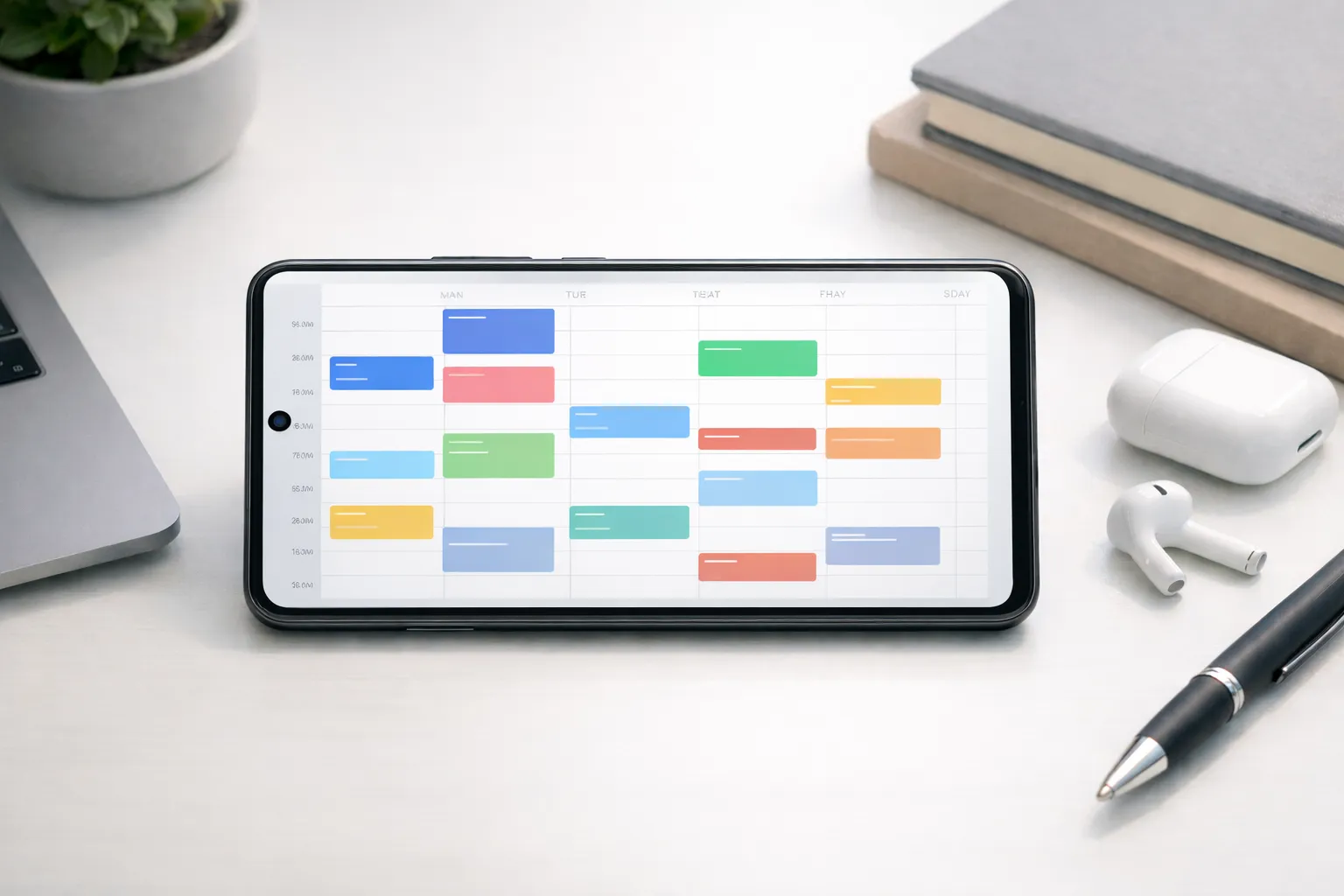
Google Calendar is a reliable scheduling tool for managing meetings, deadlines, and daily routines in one place. It provides a clear visual overview of your day, helping you plan time more realistically and avoid overbooking.
Practical use case: A working professional can block time for meetings, focused work, and personal tasks such as workouts or study sessions. By visually separating work and personal time, Google Calendar makes it easier to maintain balance and stay organized.
Google Calendar works especially well when combined with task apps like Notion or TickTick—tasks can be planned in advance and scheduled into specific time slots, turning to-do lists into actionable routines.
- Smart reminders and event suggestions
- Sync across all devices with a Google account
- Daily, weekly, and monthly calendar views
Best for: Users who want a simple, visual way to schedule tasks, meetings, and routines while keeping work and personal life organized.
6. Trello – Best for Team Projects
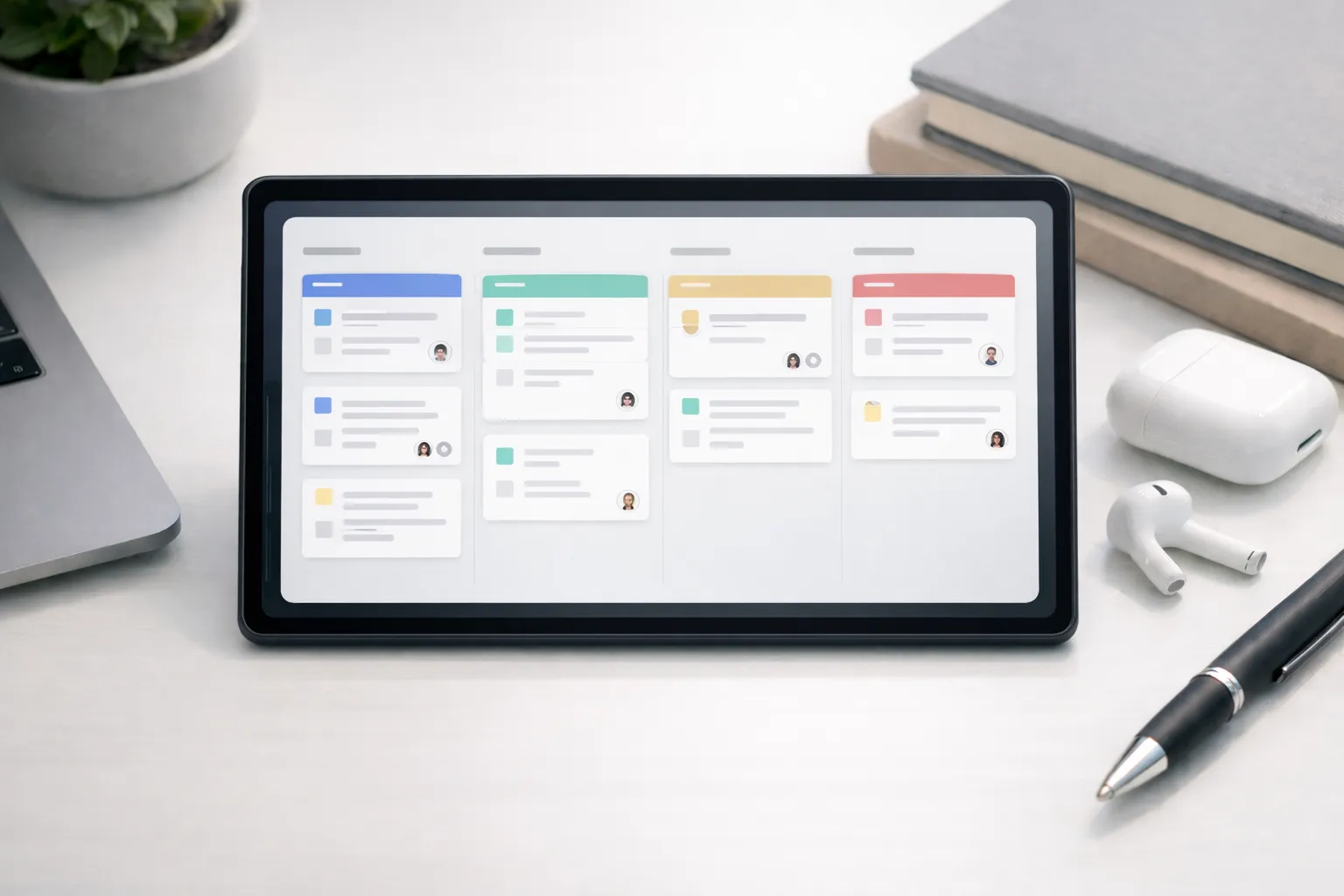
Trello uses a visual Kanban-style board system to help organize projects into clear, actionable steps. Tasks are represented as cards that move across lists, making progress easy to track at a glance.
Practical use case: A small team can create a board with columns like “To Do,” “In Progress,” and “Completed” to manage ongoing projects. Each card can include task details, deadlines, and assigned members, ensuring everyone knows what needs to be done and when.
For individuals and freelancers, Trello works well for planning content calendars, client work, or long-term goals by breaking large projects into manageable tasks.
- Boards, lists, and cards for visual task management
- Task assignments, due dates, and progress tracking
- Works well for both teams and solo users
Best for: Teams, freelancers, and creators who want a simple, visual way to manage projects and collaborate without complex tools.
7. Evernote – Best for Detailed Notes
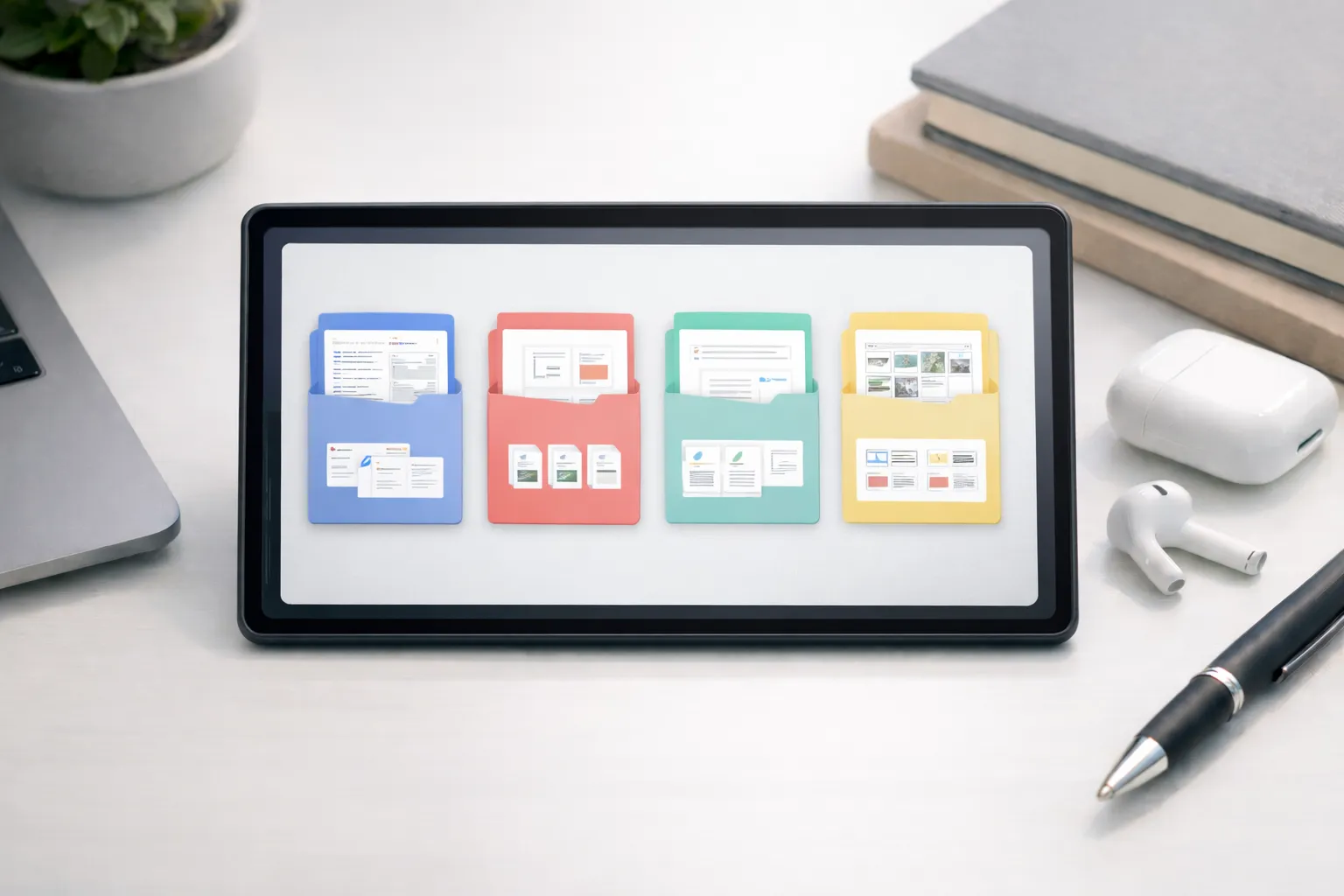
Evernote is designed for users who need to store and organize detailed information in one place. It works well for long-form notes, PDFs, research material, and scanned documents that need to be accessed later.
Practical use case: A student or researcher can save lecture notes, reference PDFs, and handwritten scans into organized notebooks, making it easy to find information when preparing for exams or projects.
To stay organized, using clear notebook names and tags (such as “Work,” “Study,” or “Ideas”) helps retrieve notes quickly and prevents information overload over time.
- Document scanning with text recognition
- Notebook and tag-based organization
- Access notes across phone, desktop, and web
Best for: Users who regularly work with detailed notes, research files, or documents and need a reliable system to store and retrieve information.
8. Pocket – Best for Saving Articles
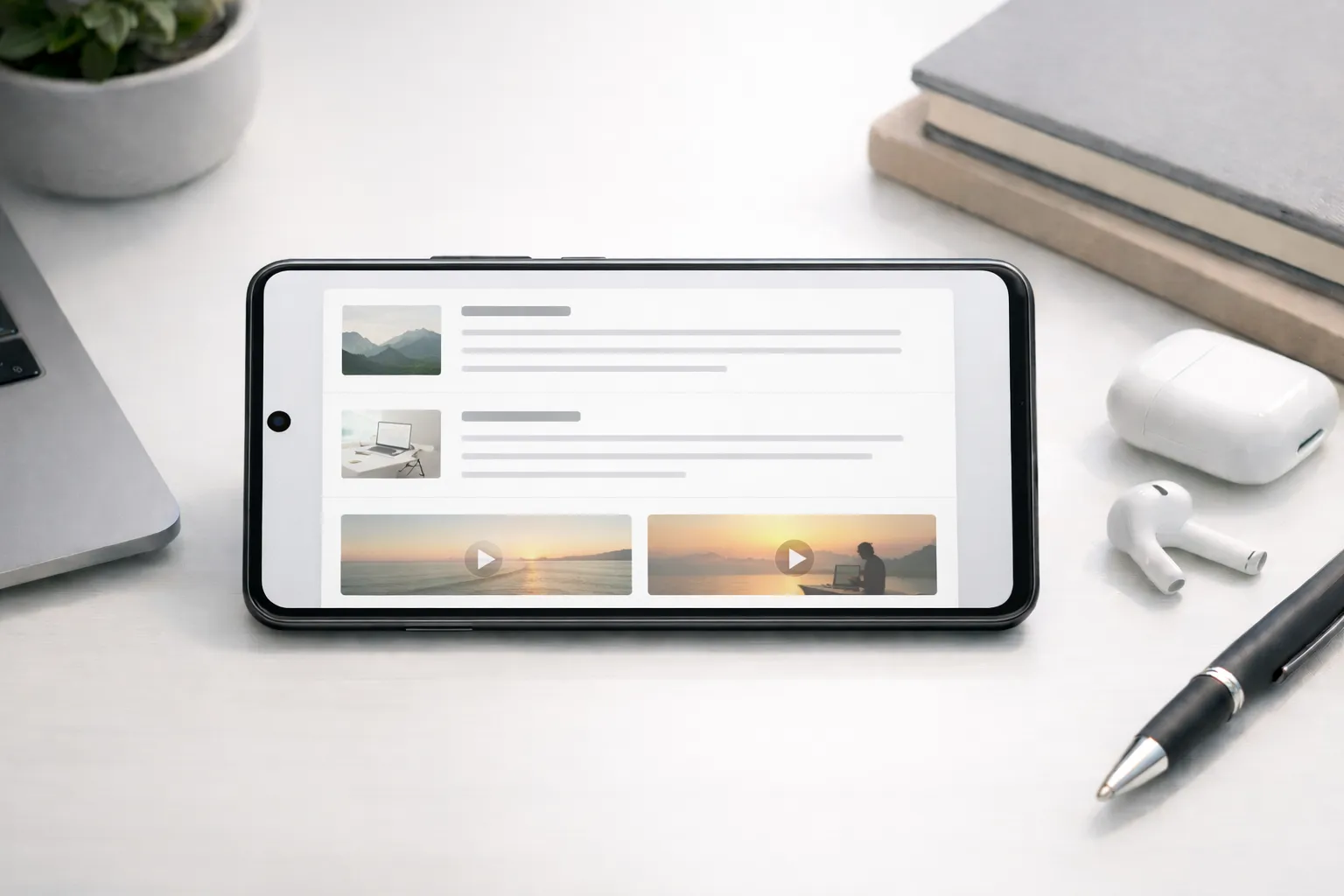
Pocket is designed for people who frequently come across useful articles or videos but don’t have time to read them immediately. It saves content in a clean, distraction-free format so you can consume it later without ads or clutter.
Practical use case: A professional or student can save long articles, research links, or tutorials during the day and read them offline during free time, commutes, or focused reading sessions. This helps avoid constant tab switching and information overload.
For better organization, tagging saved items by topic (such as “Work,” “Learning,” or “Ideas”) makes it easier to revisit important content when needed.
- Offline reading without internet access
- Minimal reading view for better focus
- Save articles and videos from any app or browser
Best for: Users who want a simple way to collect, organize, and read valuable content later without distractions.
9. TickTick – Best for Time Tracking & Habits
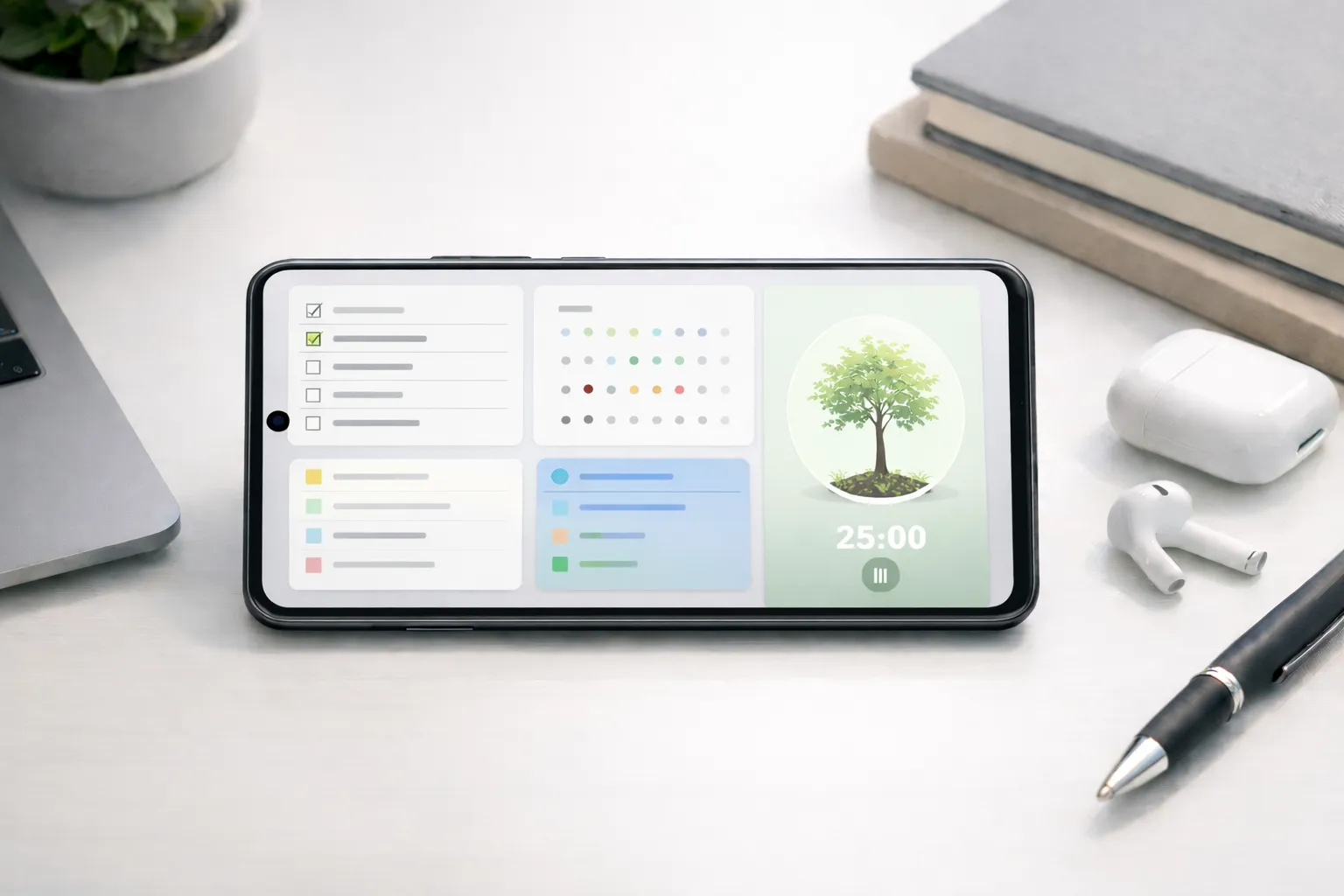
TickTick combines task management, habit tracking, and focus timers into a single app, making it useful for users who want structure without switching between multiple tools. It helps turn daily plans into consistent routines.
Practical use case: A freelancer or student can use TickTick to plan daily tasks, track habits like exercise or study time, and run Pomodoro focus sessions to stay productive without burnout.
For faster planning, TickTick works well when paired with AI tools like ChatGPT for daily productivity to break goals into actionable tasks and reminders.
- Pomodoro focus timer for structured work sessions
- Habit and goal tracking in one place
- Smart reminders and recurring tasks
Best for: Users who want a single app to manage tasks, build habits, and track focused work time efficiently.
10. Google Drive – Best for Cloud Storage
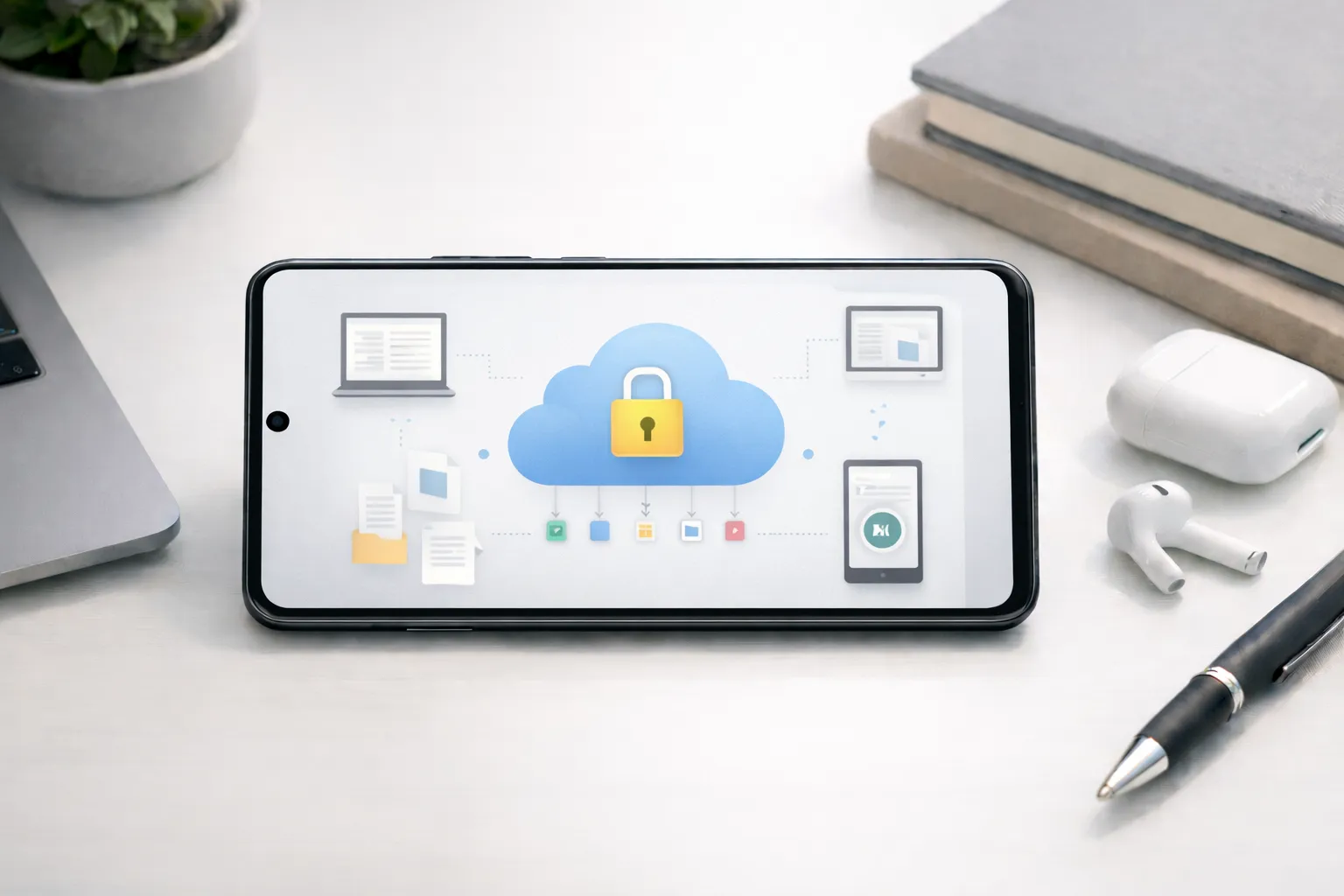
Google Drive provides a secure and convenient way to store files and access them from any device. It acts as a central hub for documents, images, and backups, supporting daily productivity and collaboration.
Practical use case: A student or professional can store notes, PDFs, and project files in Google Drive and access them instantly on a phone, laptop, or tablet without worrying about data loss.
Google Drive also works smoothly alongside other Android utility apps, making it easier to scan, edit, and share files as part of everyday workflows.
- 15GB free cloud storage with Google account
- Easy file sharing and real-time collaboration
- Document scanning and file organization
Best for: Users who need reliable cloud storage to keep files safe, synced, and accessible across devices.
11. Advanced Productivity Strategies
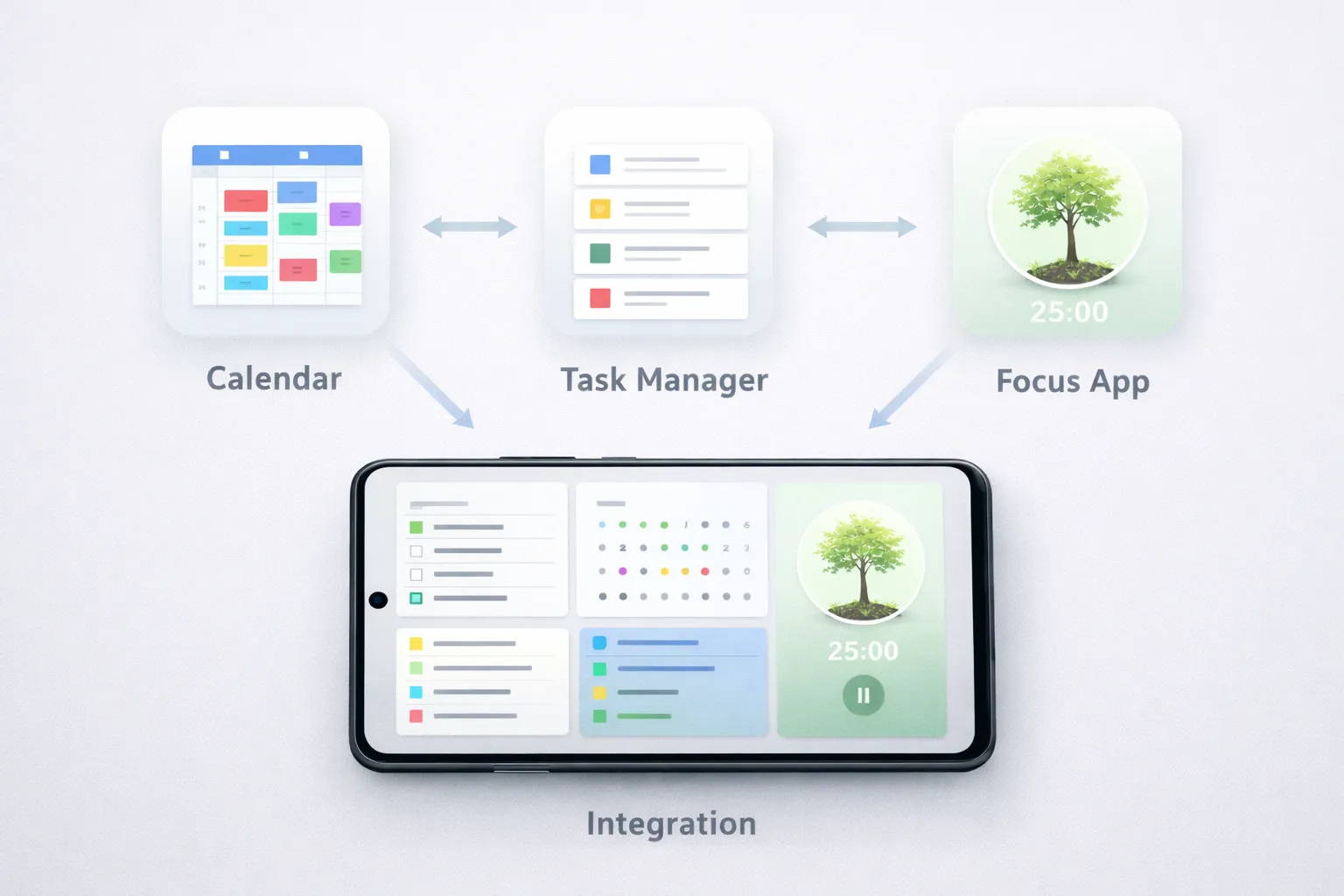
Advanced productivity is not about using more apps, but about using the right tools together in a simple system. When tasks, schedules, and focus sessions are connected, work becomes easier to manage and less mentally exhausting.
Practical example: A professional can use Google Calendar for time blocking, Notion to break projects into actionable tasks, and TickTick to track daily habits and focused work sessions. This setup covers planning, execution, and consistency without duplicating effort.
The key is assigning each app a single role. Avoid using multiple apps for the same purpose, as this leads to confusion and unfinished tasks. One calendar, one task manager, and one focus or habit tool are usually enough for most workflows.
In 2025, AI-powered workflows add another layer of efficiency. Smart suggestions, automation, and AI assistants are shaping the future of work by helping users plan faster, prioritize better, and reduce decision fatigue.
Best practice: Review your productivity setup weekly and remove tools that are not actively helping you save time or stay focused.
12. Real-World Examples
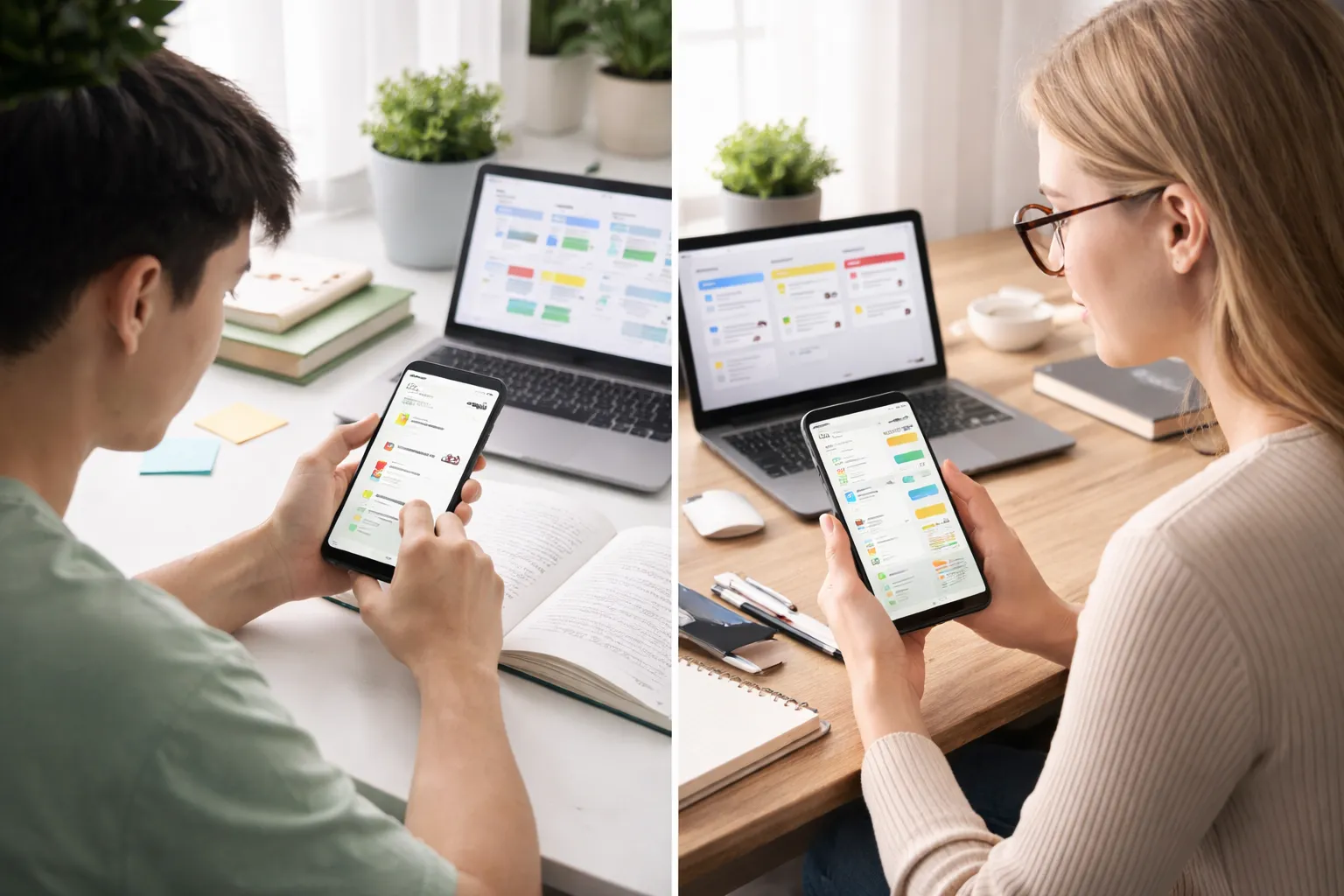
Real-life usage shows that productivity apps are most effective when each tool serves a clear purpose. Combining planning, focus, and storage apps helps reduce confusion and keeps work organized.
Student example: A student can use Notion to organize study schedules and assignments, Forest to stay focused during study sessions, and Google Drive to store notes, PDFs, and project files securely. This setup keeps planning, focus, and resources in one structured system.
Freelancer example: A freelancer can rely on Google Calendar for client meetings and deadlines, TickTick for daily task and habit tracking, and Trello to manage ongoing projects. This combination provides a clear overview of work, priorities, and progress without unnecessary stress.
Key takeaway: Choose tools based on roles, not popularity. One app for planning, one for execution, and one for focus or storage is usually enough to stay productive and consistent.
13. Future Trends in Productivity Apps
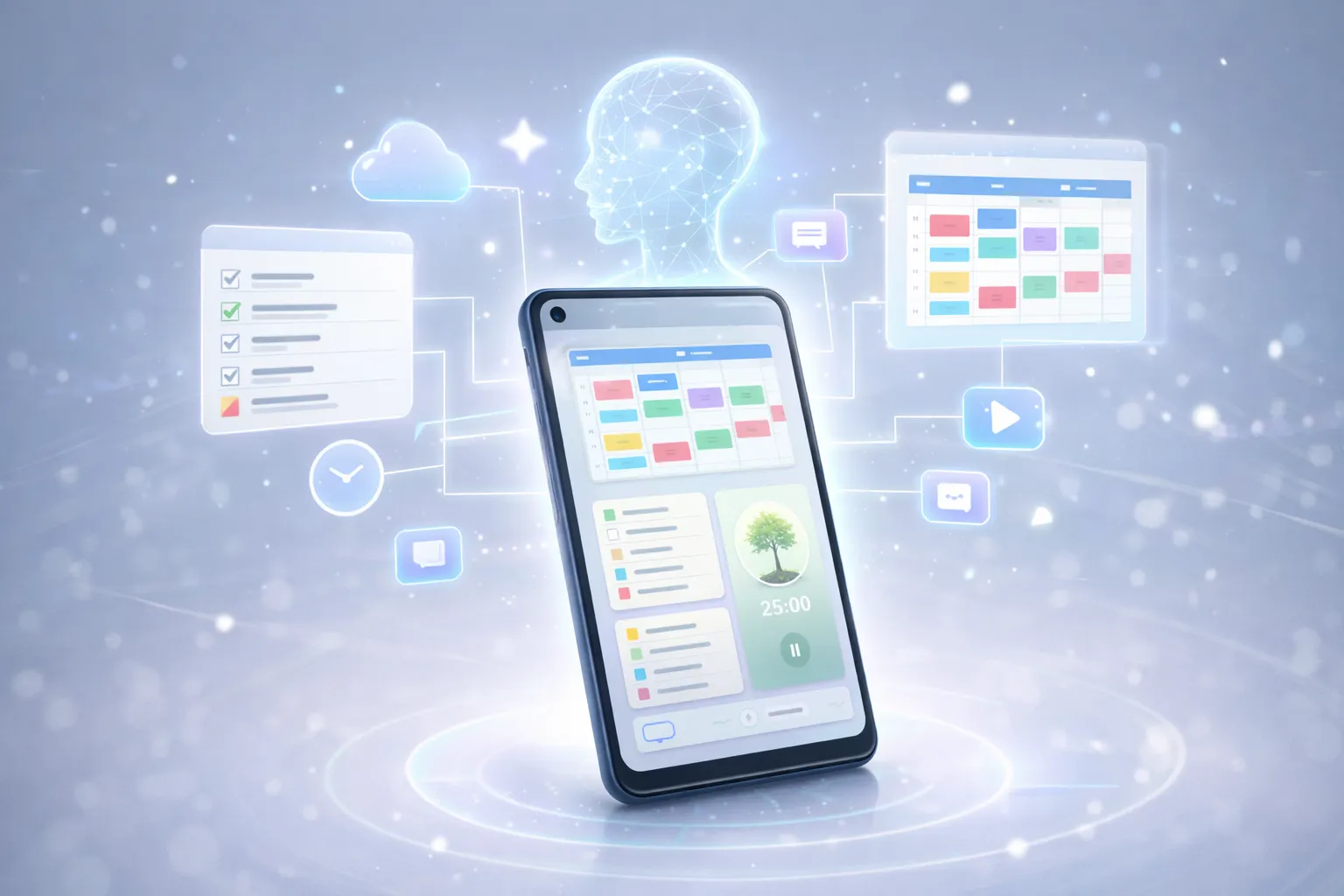
The next generation of productivity apps will focus on intelligence and automation to reduce manual planning. AI-driven task suggestions, predictive scheduling, and personalized workflows will help users make better decisions with less effort.
Practical example: A productivity app may automatically suggest the best time to complete tasks based on past work patterns, available calendar slots, and energy levels, reducing the need for constant rescheduling.
Deeper integrations between apps will also become more common. Tasks, reminders, and calendars will sync automatically across platforms, minimizing duplicate work and keeping information consistent.
Voice commands, context-aware reminders, and real-time productivity insights will further redefine how people stay productive beyond 2025.
Suggestion: Choose productivity tools that already support integrations and automation, as they are more likely to adapt smoothly to future AI-driven workflows.
14. Conclusion
Choosing the right Android productivity apps can significantly improve focus, time management, and daily organization. The key is not using many apps, but selecting a small set of tools that work well together.
Practical example: Using a task manager for planning, a focus app for deep work, and cloud storage for files creates a simple system that supports both productivity and consistency without unnecessary complexity.
When combined with smart strategies and a well-optimized device, these tools help create a smoother and more efficient workflow that is easier to maintain over time.
Next step: To extend productivity beyond your smartphone, consider using complementary tools such as productivity tools for desktop and browser use, which can further enhance your work and learning experience in 2025.