10 Best Chrome Extensions to Boost Productivity (2025)
Google Chrome is the most widely used web browser, and its biggest advantage is its powerful extension ecosystem. The best Chrome extensions for productivity help you manage tasks, improve focus, save time, and work smarter in 2025.
Whether you’re a student, professional, content creator, or remote worker, these Chrome productivity extensions can turn your browser into a powerful work tool.
Table of Contents
- 1. Notion Web Clipper
- 2. Grammarly
- 3. Todoist
- 4. Momentum
- 5. Loom
- 6. StayFocusd
- 7. OneTab
- 8. Bitwarden
- 9. Pocket
- 10. Clockify
- 11. Why Chrome Extensions Matter in 2025
1. Notion Web Clipper

Notion Web Clipper is a powerful Chrome extension that allows you to save articles, research papers, images, and complete web pages directly into your Notion workspace. Instead of bookmarking dozens of links or copying text manually, you can clip content with a single click and organize it properly.
This tool is extremely useful for students, bloggers, content creators, and professionals who regularly collect information for study, research, or work projects.
- Save full pages, selected text, images, and links instantly
- Send content to specific Notion pages or databases
- Create structured research notes and reading lists
Best for: Students, researchers, bloggers, planners
Not ideal for: Users who don’t use Notion regularly
If you rely on automation and AI for work, you may also find this helpful: best AI chatbot apps for productivity.
2. Grammarly
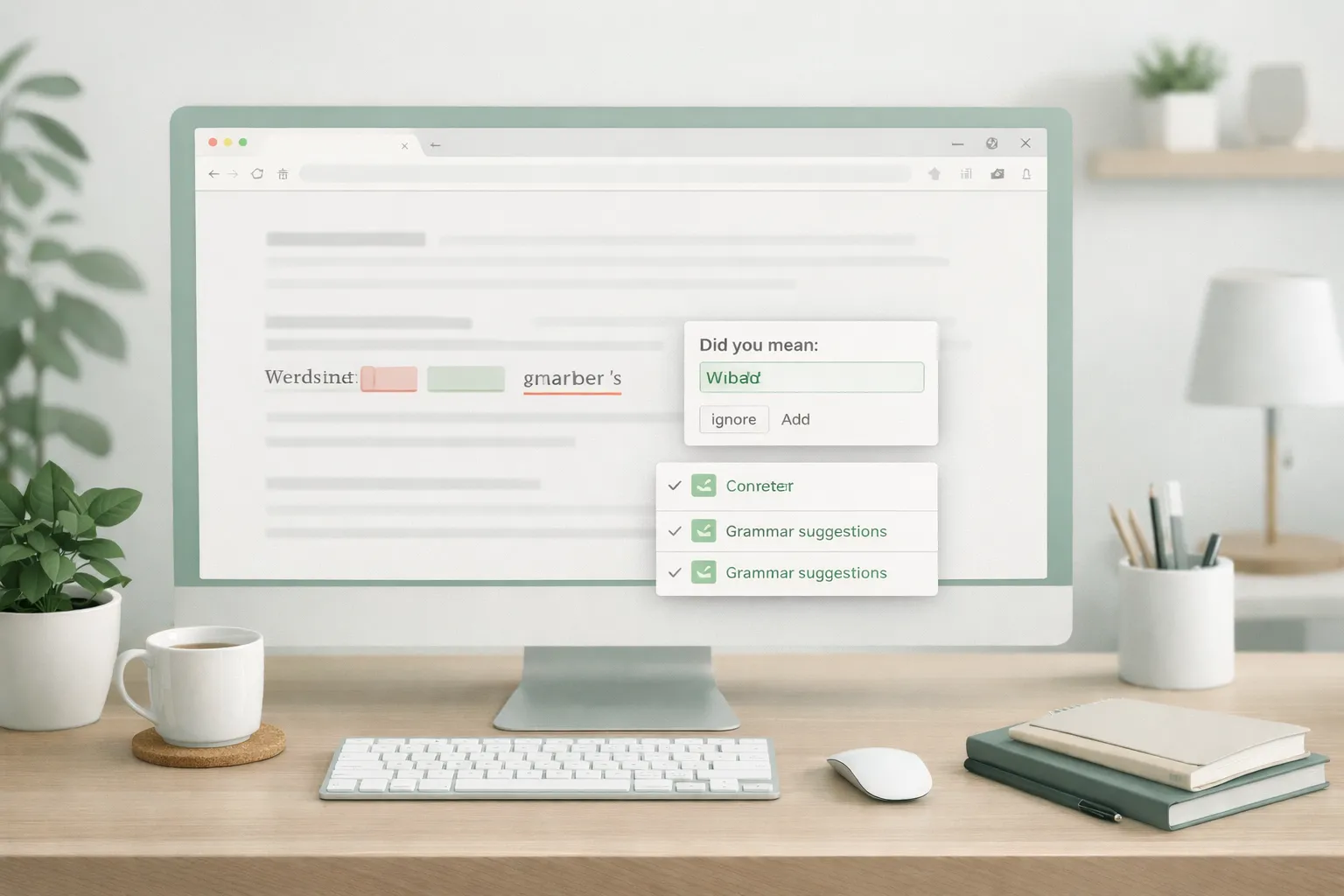
Grammarly is a writing assistant Chrome extension that helps you write clear, error-free content across emails, documents, and social media platforms. It checks grammar, spelling, sentence clarity, and tone in real time.
Whether you’re writing professional emails, blog posts, or LinkedIn updates, Grammarly ensures your communication looks polished and credible.
- Grammar, spelling, and punctuation correction
- Tone and clarity suggestions
- Works on Gmail, Google Docs, LinkedIn, and more
Best for: Writers, professionals, students
Not ideal for: Users who write very little online
3. Todoist

Todoist is one of the most popular task management Chrome extensions for organizing daily work. It allows you to create, manage, and track tasks directly from your browser without switching apps.
This extension is perfect for people who want a simple yet powerful way to stay on top of deadlines and priorities.
- Quick task creation from any tab
- Project and priority management
- Daily and weekly productivity insights
Best for: Professionals, freelancers, students
Not ideal for: Users who prefer paper to-do lists
4. Momentum
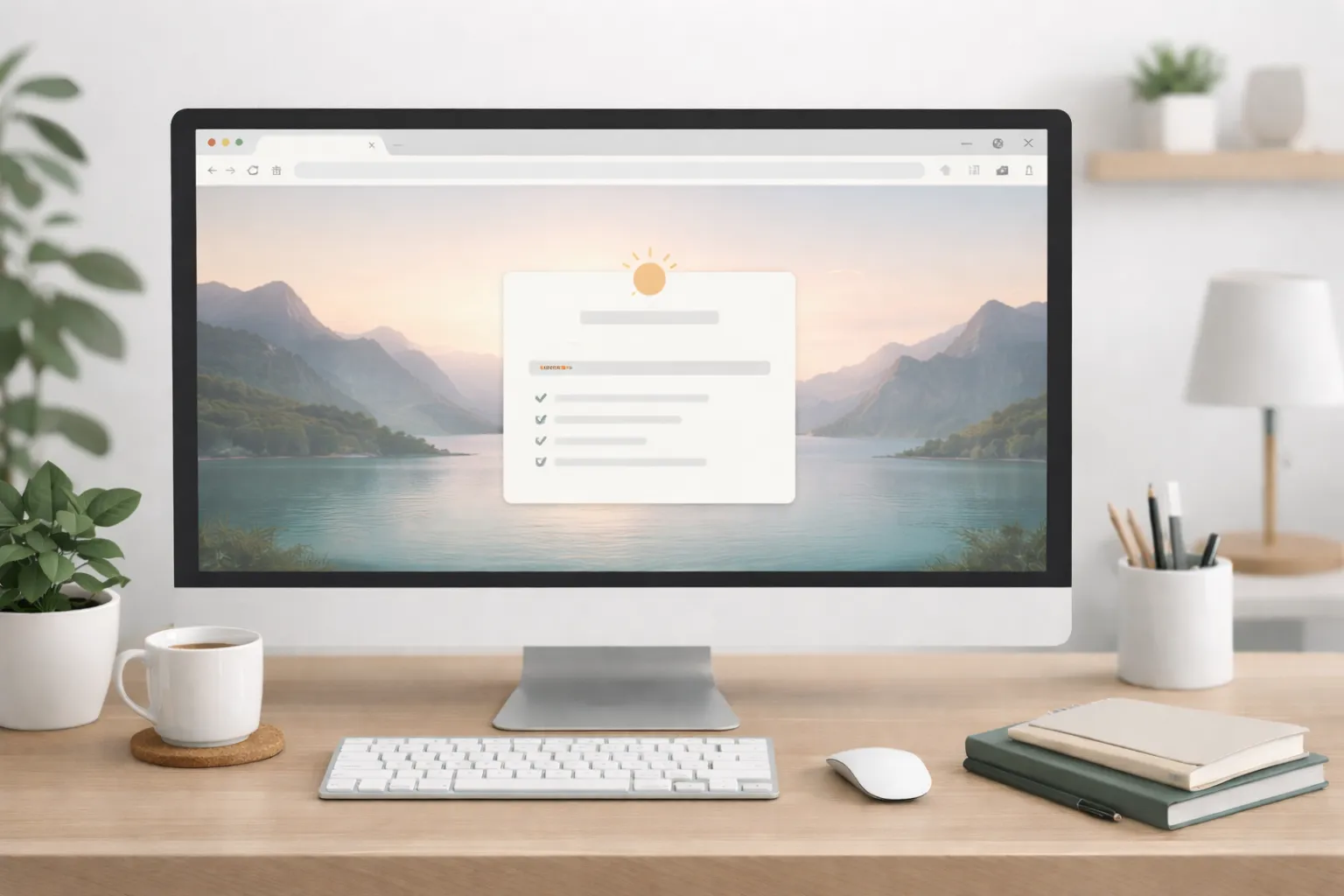
Momentum replaces your default Chrome new tab with a clean and calming productivity dashboard. It shows a daily focus goal, inspirational quotes, and beautiful background images.
This extension helps reduce distractions and keeps your mind focused every time you open a new tab.
- Distraction-free new tab experience
- Daily goal setting
- Motivational quotes and visuals
Best for: Remote workers, students, creatives
Not ideal for: Users who prefer functional new tabs with widgets
5. Loom

Loom allows you to record your screen, camera, or both and instantly share videos using a simple link. It is widely used for tutorials, team communication, bug reports, and client explanations.
This tool saves time by replacing long emails or meetings with short, clear video messages.
- Instant screen and camera recording
- Easy video sharing via links
- Ideal for remote work and training
Best for: Teams, educators, freelancers
Not ideal for: Users who rarely communicate visually
6. StayFocusd

StayFocusd is a productivity extension designed to block distracting websites and limit time spent on social media or entertainment platforms.
By setting strict rules, it helps you build discipline and stay focused during work hours.
- Block specific websites or categories
- Set daily time limits
- Highly customizable focus settings
Best for: Students, deep-focus workers
Not ideal for: Users who need social platforms for work
7. OneTab
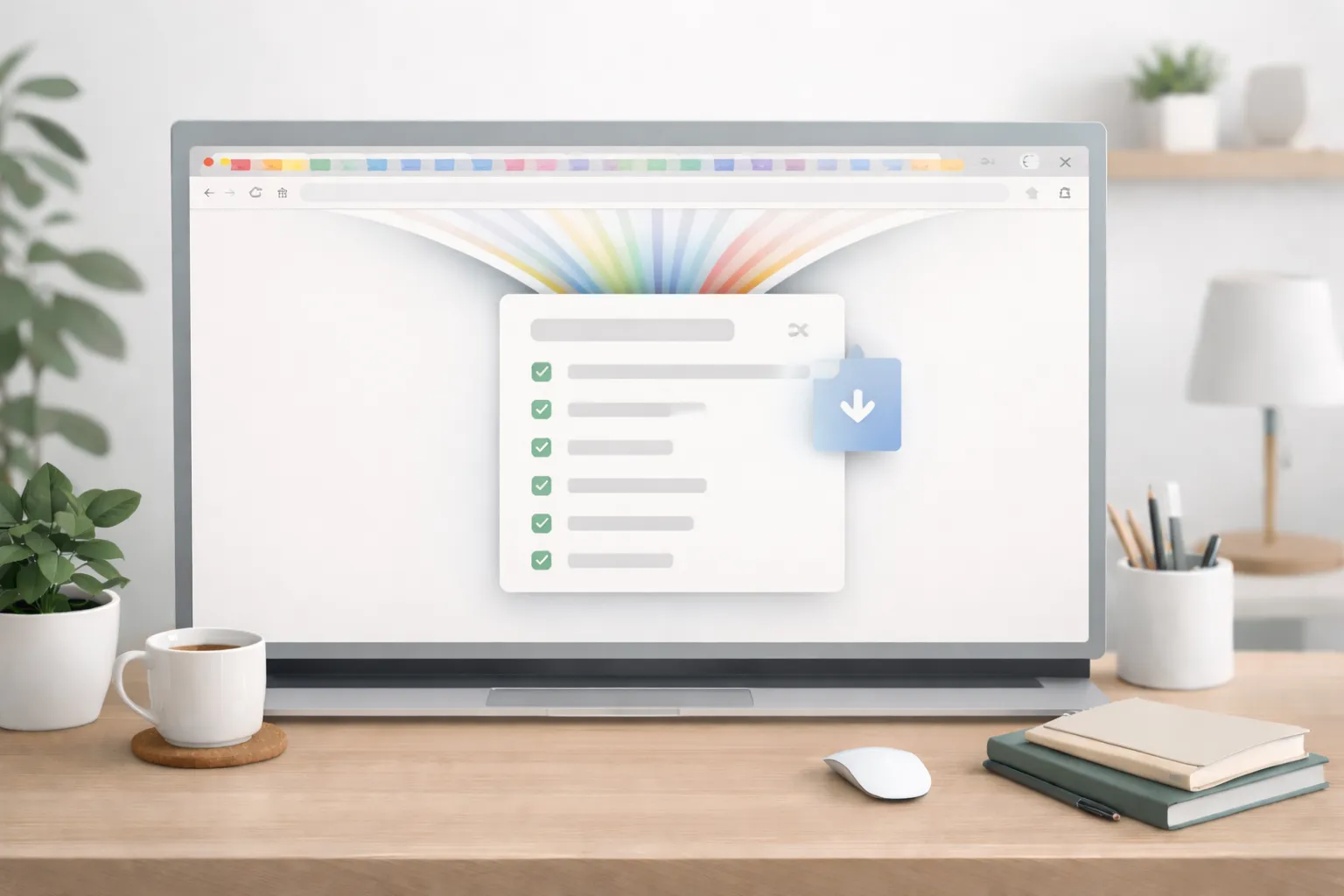
OneTab helps reduce Chrome’s memory usage by converting all open tabs into a single organized list. This makes your browser faster and less cluttered.
If you tend to open dozens of tabs while working or researching, OneTab can significantly improve performance.
- Reduce RAM and CPU usage
- Organize tabs efficiently
- Restore tabs anytime
Best for: Heavy multitaskers, researchers
Not ideal for: Users who work with very few tabs
For mobile users, you may also like: best productivity apps for Android.
8. Bitwarden

Bitwarden is a secure password manager that stores and autofills your login credentials across websites. It uses strong encryption to keep your data safe.
This extension removes the need to remember multiple passwords while improving online security.
- End-to-end encrypted password storage
- Automatic login autofill
- Cross-device syncing
Best for: Security-conscious users, professionals
Not ideal for: Users with very few online accounts
9. Pocket
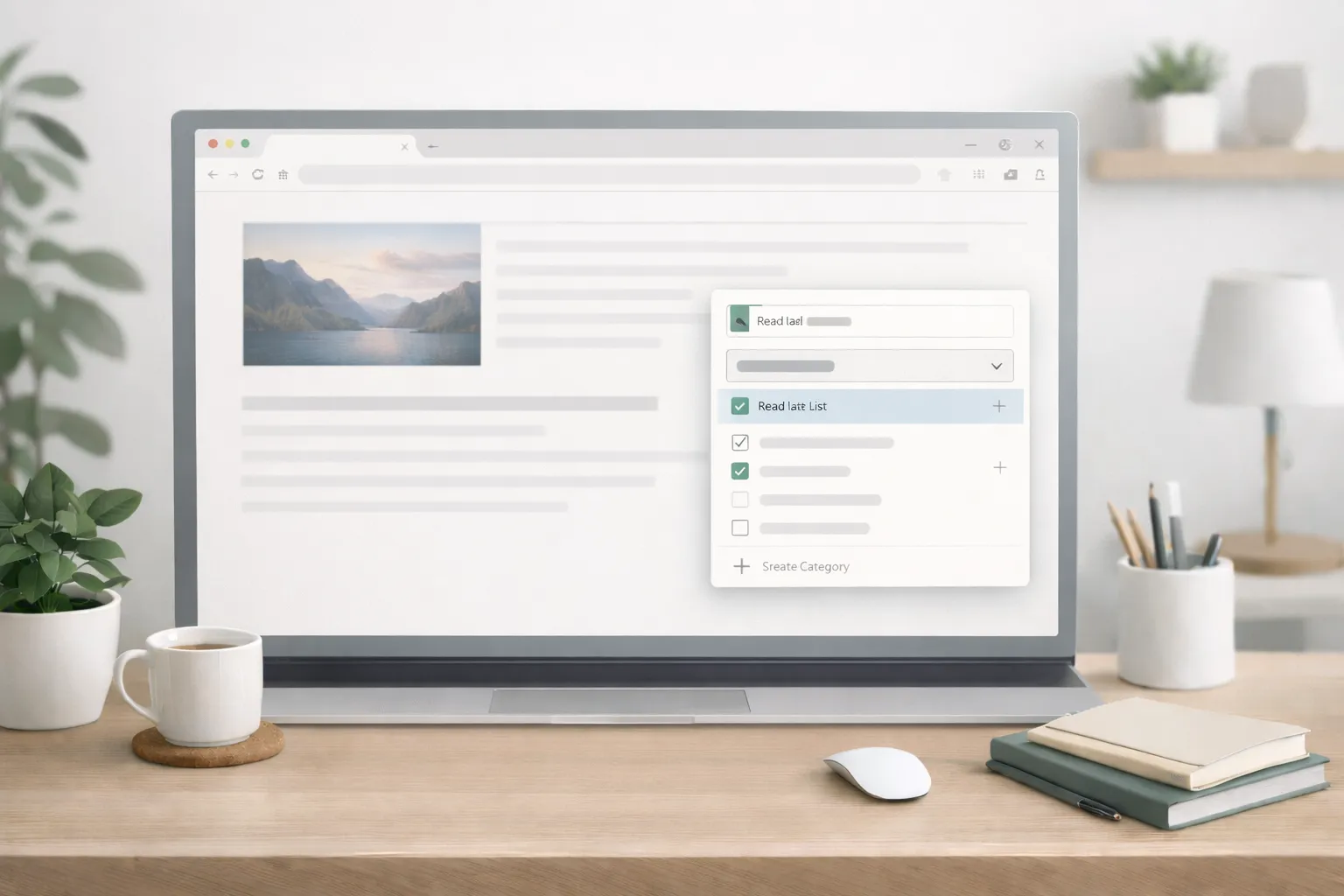
Pocket allows you to save articles, videos, and web pages to read later in a clean, distraction-free format—even offline.
It is perfect for people who consume a lot of content but don’t always have time to read immediately.
- Offline reading support
- Clean reading interface
- Syncs across devices
Best for: Readers, researchers, learners
Not ideal for: Users who read everything instantly
10. Clockify
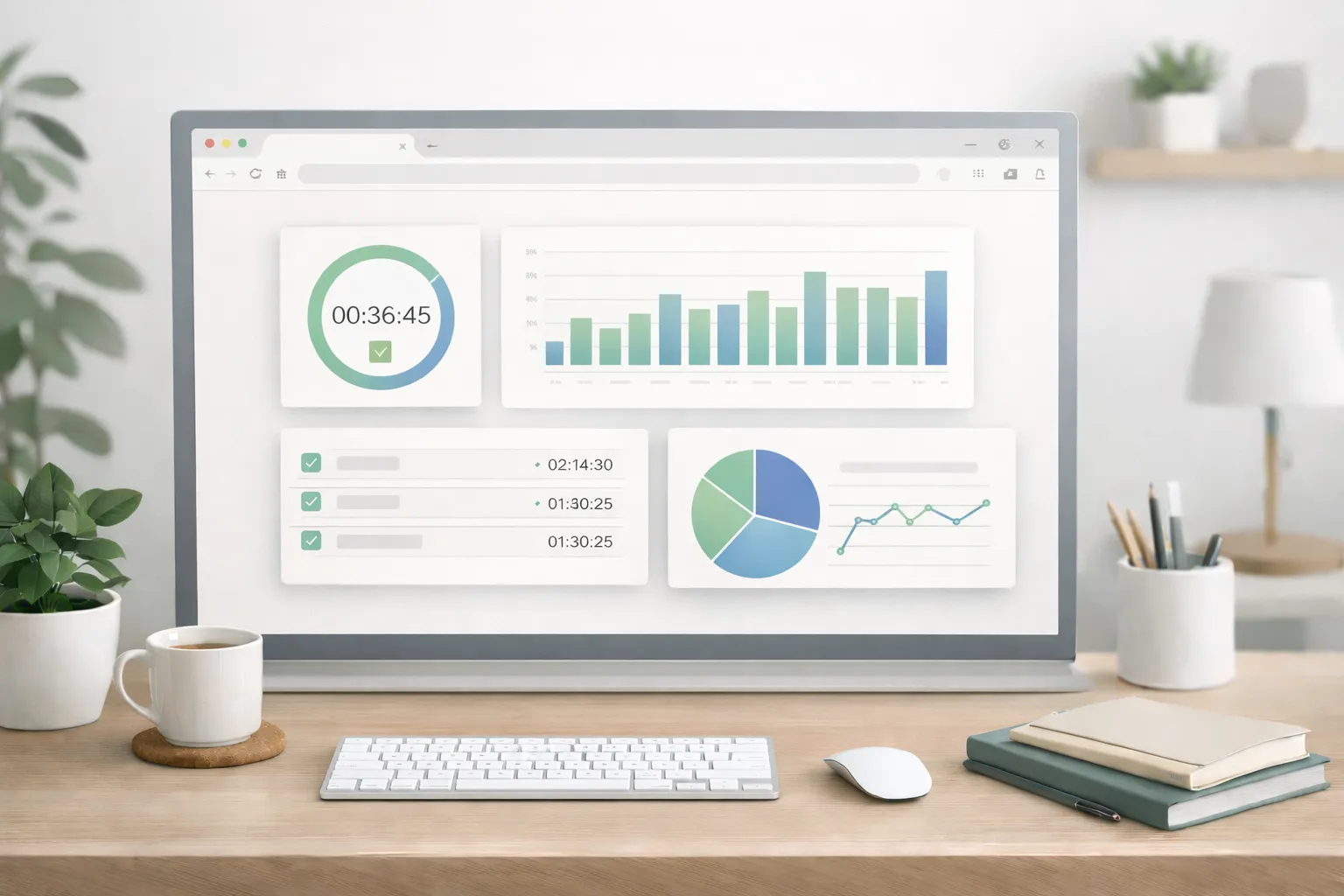
Clockify is a time-tracking Chrome extension that helps you measure how much time you spend on tasks and projects. It’s widely used by freelancers, teams, and businesses.
Tracking time helps improve productivity, planning, and billing accuracy.
- Track time directly from Chrome
- Project-based time reports
- Improves work efficiency and accountability
Best for: Freelancers, agencies, teams
Not ideal for: Casual users who don’t track time
Why Chrome Extensions Matter in 2025
In 2025, most work, learning, and communication happens directly inside a web browser. From emails and documents to research, meetings, and content creation, Google Chrome has become the center of daily digital workflows. This is why Chrome extensions for productivity play a crucial role in helping users work more efficiently.
As digital workloads increase and multitasking becomes unavoidable, the right Chrome extensions act as smart assistants. They automate repetitive tasks, reduce distractions, and improve focus—allowing you to get more done in less time without mental overload.
- Reduce distractions: Extensions like website blockers and focus tools help limit access to social media and other time-wasting sites during work hours.
- Work faster and smarter: Productivity extensions automate common actions such as note-taking, writing corrections, and task creation.
- Improve time management: Time-tracking and task management tools help you understand how your time is spent and improve daily planning.
- Optimize browser performance: Tab and memory management extensions reduce RAM usage and keep Chrome running smoothly.
Instead of switching between multiple apps, Chrome extensions allow you to handle everything within your browser. When used correctly, they transform Google Chrome from a simple web browser into a complete productivity workspace tailored to your needs.
If your browser or device feels slow, this guide explains why: why devices slow down despite high RAM.
You can also improve overall performance by following: how to improve website speed.
For AI-powered workflows, read: how to use AI tools for daily productivity.
Final Thoughts
Productivity in 2025 is no longer about working longer hours—it’s about working smarter. The Chrome extensions listed above are designed to remove friction from your daily workflow by helping you stay organized, focused, and efficient while working inside your browser.
Whether you need better task management, distraction control, time tracking, secure password handling, or improved writing support, these Chrome productivity extensions can make a noticeable difference in how smoothly your day runs.
Instead of installing every extension at once, start with two or three that match your specific needs. Over time, you can fine-tune your setup and create a personalized productivity system that supports your work style.
Used correctly, Google Chrome becomes more than just a browser—it turns into a complete productivity workspace that helps you work smarter, stay focused, and achieve more with less effort.