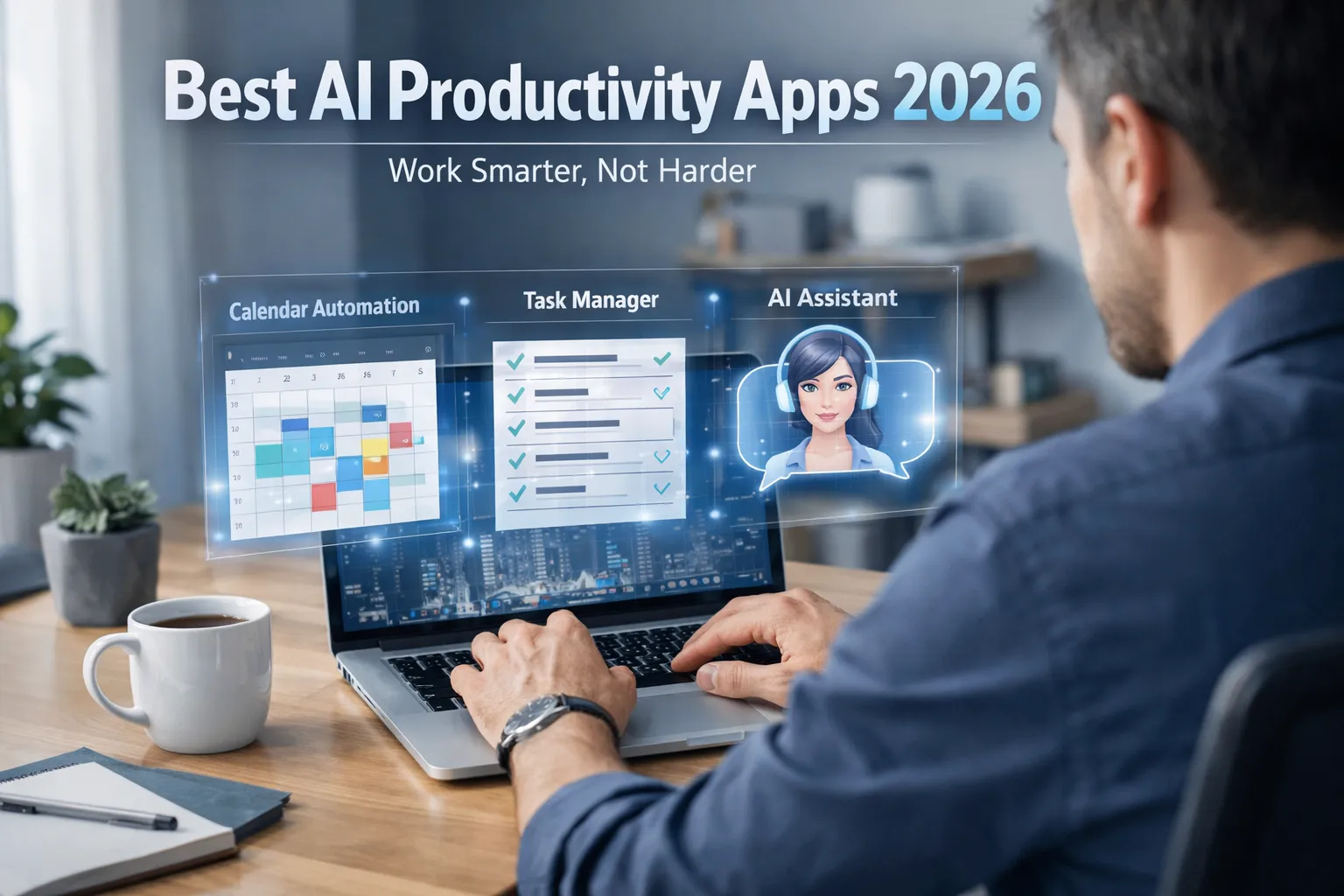
Remote work has become the new normal across the globe, but staying productive outside a traditional office environment is still a major challenge. Distractions at home, endless meetings, poor time management, and digital overload often reduce focus and efficiency.
This is where AI productivity apps for remote workers are changing the game in 2026. Powered by artificial intelligence, these tools automate repetitive tasks, organize schedules, summarize meetings, generate content, and optimize daily workflows — helping professionals work smarter instead of longer.
From smart scheduling assistants and AI writing tools to intelligent task management software, the best AI productivity apps help freelancers, entrepreneurs, digital nomads, and remote employees save time, reduce burnout, and significantly boost output. In this complete guide, we’ll explore the top AI tools for remote work, understand why productivity problems happen, and show you exactly how the right AI-powered apps can streamline your workflow and maximize performance.
Table of Contents
- 1. Overview: AI & Remote Work in 2026
- 2. Growth of Remote Work Worldwide
- 3. The Remote Work Productivity Crisis
- 4. Why Productivity Problems Happen (Hidden Reasons)
- 5. How Low Productivity Impacts Income & Career Growth
- 6. How AI Productivity Apps Actually Work
- 7. Key Features to Look for in AI Productivity Tools
- 8. Best AI Productivity Apps for Remote Workers (2026)
- 9. Free vs Paid AI Productivity Apps: Which Is Better?
- 10. Privacy & Data Security Considerations
- 11. How to Choose the Right AI App for Your Work Style
- 12. Final Verdict: Are AI Productivity Apps Worth It?
1. Overview: AI & Remote Work in 2026
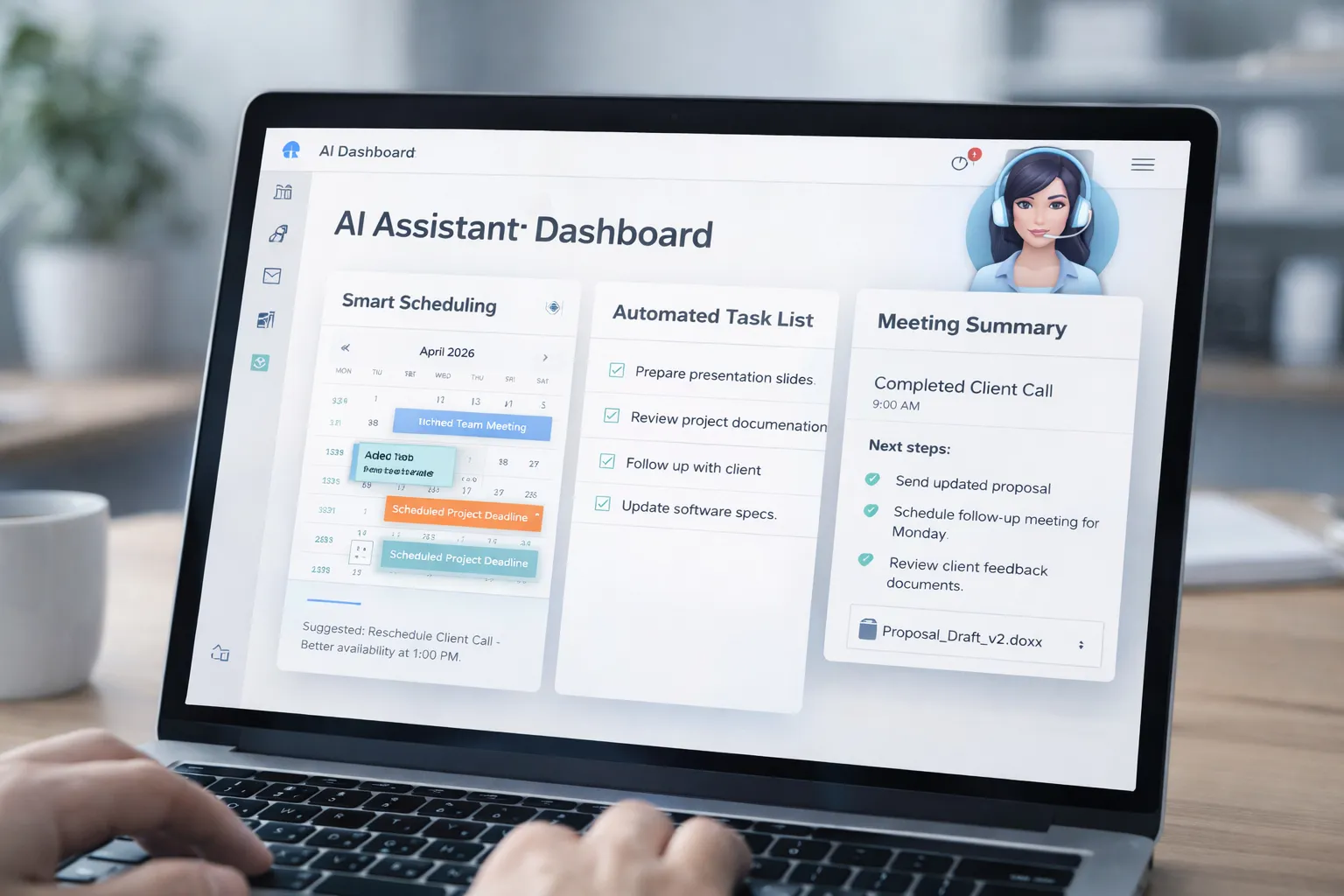
Remote work has evolved from a temporary solution into a long-term global work model. In 2026, companies of all sizes rely on distributed teams, freelancers, consultants, and hybrid employees to operate efficiently. While remote work offers flexibility and independence, it also introduces challenges such as digital distractions, unstructured schedules, and communication overload.
This is where AI productivity apps for remote workers are transforming daily workflows. These tools use artificial intelligence to automate repetitive tasks, organize priorities, summarize meetings, generate written content, and optimize time management.
- Smart scheduling tools reduce calendar conflicts
- AI writing assistants speed up emails and reports
- Automated meeting summaries save hours weekly
- Task managers improve focus and accountability
When integrated properly, AI tools can significantly increase efficiency while reducing burnout. If you're exploring ways to integrate automation into your routine, you may also find our guide on how to use AI tools to save time helpful for building a smarter workflow.
2. Growth of Remote Work Worldwide
Remote work has expanded rapidly across North America, Europe, Asia, and other global markets. Businesses have realized that location flexibility can reduce overhead costs, improve employee satisfaction, and expand access to global talent.
Several key factors have accelerated this worldwide growth:
- Advancements in cloud collaboration platforms
- High-speed internet and 5G connectivity
- Increased adoption of AI-powered software tools
- Growing demand for better work-life balance
As remote work becomes more competitive, professionals must focus on efficiency and digital optimization. Those who leverage emerging technologies and automation tools often gain a significant advantage in performance and career growth. Understanding broader digital transformation trends can provide deeper insights — explore our breakdown of latest technology trends shaping the future of work.
3. The Remote Work Productivity Crisis

Despite the flexibility and freedom that remote work offers, many professionals are facing a growing remote work productivity crisis. Working from home can blur the line between personal and professional life, making it harder to stay focused and maintain consistent output.
Common productivity challenges remote workers experience include:
- Frequent digital distractions from social media and notifications
- Back-to-back virtual meetings reducing deep work time
- Lack of structured routines and accountability
- Mental fatigue caused by screen overexposure
Over time, these issues can reduce efficiency, delay deadlines, and increase stress levels. Many remote professionals attempt to fix the problem by working longer hours, but this often leads to burnout instead of better performance.
Understanding how digital overload affects productivity is important. Similar performance slowdowns happen with devices under heavy load — you can see a related example in our guide on why your phone feels slow even with high RAM, which explains how background overload impacts performance.
4. Why Productivity Problems Happen (Hidden Reasons)
Productivity problems in remote work environments don’t happen randomly. There are hidden structural and psychological reasons behind them.
Here are some of the most common underlying causes:
- No physical separation between workspace and home environment
- Manual workflows that require repetitive daily effort
- Tool overload without proper integration
- Constant context switching between apps and tasks
When professionals rely heavily on manual processes, even small tasks consume significant mental energy. Without automation or AI support, productivity naturally declines over time.
Learning how to reduce unnecessary digital clutter and automate routine tasks can make a major difference. For practical strategies, you may also explore our article on improving digital performance and efficiency, which highlights how optimization improves results.
5. How Low Productivity Impacts Income & Career Growth
Low productivity in remote work doesn’t just affect daily output — it directly impacts income, promotions, and long-term career growth. In competitive global markets, companies measure performance based on results, efficiency, and consistency.
When productivity drops, the consequences can include:
- Missed deadlines and delayed project delivery
- Reduced client satisfaction and repeat work
- Lower performance evaluations
- Fewer leadership or promotion opportunities
For freelancers and independent professionals, low productivity can translate into fewer billable hours and reduced monthly income. For full-time employees, it may limit visibility within the organization and slow professional advancement.
As digital workplaces continue to evolve, understanding broader technology shifts becomes essential. You can explore emerging innovations influencing performance and efficiency in our breakdown of latest technology trends shaping modern work environments.
6. How AI Productivity Apps Actually Work
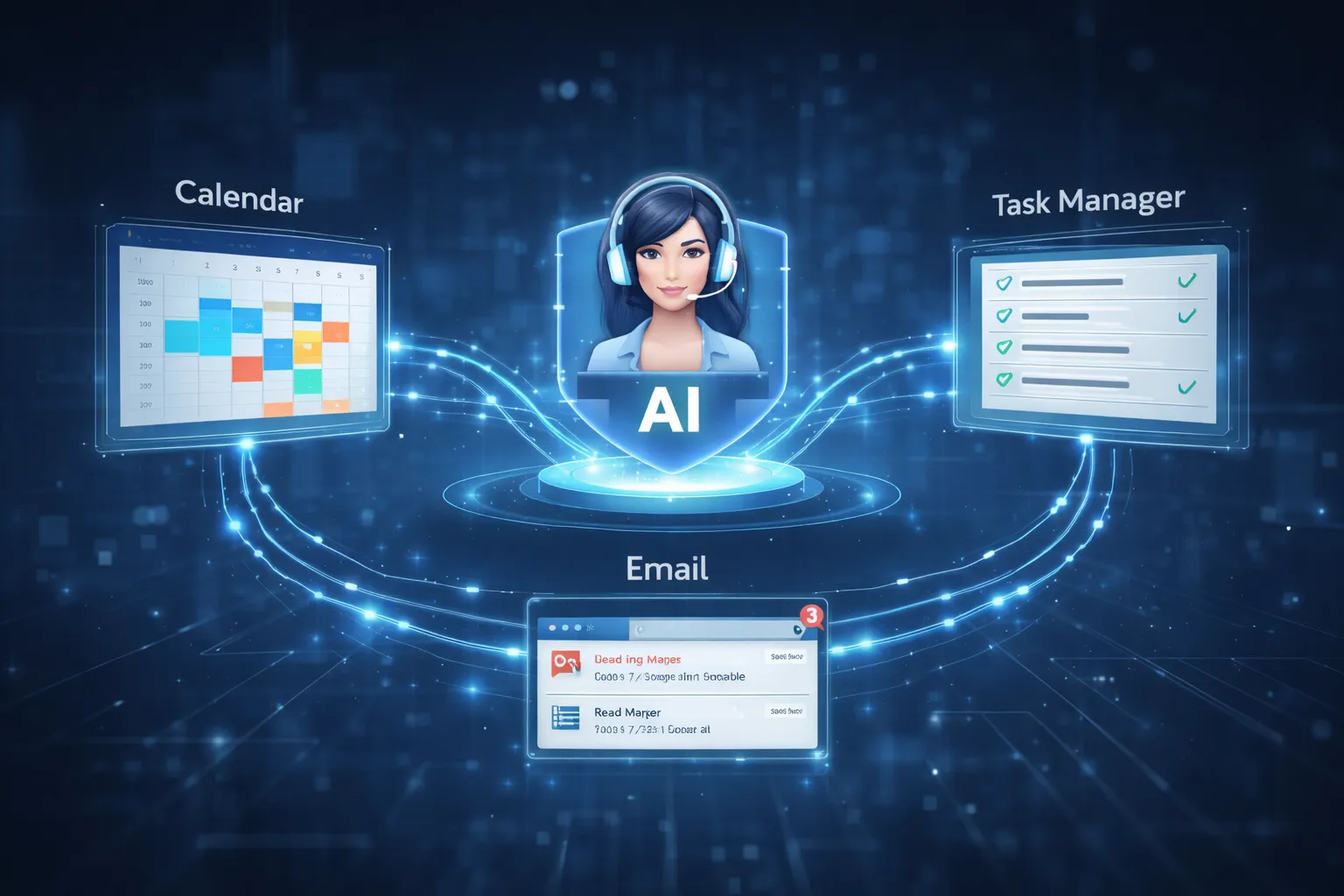
AI productivity apps use artificial intelligence, machine learning, and automation algorithms to streamline workflows and reduce manual effort. Instead of relying entirely on human input, these tools analyze behavior patterns, prioritize tasks, and automate repetitive processes.
Most AI productivity tools work through:
- Smart scheduling algorithms that optimize calendars automatically
- Natural language processing (NLP) to generate emails and summaries
- Task prioritization systems based on deadlines and urgency
- Data-driven insights that improve time management habits
For example, AI writing assistants can draft professional emails in seconds, while meeting summarizers convert long discussions into actionable notes instantly. This reduces cognitive load and frees up time for high-impact work.
If you’re exploring AI-powered workflows, you may also find our comparison of ChatGPT vs Gemini vs Copilot helpful for understanding how different AI tools support productivity tasks.
7. Key Features to Look for in AI Productivity Tools
Not all AI productivity apps are built the same. Choosing the right tool depends on your workflow, goals, and daily responsibilities. Before subscribing to any platform, it’s important to evaluate core features that directly impact efficiency and usability.
Here are the most important features to look for:
- Smart Automation: Automatically handles repetitive tasks like scheduling or reminders.
- AI Writing Assistance: Generates emails, reports, and content quickly.
- Meeting Summaries: Converts long discussions into short, actionable notes.
- Cross-Platform Integration: Works with tools like Google Workspace, Slack, or Zoom.
- Analytics & Insights: Tracks productivity patterns and suggests improvements.
A tool that integrates smoothly into your existing digital ecosystem will save more time than one that requires constant manual adjustments.
8. Best AI Productivity Apps for Remote Workers (2026)
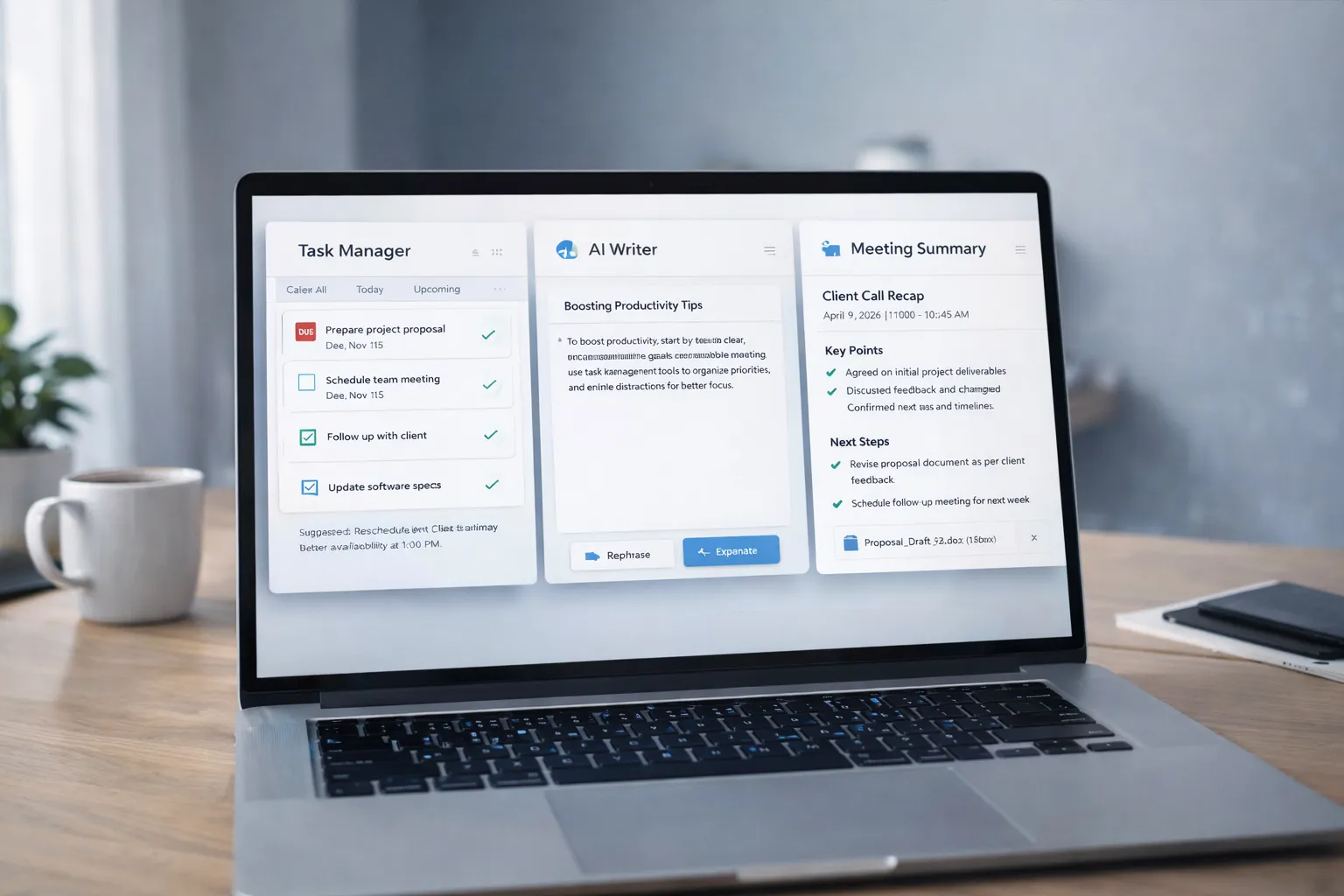
In 2026, several AI-powered tools stand out for improving remote work efficiency. These apps combine automation, smart suggestions, and workflow optimization.
- Notion AI: Ideal for documentation, task management, and project planning.
- Motion: AI-based scheduling that auto-plans your daily calendar.
- Grammarly AI: Enhances professional communication and tone clarity.
- Otter.ai: Records and summarizes meetings automatically.
- ChatGPT: Assists with writing, research, brainstorming, and coding tasks.
If you want a detailed comparison of leading AI assistants, you can explore our guide on ChatGPT vs Gemini vs Copilot to understand which platform fits your workflow best.
9. Free vs Paid AI Productivity Apps: Which Is Better?
Many AI productivity apps offer both free and premium plans. The right choice depends on how deeply you rely on automation in your daily work.
Free versions are suitable for:
- Basic task automation
- Limited AI writing assistance
- Trial testing before commitment
Paid versions typically offer:
- Advanced AI features and deeper automation
- Team collaboration tools
- Priority support and enhanced security
- Higher usage limits
For professionals who depend heavily on productivity optimization, paid plans often deliver a strong return on investment through time savings.
10. Privacy & Data Security Considerations
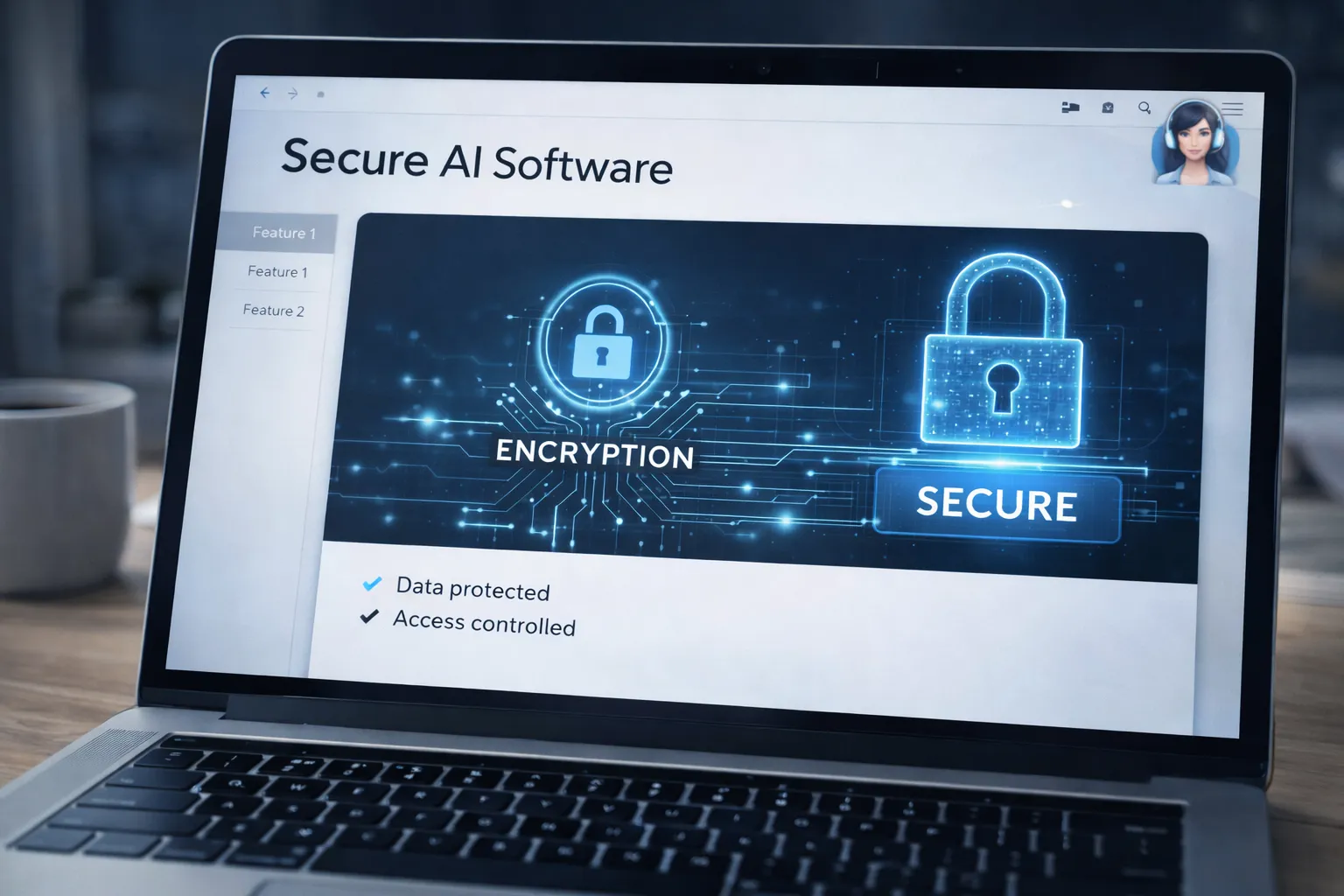
AI productivity tools often process sensitive information such as emails, meeting transcripts, and business documents. This makes privacy and data security a critical factor when choosing any AI platform.
Before using an AI app, consider:
- Whether the tool encrypts stored data
- If it complies with global privacy standards
- How your data is used for AI training
- Availability of two-factor authentication
Protecting your digital accounts is equally important. You may also review our Google Account Security Checklist to strengthen your overall online security.
11. How to Choose the Right AI App for Your Work Style
Choosing the right AI productivity app for remote work depends on your daily tasks, work environment, and long-term goals. Not every AI tool fits every professional. A freelancer, project manager, developer, or content creator may require different features.
Before making a decision, ask yourself:
- What consumes most of my time? (Writing, meetings, scheduling, research)
- Do I work independently or in a team?
- Do I need automation or collaboration features?
- Does the tool integrate with my current workflow?
If your work involves heavy writing and communication, an AI writing assistant may be ideal. If you attend frequent meetings, a tool that provides automatic summaries could save hours weekly. Developers and technical professionals may benefit from AI assistants that support research and code generation.
You can also explore practical automation strategies in our guide on how to use AI tools to save time to better understand how AI fits into different workflows.
12. Final Verdict: Are AI Productivity Apps Worth It?
In 2026, AI productivity apps are no longer optional — they are becoming essential tools for modern professionals. When used correctly, these tools help reduce repetitive work, improve focus, and increase overall efficiency.
The real value of AI productivity apps lies in:
- Saving several hours per week through automation
- Reducing burnout caused by manual task overload
- Improving communication clarity and speed
- Helping professionals focus on high-impact work
However, AI tools should complement your workflow — not replace strategic thinking or creativity. The most successful remote workers use AI as an assistant, not a dependency.
If you're exploring broader AI opportunities beyond productivity, you may also find our article on jobs AI cannot replace in the next 10 years insightful for long-term career planning.