Apps That Use Too Much Mobile Data in Background on Android (2026 Complete Guide)
If your mobile data runs out quickly even when you’re not actively browsing or streaming, background apps are usually responsible. Many Android apps continue syncing, updating, or refreshing content silently in the background without clear signs, a problem that has become even more noticeable on Android phones in 2026 due to increased background services and app automation. This guide explains which apps use too much mobile data in the background, why it happens, and how to control it properly. If fast data loss also affects your battery life, our guide on background battery drain on Android explains how both problems are often connected.
📌 Table of Contents
- 1. Overview: Background Mobile Data Usage Explained
- 2. Why Apps Use Mobile Data in the Background
- 3. Why Excessive Background Data Usage Is a Problem
- 4. Common Types of Apps That Consume Mobile Data
- 5. How to Check Background Data Usage on Android
- 6. Complete Guide to Stop Background Data Usage
- 7. How Background Data Usage Affects Battery and Performance
- 8. How Background Data Usage Triggers System Battery Drain
- 9. How to Stop Background Data Usage for Specific Apps
- 10. Signs an App Is Secretly Using Too Much Mobile Data
- 11. When You Should Allow Background Data
- 12. Common Mobile Data Saving Mistakes
- 13. Final Verdict
Overview: Background Mobile Data Usage Explained
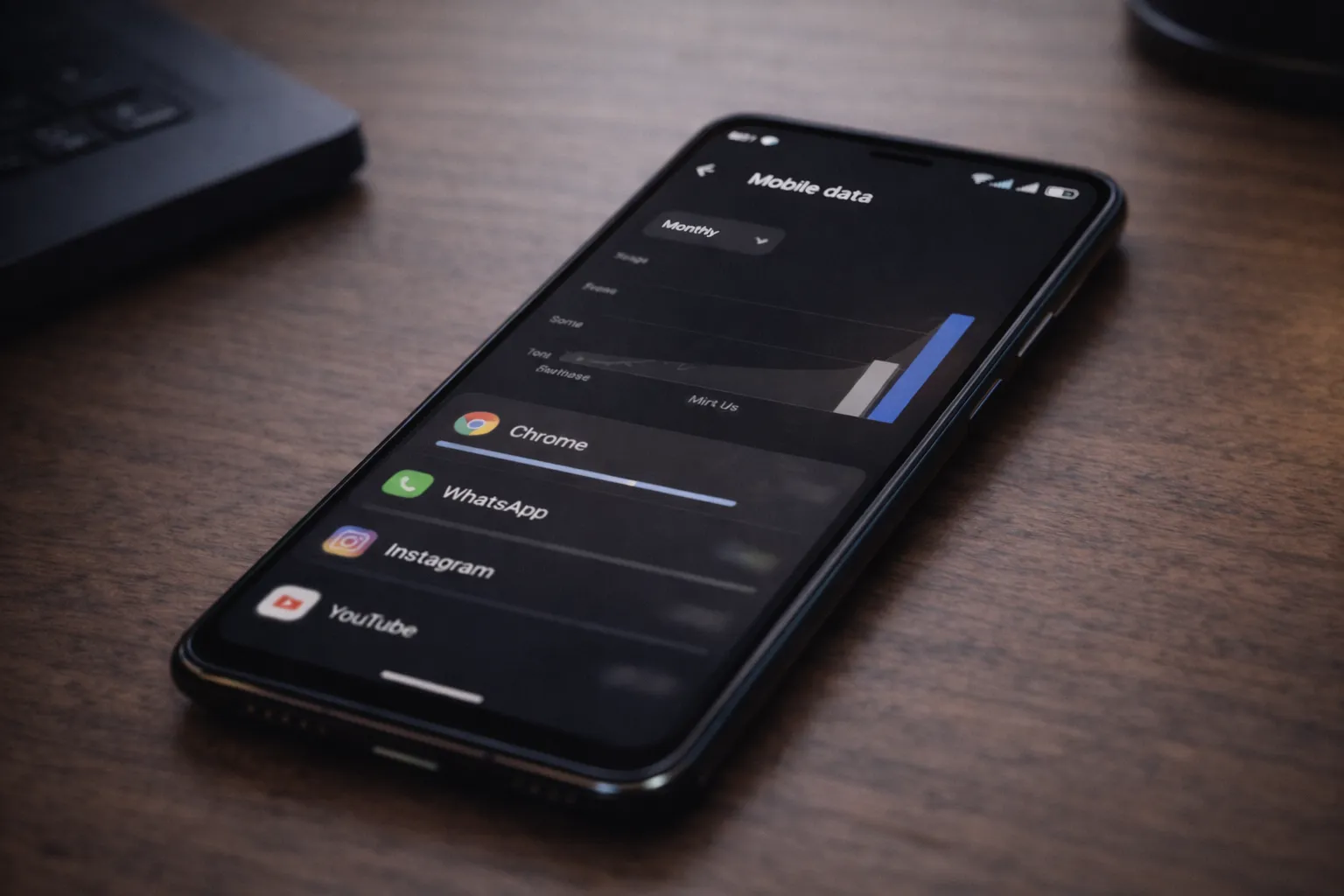
Background mobile data usage refers to data consumed by apps even when you are not actively using them. This includes syncing messages, uploading files, refreshing feeds, or checking for updates while the app is closed.
In many cases, this activity happens silently in the background. Apps may continue using mobile data even when the screen is off or the phone appears idle, making the data drain hard to notice at first.
This issue often appears alongside high mobile data consumption, and it is especially common for users on prepaid plans or limited daily data packs.
Why Apps Use Mobile Data in the Background
Android allows apps to access the internet in the background so notifications, messages, and real-time updates work properly. This behavior is useful, but some apps continue using data more frequently than necessary.
Most background data usage is automatic and happens without user interaction. Apps may refresh content, sync files, or upload usage data even when you haven’t opened them recently.
- Auto-sync for messages, emails, and media files
- Cloud backups running even on mobile data
- Auto-refresh of social feeds and stories
- App updates and downloads without user approval
- Location-based data requests running in the background
When multiple apps behave this way together, mobile data drains quickly without any visible sign on the screen.
Why Excessive Background Data Usage Is a Problem
Background data usage doesn’t just affect your data balance. When apps stay constantly connected to the internet, it creates several practical problems over time.
- Fast exhaustion of daily or monthly data limits
- Unexpected extra charges on postpaid plans
- Slower internet speeds due to data throttling
- Higher battery drain caused by continuous network activity
If fast data loss happens along with heating or lag, it’s often linked to apps running excessively in the background, which puts extra load on both the network and the system.
Common Types of Apps That Consume Mobile Data
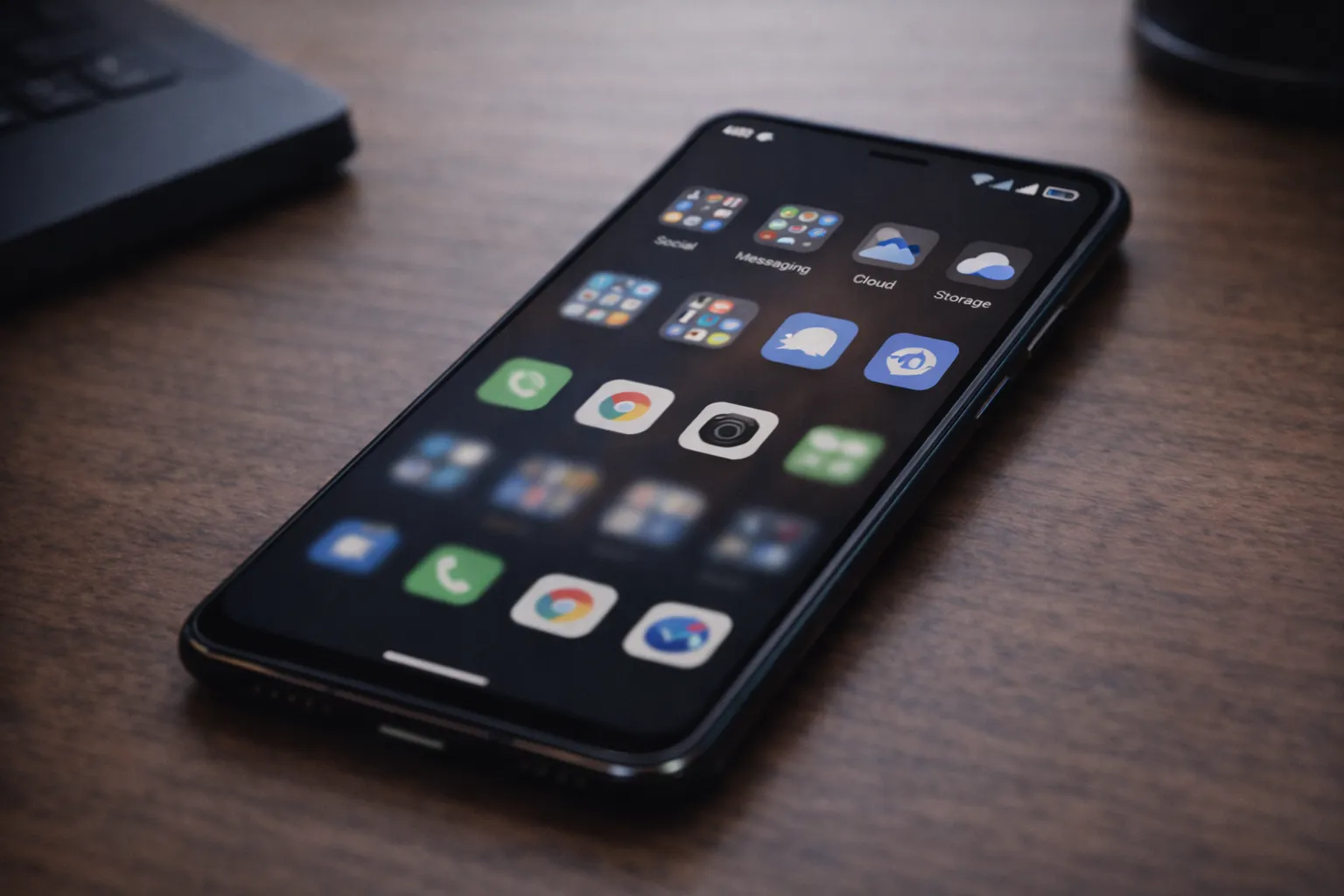
Instead of focusing on specific app names, it’s more useful to understand the types of apps that commonly consume mobile data in the background. These apps are designed to stay connected to deliver updates, sync content, or track activity.
- Social media apps – auto-refreshing feeds, videos, and stories
- Messaging apps – automatic media downloads and cloud backups
- Cloud storage apps – background file syncing and uploads
- Streaming apps – preloading content even when not in use
- Navigation and ride apps – continuous location and map data updates
These apps are not necessarily bad or unsafe. The issue starts when many of them are allowed unrestricted mobile data access at the same time.
How to Check Background Data Usage on Android
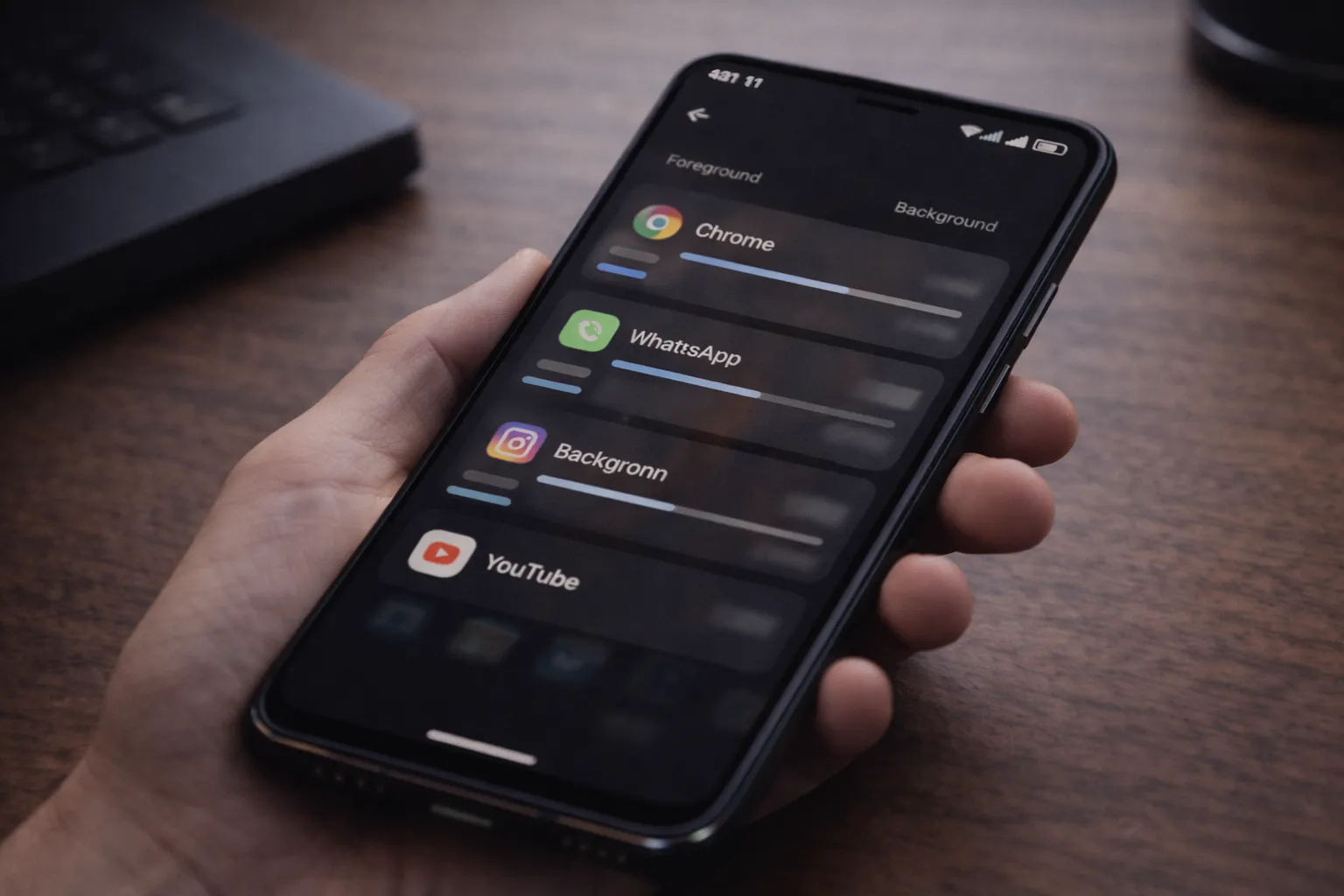
Android includes built-in tools to show exactly how much mobile data each app uses. This helps you identify which apps consume data while running in the background.
- Open Settings
- Go to Network & Internet or Connections
- Tap Data Usage
- Select an app to view foreground versus background data usage
If an app shows high background usage despite low active use, it should be reviewed and restricted. Regular checks can prevent sudden data loss.
Complete Guide to Stop Background Data Usage
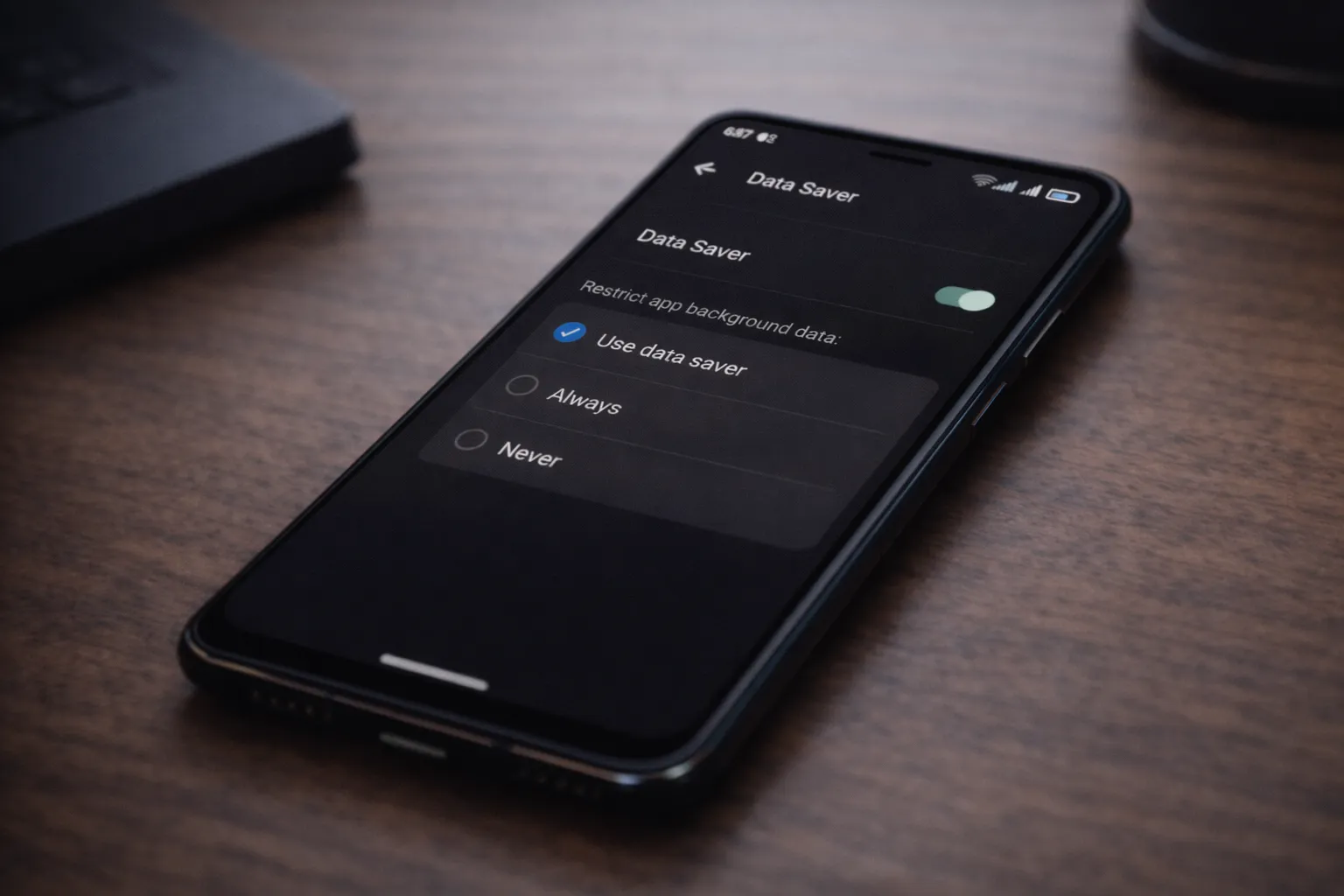
Restrict Background Data
Open app settings → Mobile data → disable Allow background data usage. This prevents the app from consuming data when it’s not actively open.
Disable Auto Sync on Mobile Data
Turn off auto-sync for cloud backups, media, and emails while using mobile data. This single step can save a significant amount of data.
Use Data Saver Mode
Android’s built-in Data Saver mode limits background data access for most apps automatically.
Limit App Updates to Wi-Fi
Set the Play Store and app updates to download only when connected to Wi-Fi.
Monitor High-Usage Apps Regularly
Checking data usage once a week helps catch problematic apps before they consume large amounts of data.
How Background Data Usage Affects Battery and Performance
Background mobile data usage doesn’t just drain your data pack. Every time an app connects to the internet in the background, it wakes the phone’s network, CPU, and sometimes GPS. This repeated activity prevents the phone from staying in a low-power idle state.
As a result, the battery drains faster and the device may heat up even when you are not actively using it. Over time, constant background activity can also slow down performance, causing apps to open more slowly or the phone to feel less responsive.
This is why users often notice that phones with heavy background data usage feel warm or sluggish. The issue is closely related to background battery drain on Android, where the same apps continue running and consuming resources silently.
Reducing unnecessary background data access allows the phone to rest properly, which helps improve battery life, reduce heating, and maintain smoother day-to-day performance.
How Background Data Usage Triggers System Battery Drain
Excessive background data usage doesn’t just consume your data pack. It also forces Android system services to stay active longer than necessary, which increases overall battery drain.
When apps repeatedly connect to the internet in the background, Android system components such as network management, sync services, and Google Play Services are constantly awakened. Over time, this prevents the phone from entering deep sleep mode.
This is why many users notice Android System or Google Play Services appearing at the top of battery usage charts even when they haven’t actively used their phones. In such cases, following a proper fix for Android system apps battery drain without root becomes essential.
Similarly, reviewing apps you should delete right now on Android often reveals apps that silently trigger background data usage and system-level battery drain at the same time.
By controlling both background data access and system behavior together, Android devices regain normal standby efficiency and noticeably better battery life.
How to Stop Background Data Usage for Specific Apps
Instead of applying data restrictions to all apps, Android allows you to control background data usage on an app-by-app basis. This gives you better results without breaking important features.
Open an app’s settings, go to Mobile Data & Wi-Fi, and disable background data access. You can allow unrestricted access only for apps that truly need it.
This method works best when combined with regular usage checks using Android’s built-in data usage tools. It’s also safer than relying on third-party data saver apps.
Signs an App Is Secretly Using Too Much Mobile Data
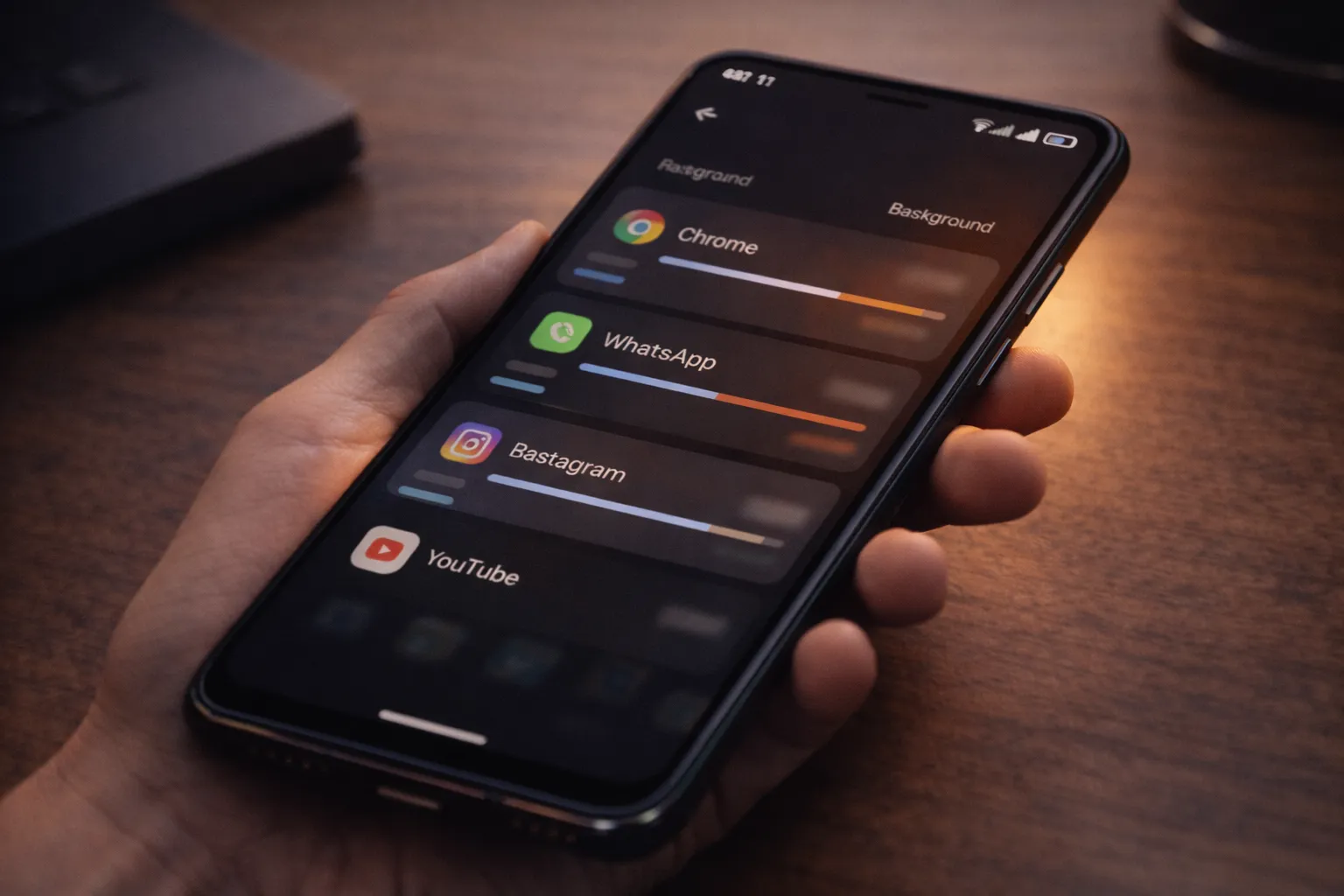
Some apps consume mobile data quietly, making it hard to detect the issue early. However, there are a few common signs that usually point to excessive background data usage.
- Mobile data finishing faster than expected without heavy usage
- Data usage spikes overnight or during idle hours
- Phone heating up even when not actively used
- Specific apps showing high background data usage in settings
If you notice these signs regularly, reviewing app permissions and background activity using Android’s Privacy Dashboard can help identify the root cause.
When You Should Allow Background Data
Not all background data usage is unnecessary or harmful. Some apps depend on continuous internet access to deliver timely and reliable information. Blocking background data for such apps can result in delayed updates or broken core features.
The key is to allow background data selectively. Apps that provide real-time or safety-related information should be allowed to use background data, such as:
- Messaging apps for instant message delivery and call alerts
- Navigation apps while actively traveling or commuting
- Emergency, security, or safety-related apps that rely on live updates
For all other apps, restricting background data usually has little impact on usability and can significantly reduce unnecessary data consumption.
Common Mobile Data Saving Mistakes
While trying to save mobile data, many users unintentionally make things worse by applying strict or blanket restrictions without understanding how apps actually use data. These mistakes often lead to broken app features, delayed notifications, or continued data drain from the wrong sources.
- Blocking background data for all apps without reviewing which ones need real-time access
- Using multiple data saver apps that conflict with Android’s built-in data controls
- Ignoring app-level data usage reports that clearly show which apps consume the most data
- Assuming Wi-Fi will always be available and allowing apps unrestricted mobile data usage otherwise
A better approach is to review data usage regularly and apply restrictions only where they make a real difference. This keeps important apps working while reducing unnecessary background data consumption.
Final Verdict
In most cases, fast mobile data loss is caused by apps using data silently in the background. Once you identify these apps and control their background data access, mobile data usage becomes far more predictable. This issue is often closely linked with background battery drain on Android, as the same apps tend to consume both data and power when left unrestricted.
Instead of relying on third-party data saver apps, Android’s built-in tools usually offer better control, stability, and fewer side effects. Unnecessary background syncing and poorly optimized apps are the main reasons behind continued data loss and system-level activity.
For users facing persistent battery issues along with high data usage, combining this guide with fixes for Android system battery drain and reviewing unnecessary apps to delete in 2026 provides a complete Android optimization solution.