Best Hidden Gallery Apps for Private Photos (2025)
Looking for the best hidden gallery apps to protect your private photos and videos in 2025? You’re not alone. With increasing privacy concerns, many users want a secure way to hide sensitive media on their Android phone. The good news is that there are several powerful and secure hidden gallery apps that offer password protection, fingerprint lock, encrypted vaults, cloud backup, and stealth modes. For more app recommendations, check out our Best Android Apps Guide.
In this guide, we’ll explore the top hidden gallery apps for private photos that deliver strong security and easy-to-use features. Whether you want to hide selfies, documents, screenshots, or sensitive media, these apps offer reliable protection.
Table of Contents
- Why You Need a Hidden Gallery App
- Top Hidden Gallery Apps for Private Photos (2025)
- 1. Gallery Vault – Hide Pictures & Videos
- 2. KeepSafe Photo Vault
- 3. LockMyGallery
- 4. Hide It Pro
- 5. Vaulty Photo Vault
- 6. Calculator Lock – Secret Vault
- 7. PhotoSafe by DigiLabs
- 8. Advanced Privacy Strategies
- 9. Real-World Examples of App Usage
- 10. Future Trends in Hidden Gallery Apps
- 11. Conclusion
Why You Need a Hidden Gallery App
While Android phones offer basic privacy features, they are not enough to hide sensitive media completely. A hidden gallery app gives you:
- Password or fingerprint security for private photos
- Encrypted vaults that prevent unauthorized access
- Stealth mode to hide the app itself
- Cloud backup for extra protection
- Disguise features such as fake calculator icons
Example: A journalist uses a hidden gallery app to store sensitive documents and photos securely. The app’s stealth mode ensures that even if someone accesses their phone, the app remains invisible. Learn more about privacy tools in our Hidden Gallery Apps Guide.
Top Hidden Gallery Apps for Private Photos (2025)
Here are the best and most secure apps you can use today.
1. Gallery Vault – Hide Pictures & Videos
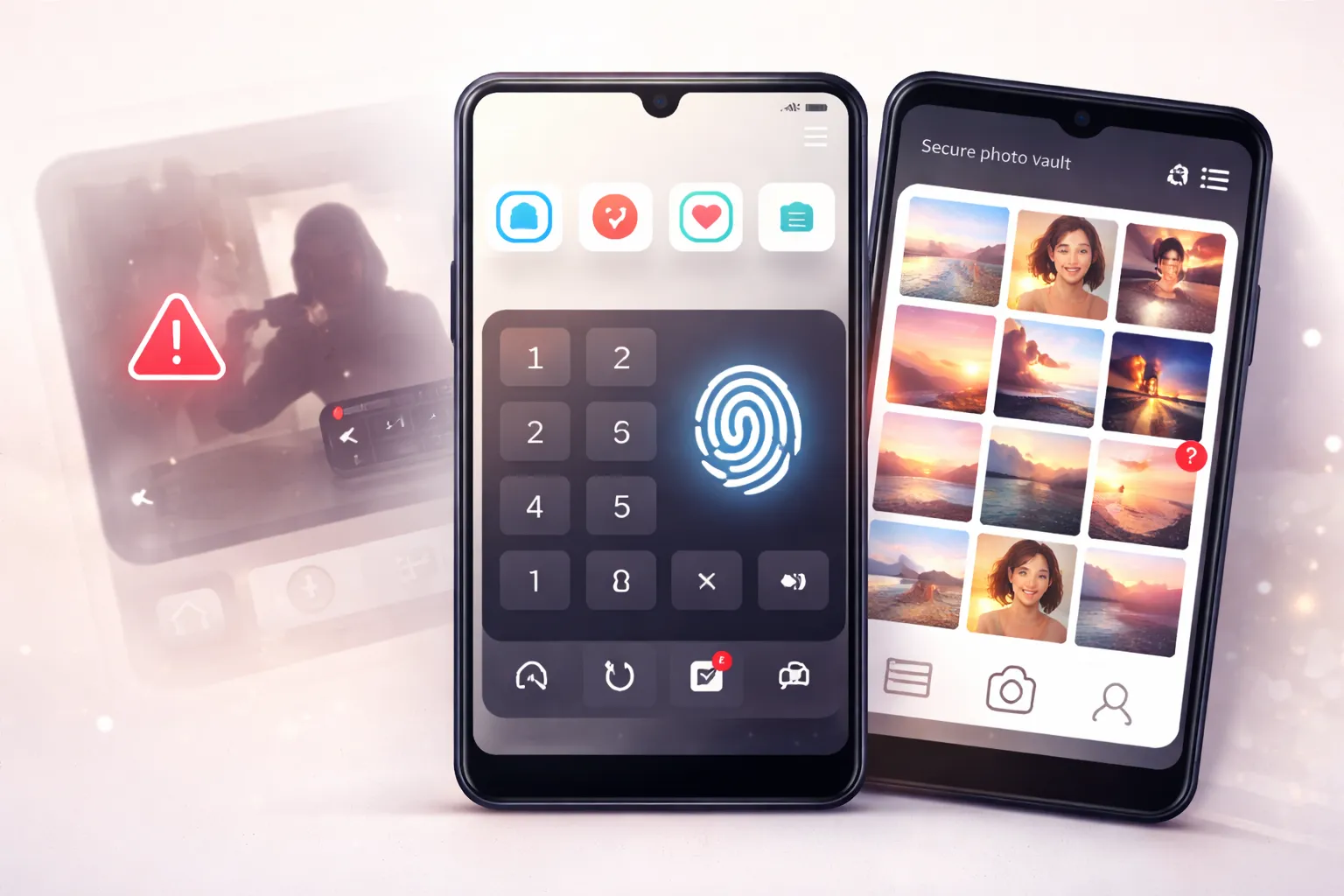
Gallery Vault is a powerful privacy-focused app designed to securely hide photos, videos, and documents on your smartphone. Unlike basic gallery locks, it uses advanced encryption to ensure your private data remains protected even if someone gains access to your phone’s storage files.
One of the biggest advantages of Gallery Vault is its stealth protection. The app can disguise itself as a calculator or system utility, making it nearly impossible for others to detect that a vault exists on your device.
How Gallery Vault Protects Your Files
When you move files into Gallery Vault, they are completely removed from your public gallery and stored in an encrypted format. Access is restricted using multiple security options, ensuring only you can unlock the content.
- Fingerprint, PIN, and pattern lock for layered security
- App disguise mode to hide the vault from plain sight
- Break-in alerts that capture a selfie after failed login attempts
- Private browser with full incognito mode
- Supports photos, videos, and confidential documents
Extra Privacy Features
Gallery Vault also includes a private browser that prevents browsing history, cookies, and downloads from being saved on your device. This keeps both your files and online activity completely private.
Real-Life Example
Example: A small business owner uses Gallery Vault to securely store confidential client documents, ID proofs, and signed contracts. If anyone tries to access the vault without permission, the app automatically captures their selfie using the break-in alert feature, helping identify unauthorized attempts.
2. KeepSafe Photo Vault
KeepSafe Photo Vault is a well-known privacy app that focuses on securely hiding photos and videos with minimal setup. It uses military-grade encryption and has been trusted by millions of users over the years for protecting private media.
The app is designed for simplicity. You can quickly lock personal photos using a PIN or biometric authentication, while automatic locking ensures your data stays protected when the screen turns off.
Key Features
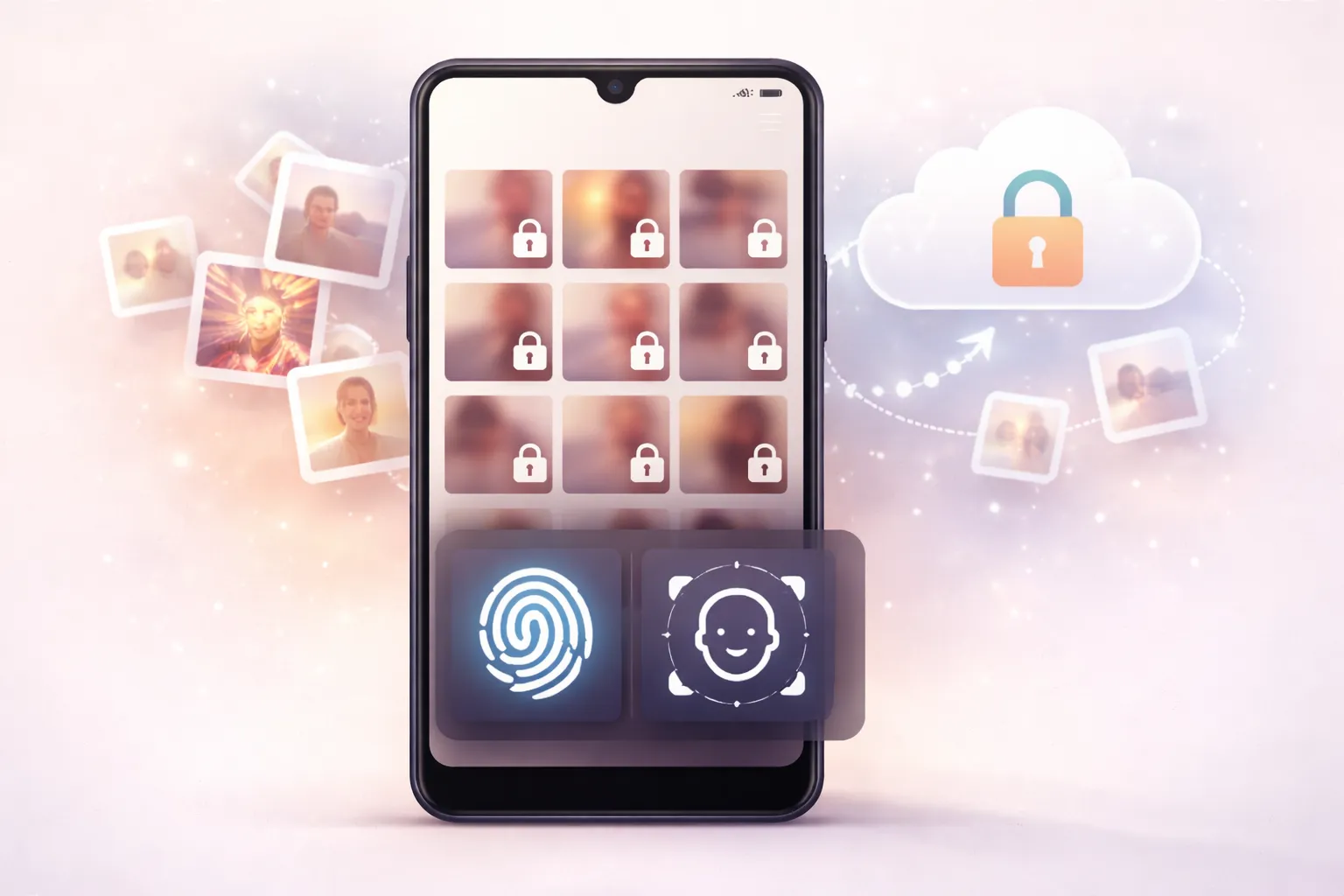
- PIN, fingerprint, and face lock support
- Private cloud backup to restore files on new devices
- Break-in detection after repeated failed login attempts
- Auto-lock when the screen is turned off
- Easy folder-based organization for hidden files
Best for: Users who want a reliable, security-focused photo vault with simple controls and optional cloud backup.
3. LockMyGallery
LockMyGallery is a lightweight and privacy-focused hidden gallery app built for users who want to protect personal photos and videos without relying on internet access. It works completely offline and avoids unnecessary permissions, making it a good choice for basic yet secure media protection.
The app offers a clean and simple interface, allowing you to quickly import or export media while keeping everything locked behind biometric security.
Key Features
- No internet connection required
- Fast photo and video import/export
- Fingerprint lock support for quick access
- Simple, secure, and easy-to-use interface
Best for: Users who want a fast, offline, and no-nonsense photo vault for private media.
4. Hide It Pro
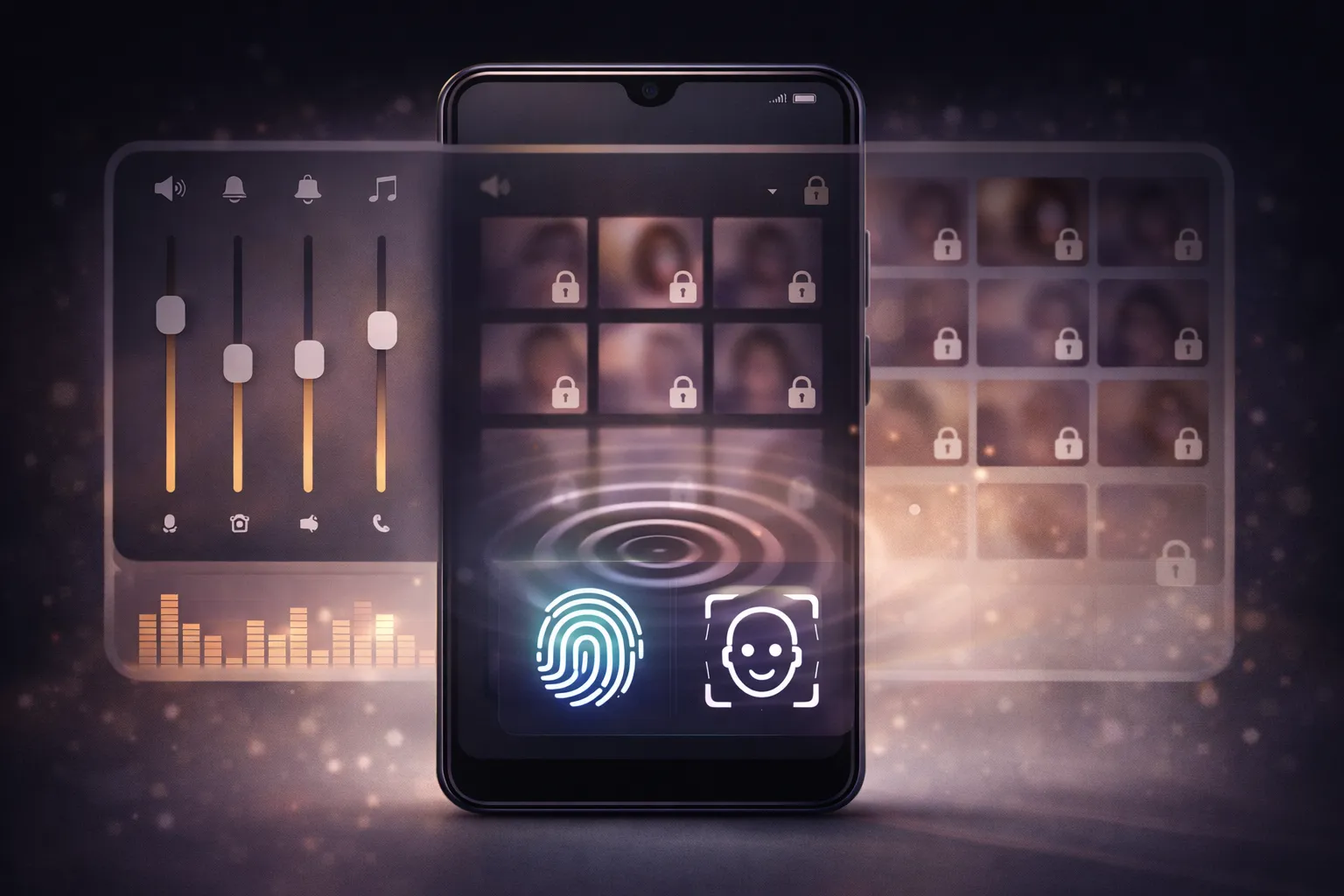
Hide It Pro is a unique privacy app that disguises itself as an audio manager while secretly functioning as a secure vault. This disguise makes it extremely difficult for others to even realize that private files are hidden on your phone.
Behind the audio-manager interface, users can access an encrypted vault protected by a secret password, allowing photos, videos, and other files to stay completely hidden.
Key Features
- Audio-manager style disguise for maximum stealth
- Encrypted vault protected by a secret password
- Built-in app lock support
- Additional tools like file manager and private notes
Best for: Users who need maximum stealth and privacy, and want their hidden files to remain completely undetectable.
5. Vaulty Photo Vault
Vaulty Photo Vault is a long-standing privacy app known for its stable performance and easy-to-use interface. It allows users to create multiple private vaults, making it simple to organize different types of photos and videos separately.
In addition to local protection, Vaulty supports optional cloud backup, helping you recover hidden files if you switch devices or reinstall the app.
Key Features
- PIN and fingerprint unlock for secure access
- Multiple private vaults for better media organization
- Cloud backup to restore hidden files
- Intruder selfie feature after failed login attempts
Best for: Users who want separate vaults for different media types while keeping everything simple and reliable.
6. Calculator Lock – Secret Vault
Calculator Lock – Secret Vault is a stealth privacy app that looks like a normal calculator but secretly functions as a hidden vault. Only users who know the correct password can unlock the private gallery behind the calculator interface.
This disguise makes the app extremely difficult to detect, even if someone is actively browsing through your phone. Hidden photos, videos, and documents remain completely invisible unless unlocked.
Key Features
- Calculator-style disguise for maximum secrecy
- Private gallery for photos and videos
- Secure storage for confidential documents
- Fingerprint unlock for quick and safe access
Best for: Users who need maximum secrecy and want their private files to remain completely hidden in plain sight.
7. PhotoSafe by DigiLabs
PhotoSafe by DigiLabs is a lightweight photo vault app focused on simple folder-based organization and strong security. It is especially useful for users who manage large photo collections and want everything neatly organized without unnecessary features.
The app uses secure encryption to protect private media while keeping the interface clean and distraction-free. Fast import and export options make it easy to move large numbers of photos and videos into private folders.
Key Features
- Secure encryption to protect private photos and videos
- Unlimited folder creation for better organization
- Fast import and export for large media collections
- Minimal, clean, and ad-free interface
Best for: Users who prefer a simple, minimal, and no-ads photo vault for managing large private photo collections.
8. Advanced Privacy Strategies
Combining multiple apps can amplify your privacy. For example, using Gallery Vault for sensitive media and Calculator Lock for disguising the app ensures maximum security. Learn more about advanced strategies in our Productivity Apps Guide.
9. Real-World Examples of App Usage
Real-world examples highlight the impact of hidden gallery apps. For instance, a traveler uses KeepSafe to store scanned copies of their passport and tickets securely, ensuring they have access even if their physical documents are lost. Learn more in our Photo Editing Apps Guide.
10. Future Trends in Hidden Gallery Apps
The future of hidden gallery apps lies in AI and automation. Predictive analytics and AI-driven security features will shape the next generation of apps. For insights into future trends, visit our Hidden Gallery Apps Guide.
11. Conclusion
These were the best hidden gallery apps for private photos in 2025. Whether you need strong security, cloud backup, or stealth mode, there’s an app on this list for every privacy need. Install the one that fits your requirements best and keep your private memories safe and secure. For more app recommendations, explore our Best Android Apps Hub.